DISPLAYS ON SITE
1 Display
EMPLOYEES
18
Data sources


1 Licence
One licence per display

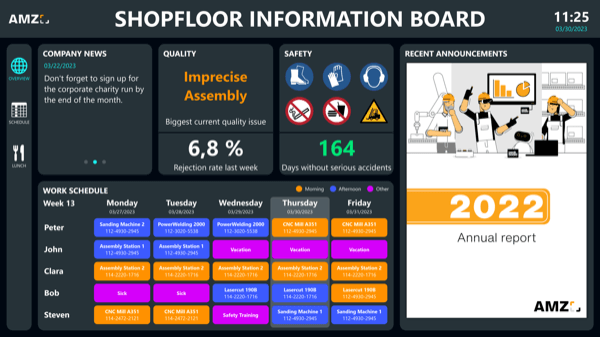
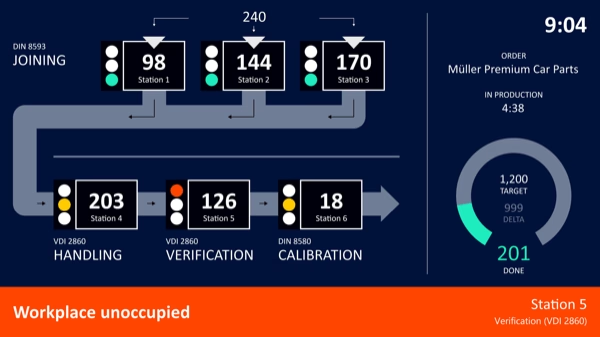
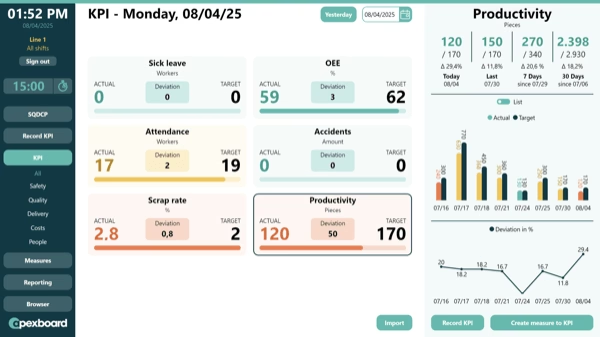
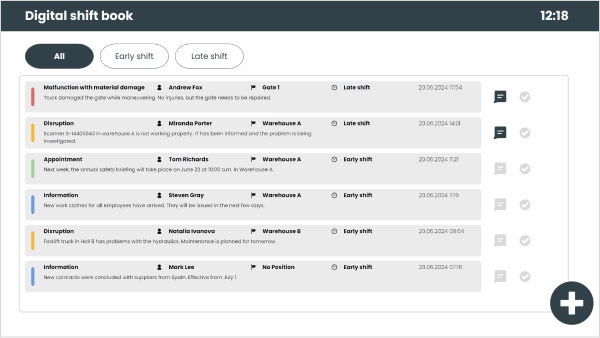
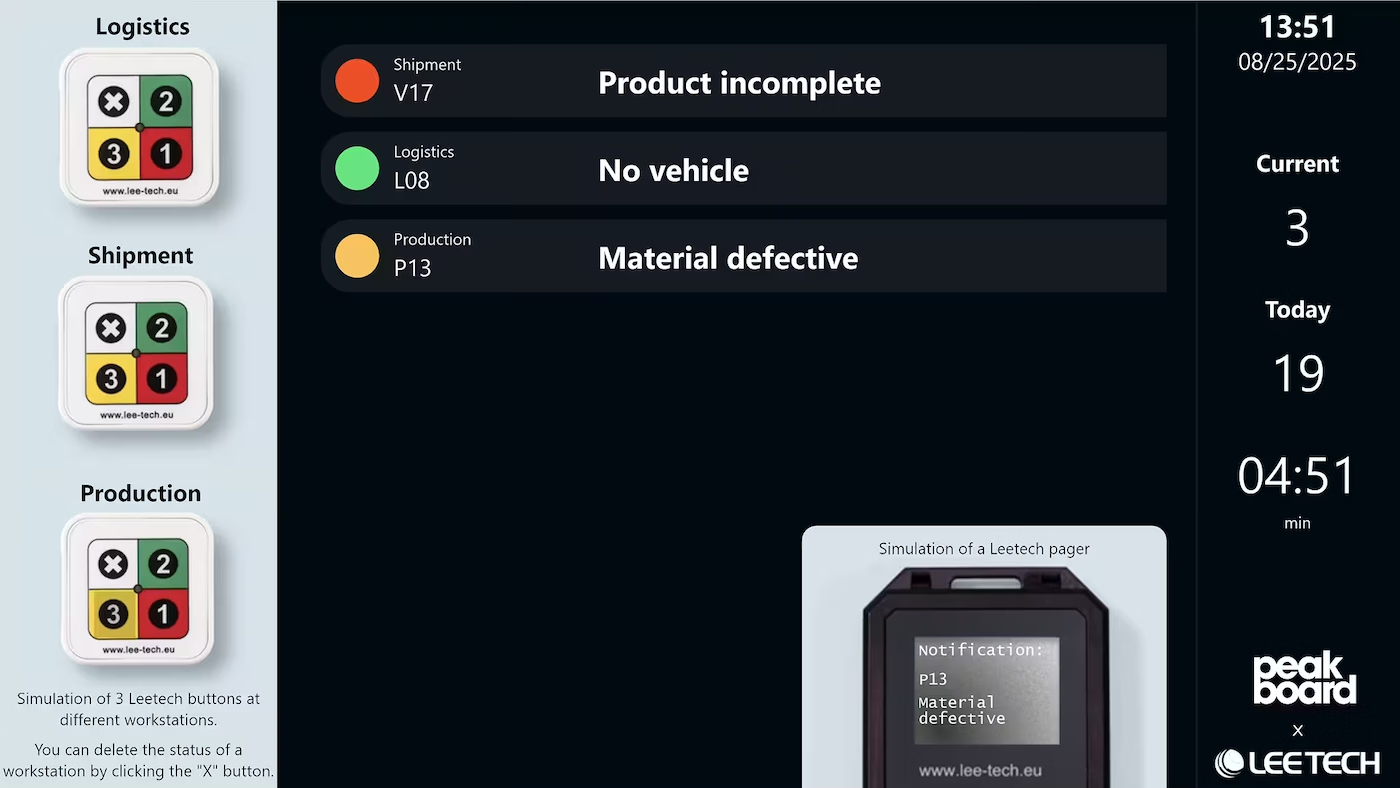
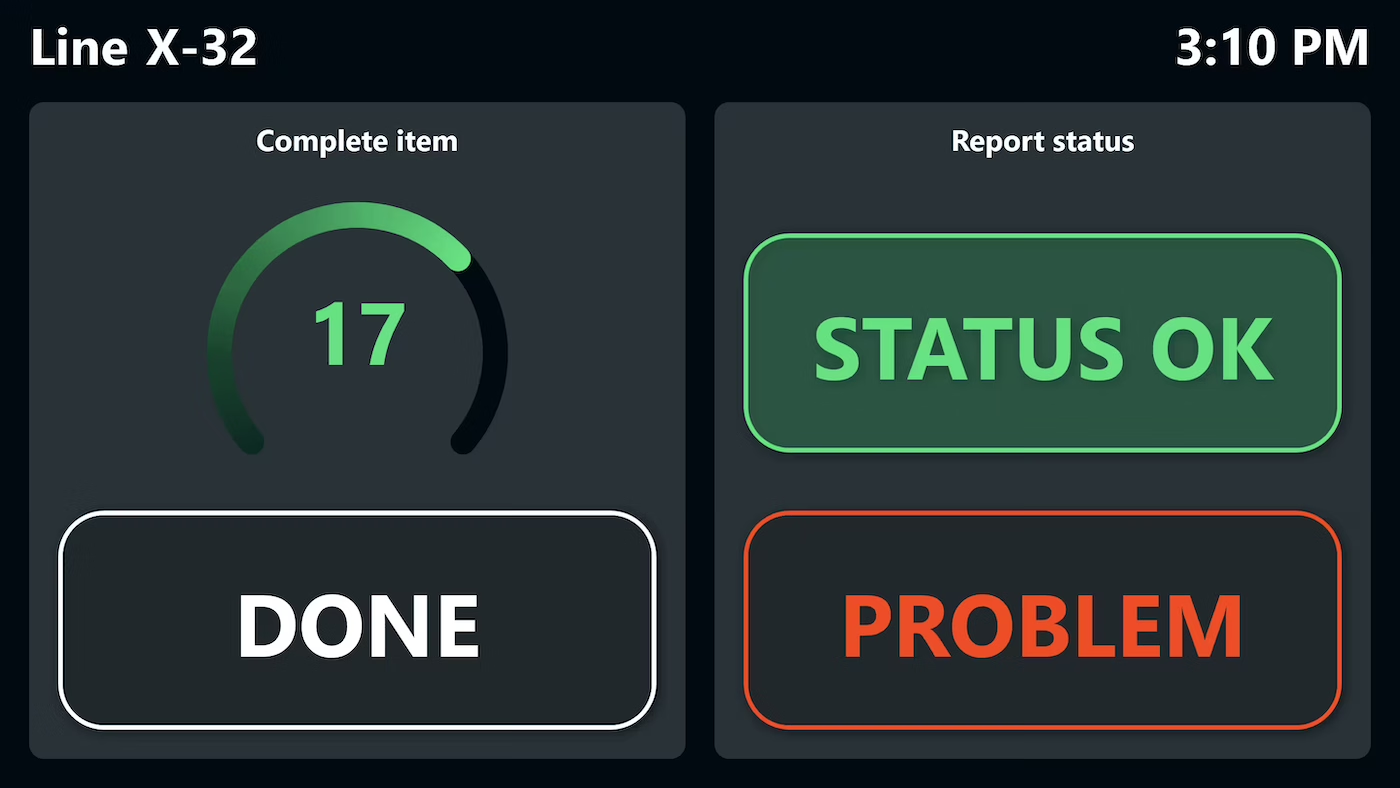
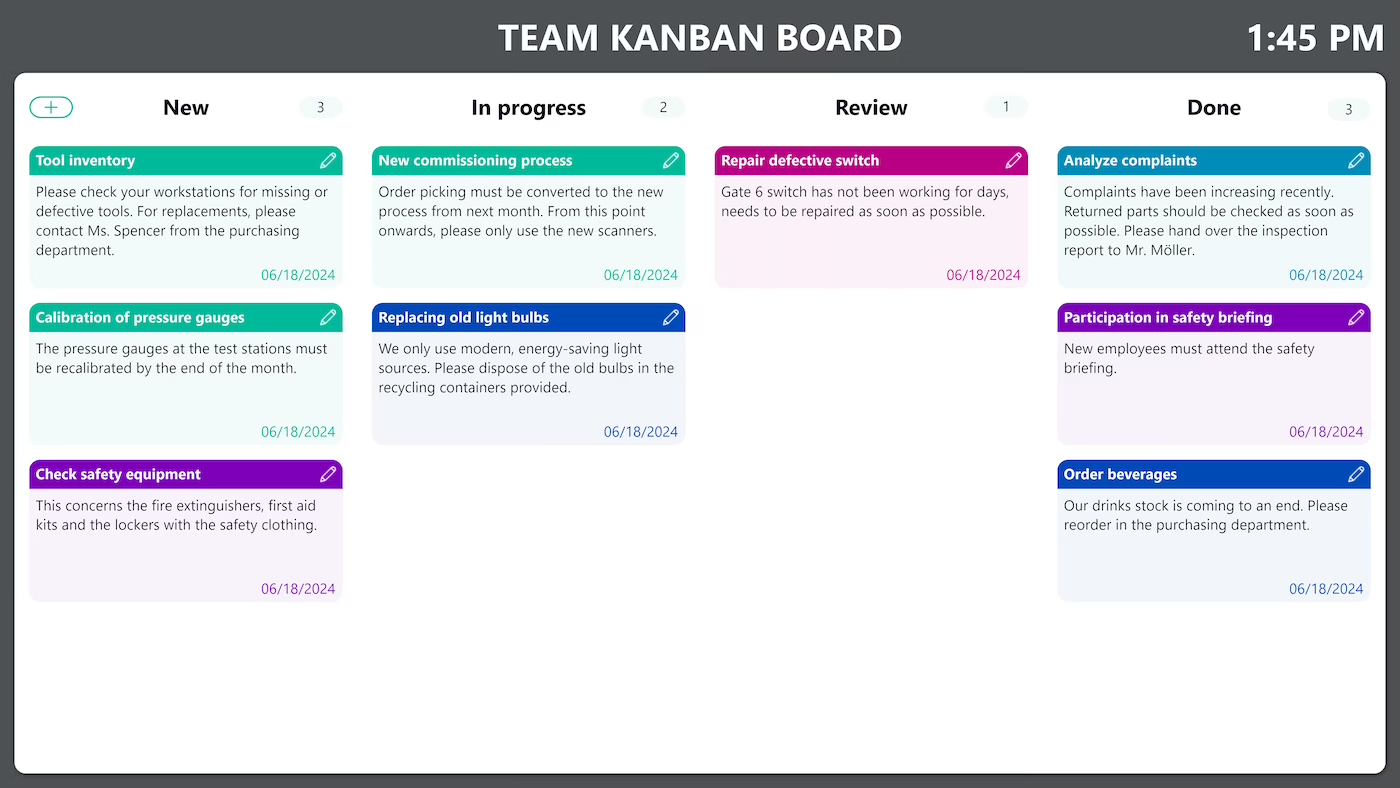
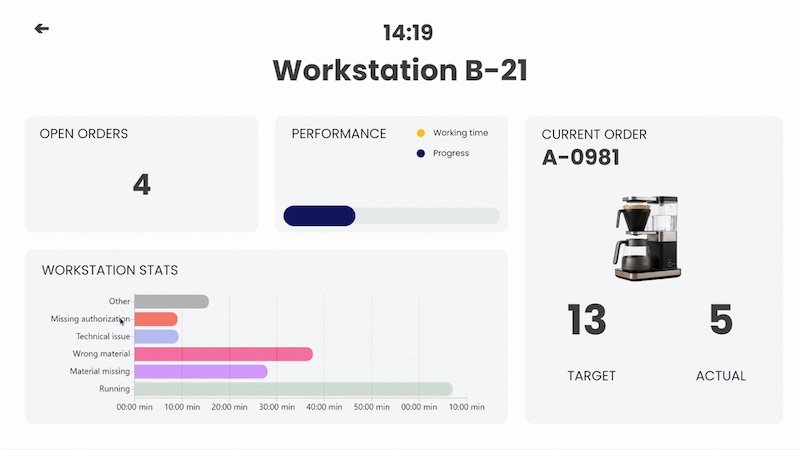
With a digital bulletin board from Peakboard, you show production figures, shift schedules and notices centrally on one dashboard – direct from a network drive, SharePoint or OneDrive, with no programming skills required.


Lack of transparency on production KPIs and shift schedules.
High time expenditure from manual printing and posting of information.
Delayed communication during bottlenecks and last-minute changes.
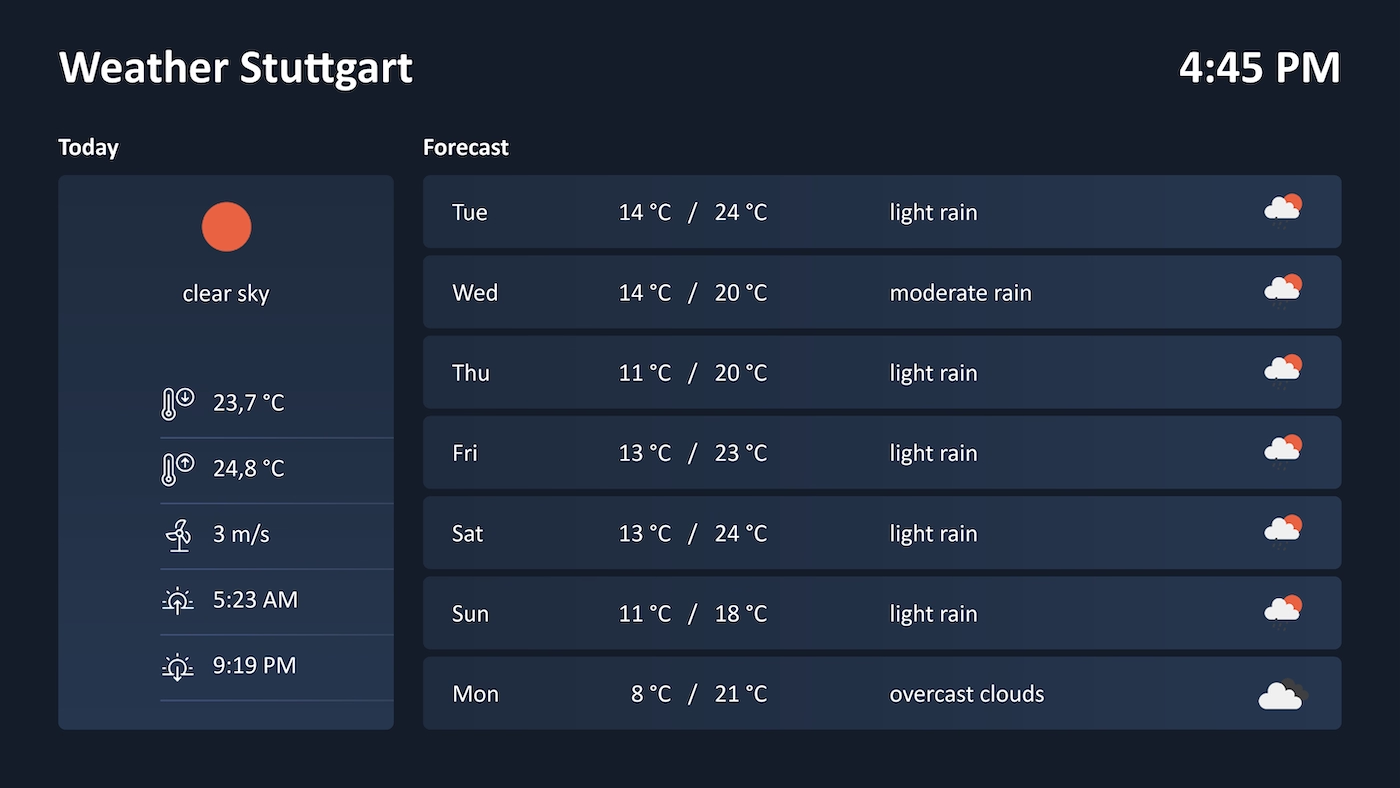
Native SAP connector, OPC UA, MQTT, and dozens of other sources are available out-of-the-box. You just connect, instead of integrating – and the data appears directly at the shop floor.


%201.svg)


%201.svg)


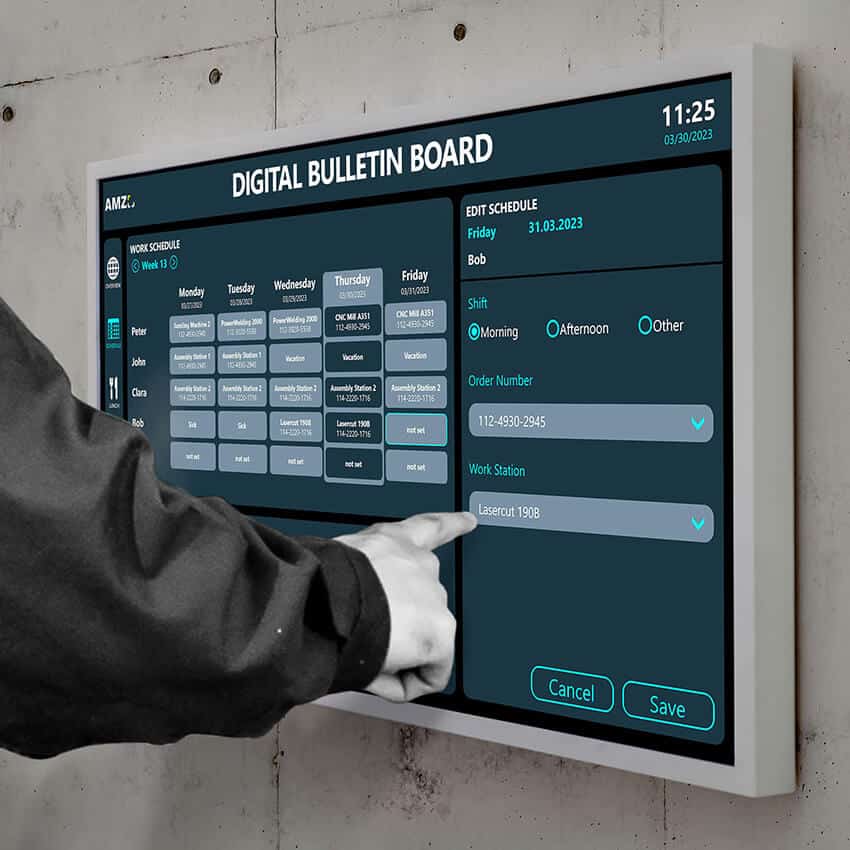
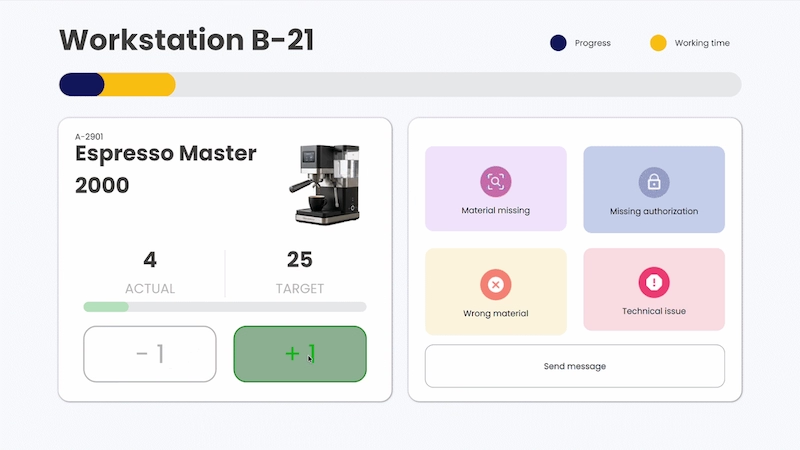
A new shift schedule, a different notice, an extra workstation – thanks to the low-code editor and Peakbot, departments can adapt the bulletin board themselves, without programming skills.
Whether on the Peakboard Box or your own hardware – both run 100% on-prem, with no single point of failure or dependency on US providers.
Device-based pricing instead of user-based licences: one licence per display, unlimited users per device. More employees on the same display cost nothing extra.



Introducing a bulletin board shouldn't take a year. With Peakboard, you start immediately – no appointment, no major IT project.


Start Immediately · No Appointment · Free
If you need support: You'll find tutorials and step-by-step guides on our Helpsite and our YouTube channel. For individual needs, we offer workshops and consulting.
In conversation · With experts · 55 min.
Discuss your specific use case with an expert – briefly provide information about your use case beforehand, and we'll get straight to the point.
You'll get a complete overview of all features and see what's possible with Peakboard in your environment.

The Peakboard digital bulletin board replaces traditional paperwork with a modern digital solution. It provides a central platform for viewing and managing relevant information, which can be updated at any time. This makes communication within the company more efficient and transparent.
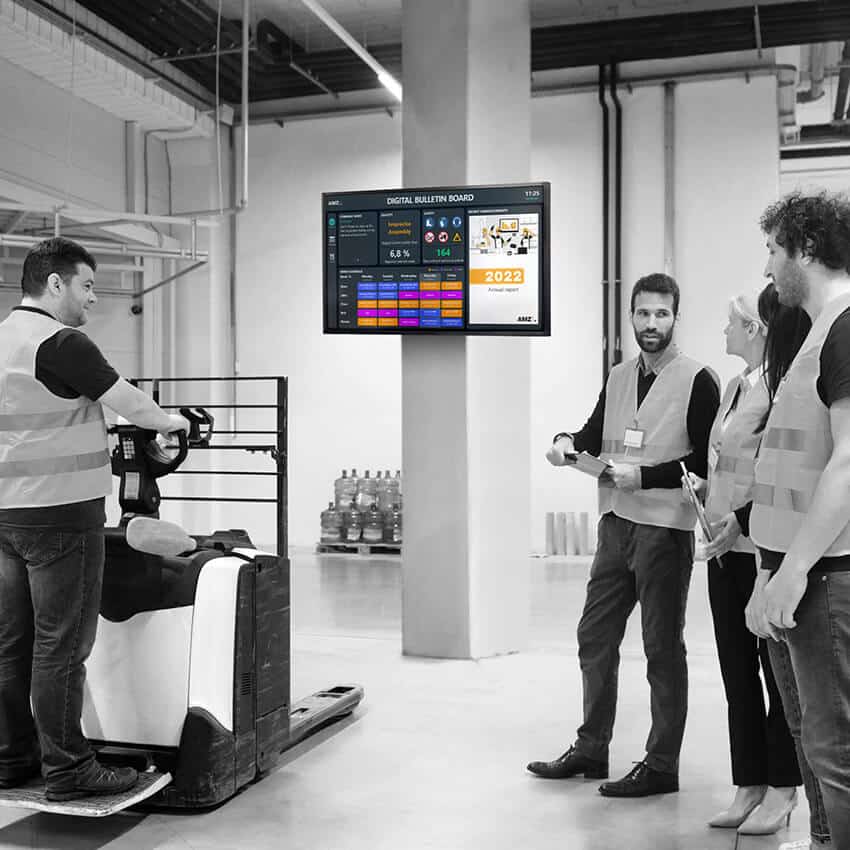
A digital bulletin board is a central display that keeps employees up to date with current information such as shift schedules, notices and production figures – directly on a screen on the shop floor or in the office, without paper chaos and without manual updates in multiple places. With Peakboard, a digital bulletin board is built using a low-code editor and can be up and running within a few days.
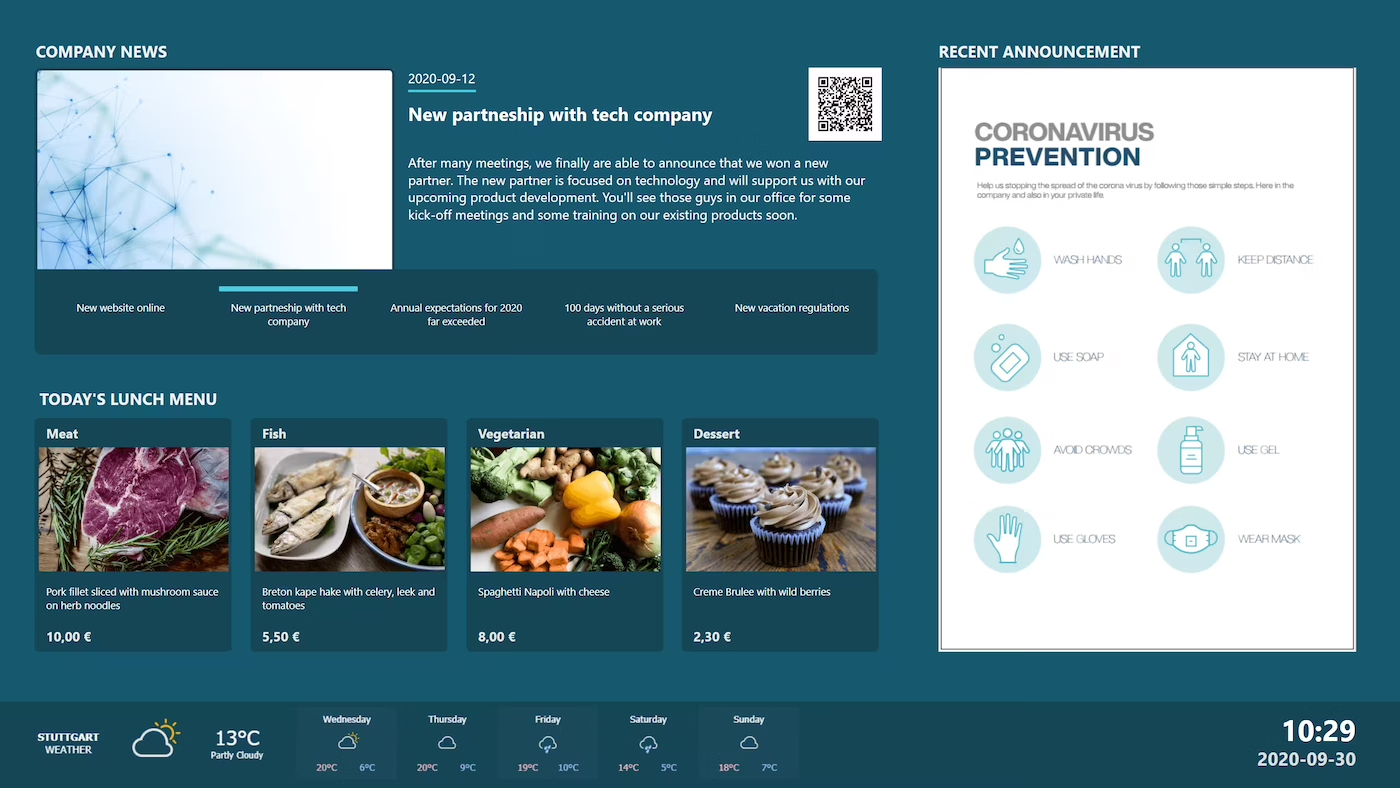
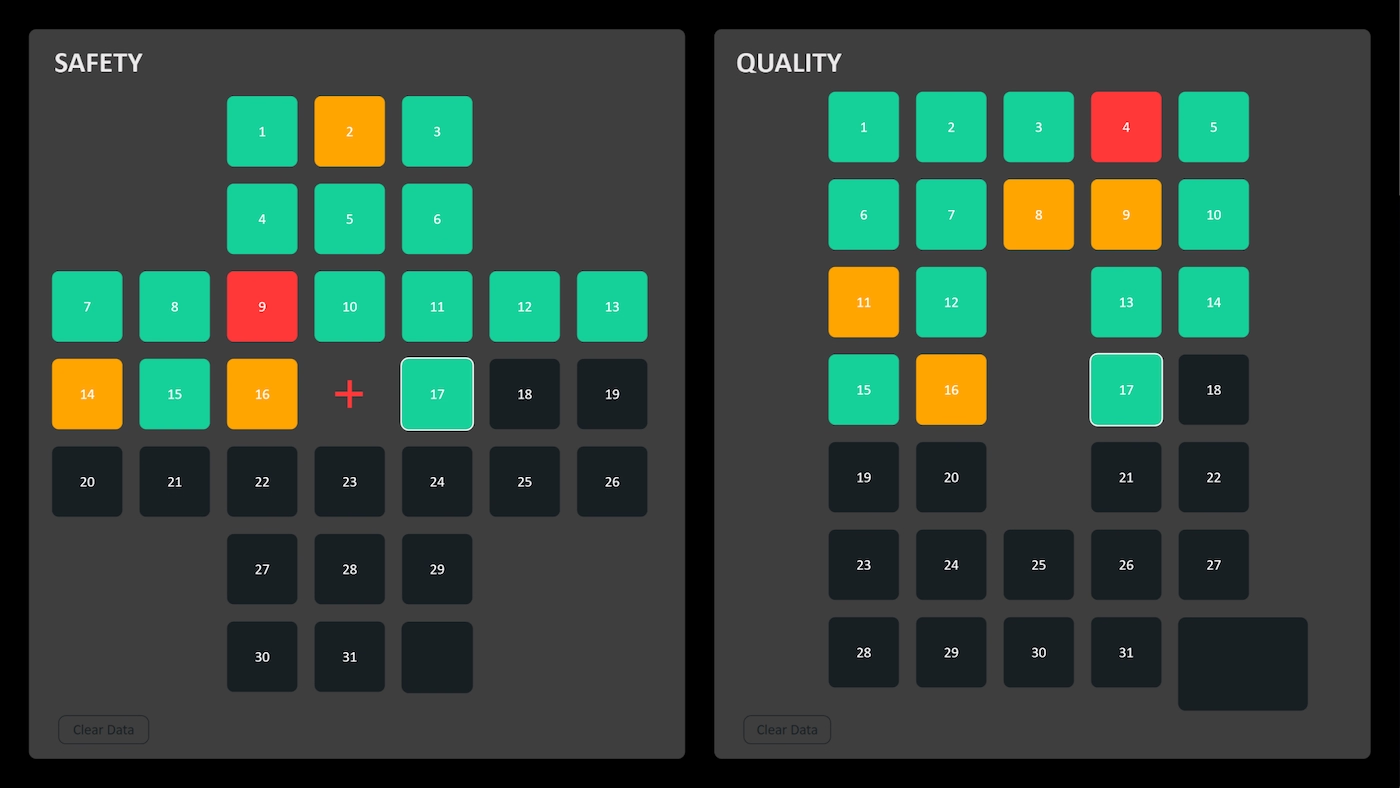
Shift schedules, canteen menus, company news, production KPIs, safety notices or room plans – Peakboard displays any content from network drives, SharePoint, OneDrive or directly from ERP and MES systems. The template supports images, PDFs, Excel data and live KPIs in a single view.
Peakboard connects to SharePoint, Microsoft OneDrive, local network drives, SAP, Excel and many other data sources. For production environments, MQTT, OPC UA and Siemens S7 can also be integrated, so machine status and KPIs appear directly alongside editorial content.
The template can be downloaded and filled with initial content on the same day. A first productive application is typically live in under 5 days. Since Peakboard runs on existing displays, touchscreens or industrial PCs, hardware purchases are usually not required.
Yes. Content is updated directly in OneDrive or SharePoint and appears automatically on the display. Layout and data connections are configured once in Peakboard Designer – after that, maintenance is entirely in the hands of the specialist department. Peakbot, the integrated AI, assists with changes by description.
Peakboard runs entirely on-premise within your own network. Data does not leave the company, there is no cloud requirement and no dependency on US infrastructure providers. This makes Peakboard 100 % GDPR-compliant.