DISPLAYS ON SITE
1 Display
EMPLOYEES
18
Data sources


1 Licence
One licence per display

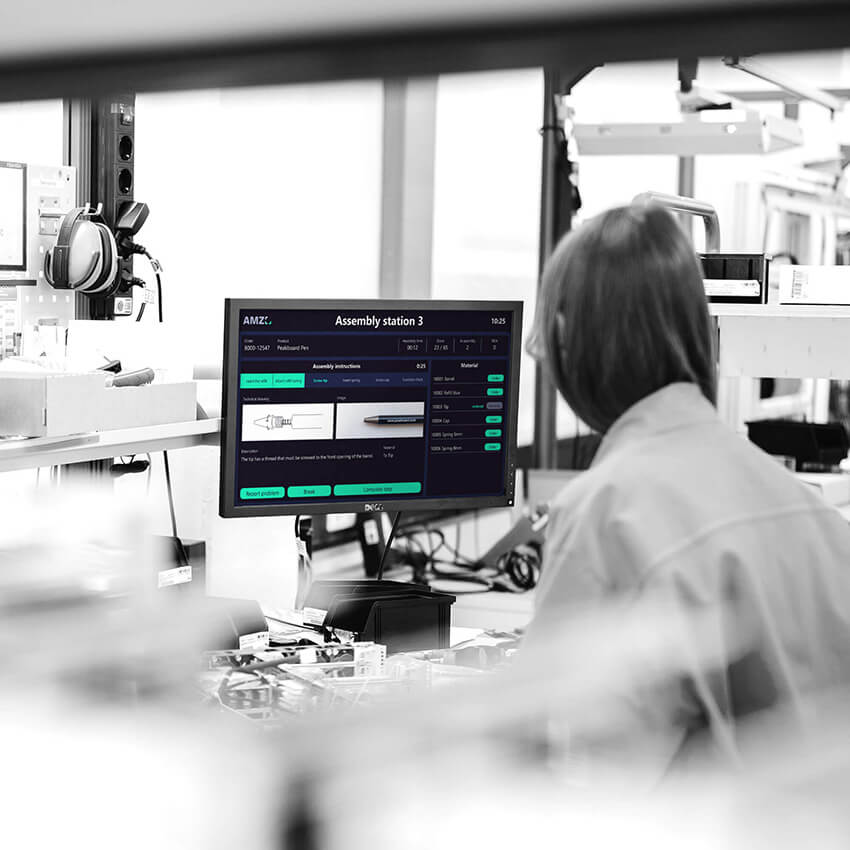
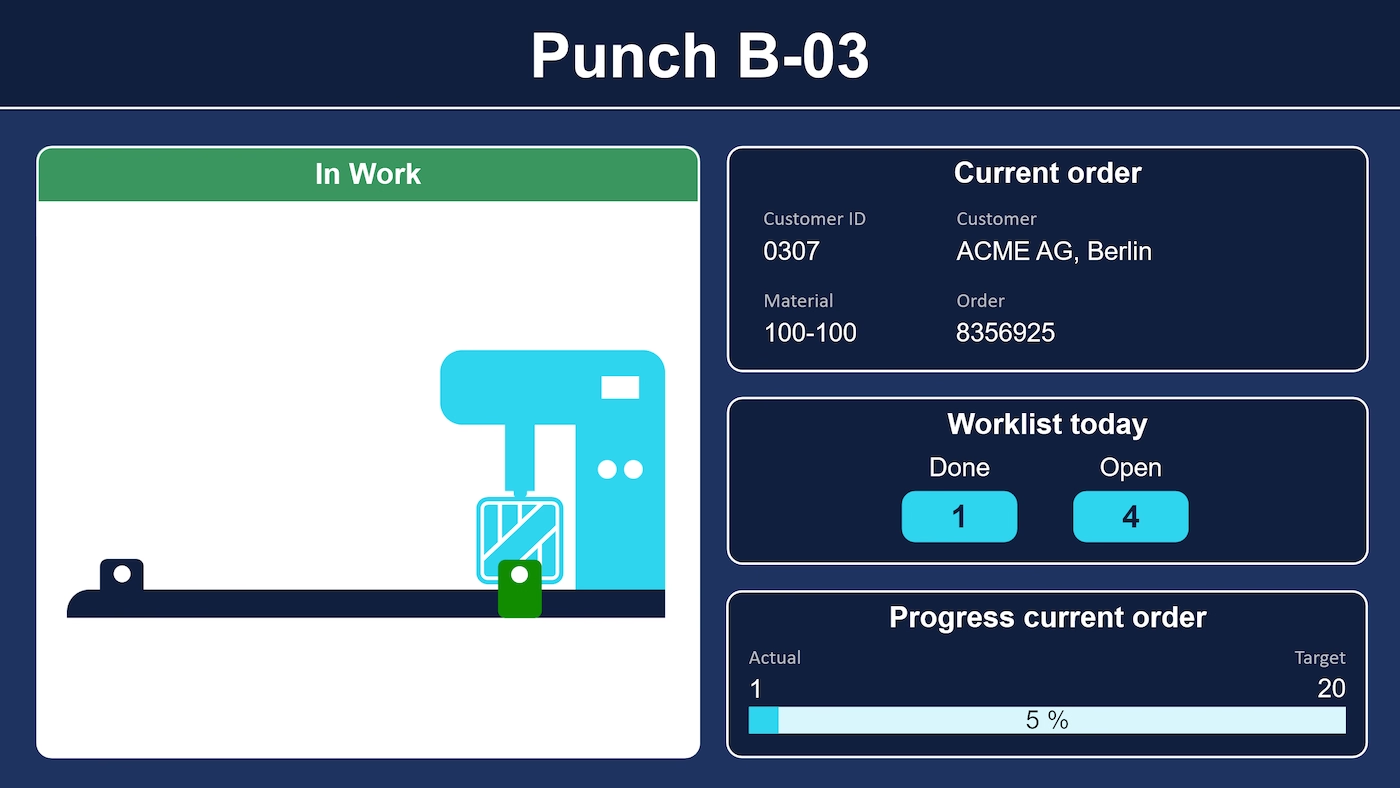
With a worker assistance system from Peakboard, you guide employees step by step through assembly – including material list, time tracking, and OK/NOK checks, with no programming skills required.


Inefficient assembly processes and frequent errors.
High time and training effort for new employees.
Missing transparency on material availability and production progress.
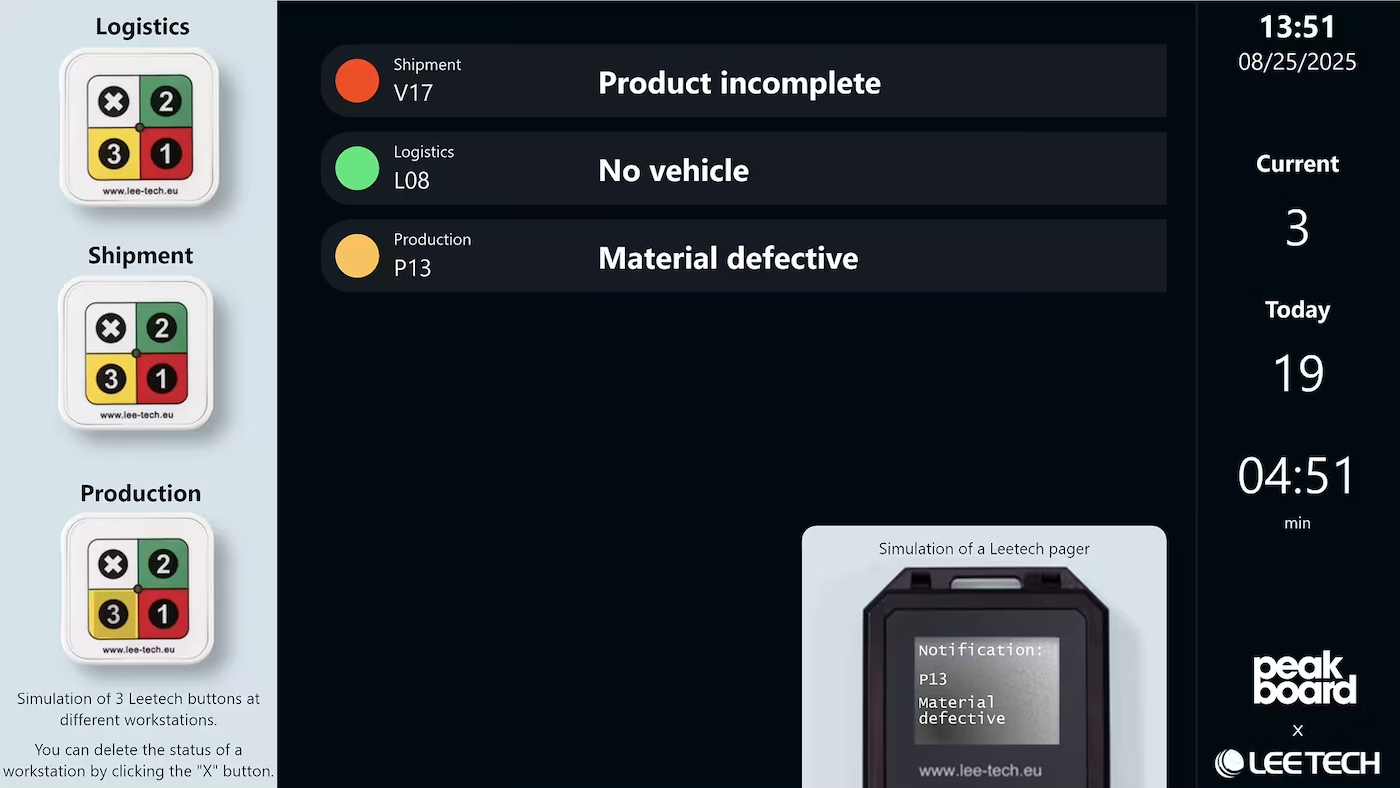
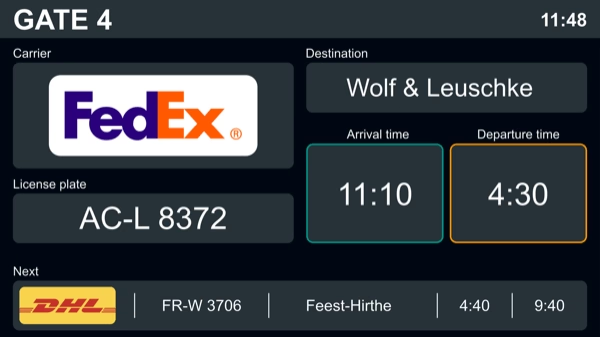
Native SAP connector, OPC UA, MQTT, and dozens of other sources are available out-of-the-box. You just connect, instead of integrating – and the data appears directly at the shop floor.


%201.svg)


%201.svg)


A new instruction, a different assembly step, an extra material list – thanks to the low-code editor and Peakbot, departments can adapt the worker assistance system themselves, without programming skills.
Whether on the Peakboard Box or your own hardware – both run 100% on-prem, with no single point of failure or dependency on US providers.
Device-based pricing instead of user-based licences: one licence per display, unlimited users per device. More employees on the same display cost nothing extra.



Introducing a worker assistance system shouldn't take a year. With Peakboard, you start immediately – no appointment, no major IT project.




Start Immediately · No Appointment · Free
If you need support: You'll find tutorials and step-by-step guides on our Helpsite and our YouTube channel. For individual needs, we offer workshops and consulting.
In conversation · With experts · 55 min.
Discuss your specific use case with an expert – briefly provide information about your use case beforehand, and we'll get straight to the point.
You'll get a complete overview of all features and see what's possible with Peakboard in your environment.

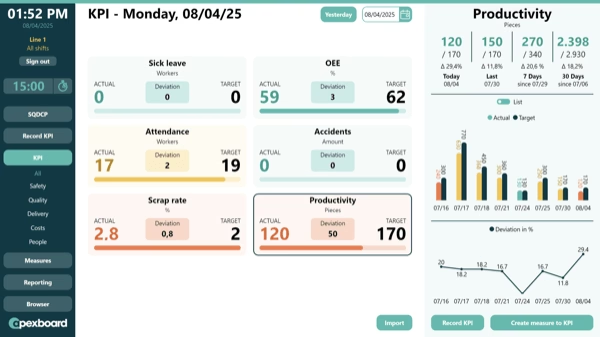
A worker assistance system 4.0 combines the advantages of a digitized, data-driven approach with the requirements for fast, highly flexible assembly processes. With its modular concept, Peakboard offers everything you need to digitize your assembly processes — from simple instructions to comprehensive real-time KPIs. This is how you overcome the shortage of skilled workers and remain competitive, even in times of fluctuation and loss of know-how.
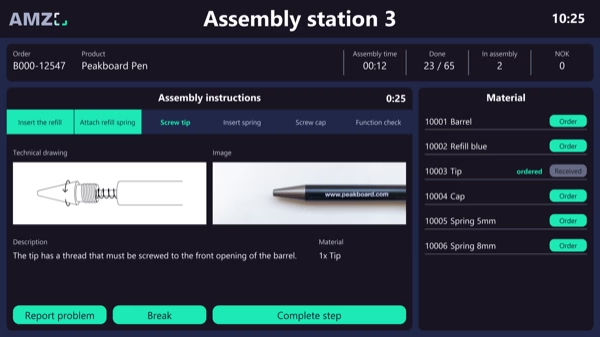
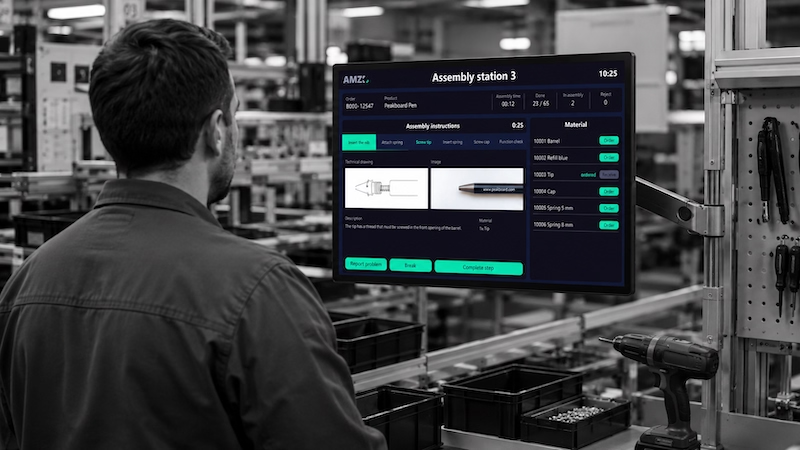
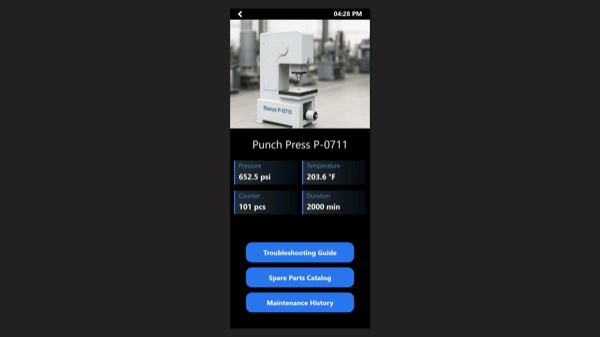
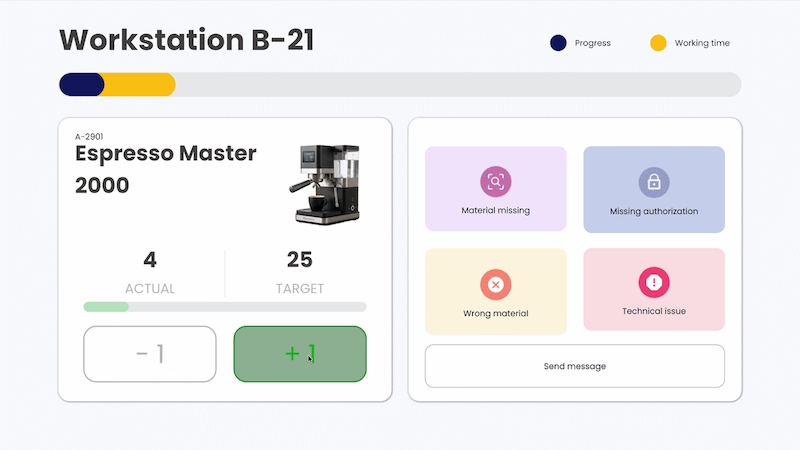
A worker assistance system guides employees step by step through assembly via touchscreen – including instruction text, images, technical drawings, and a material list.
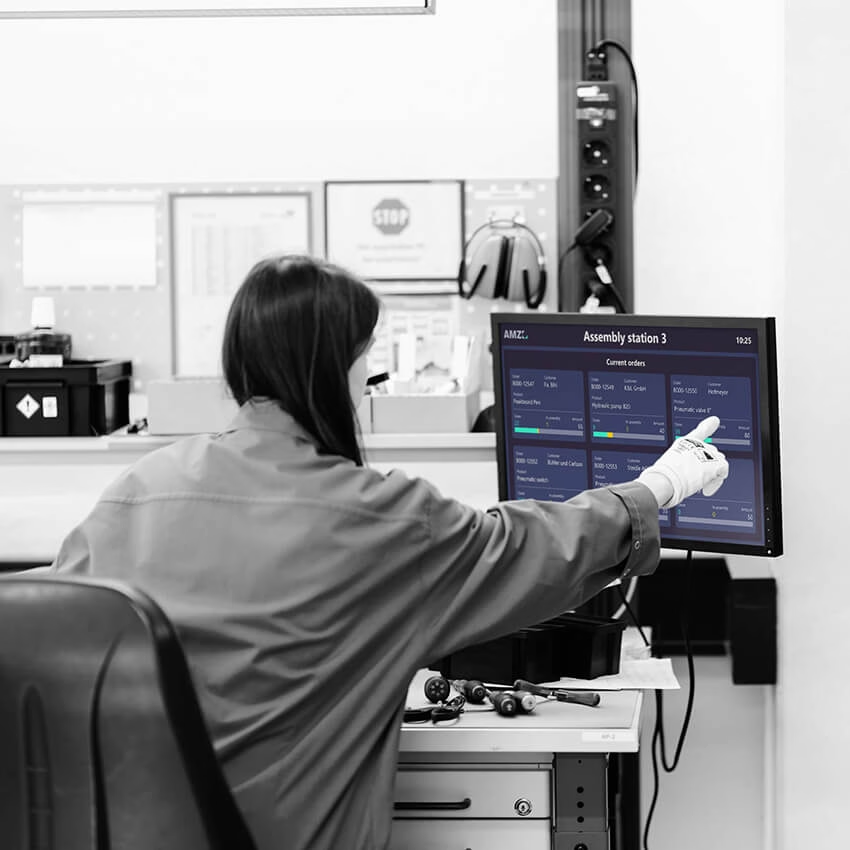
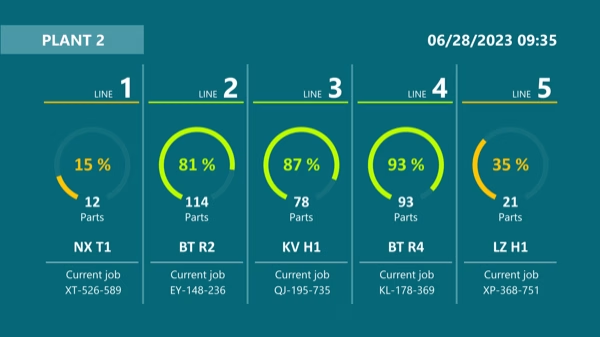
The dashboard shows all open assembly orders as tiles. Clicking on an order starts the corresponding step-by-step instructions.
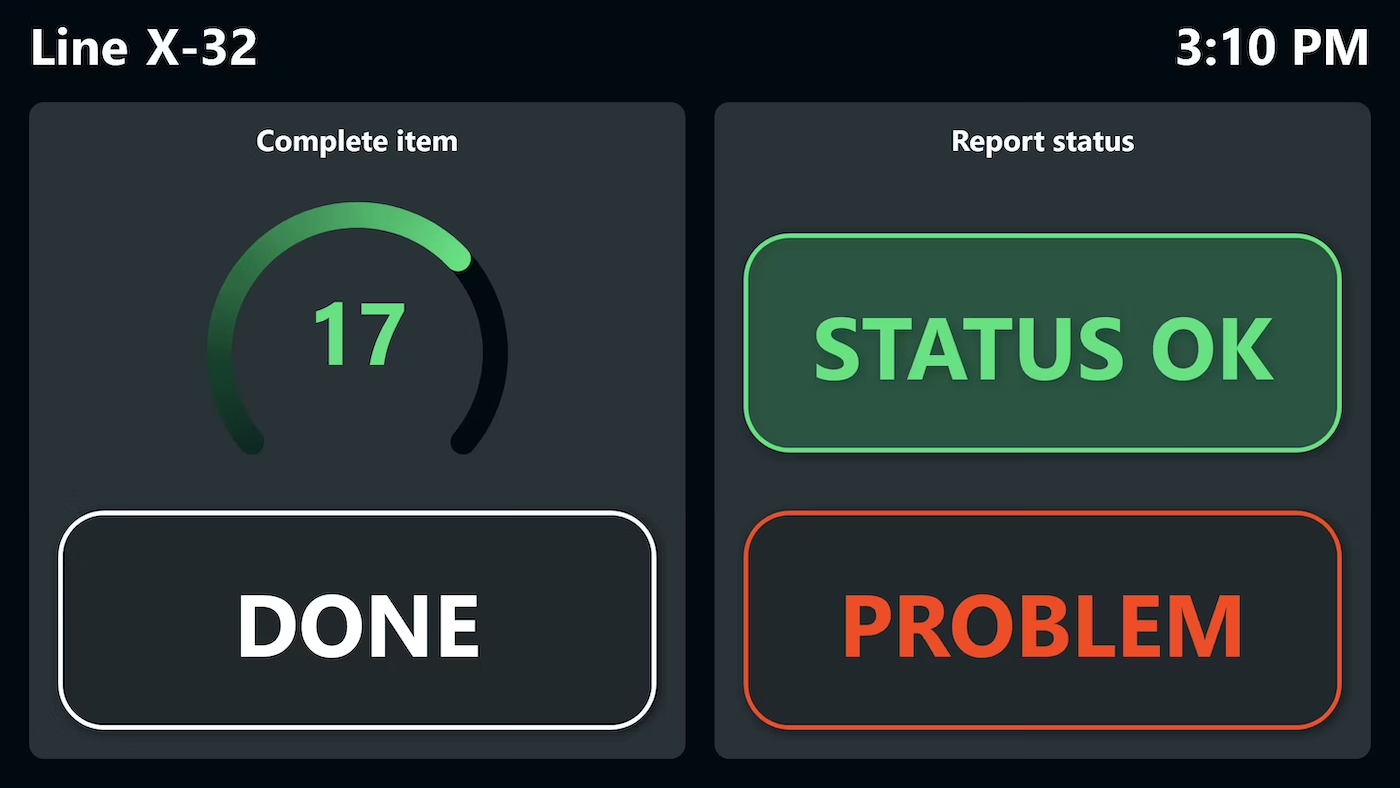
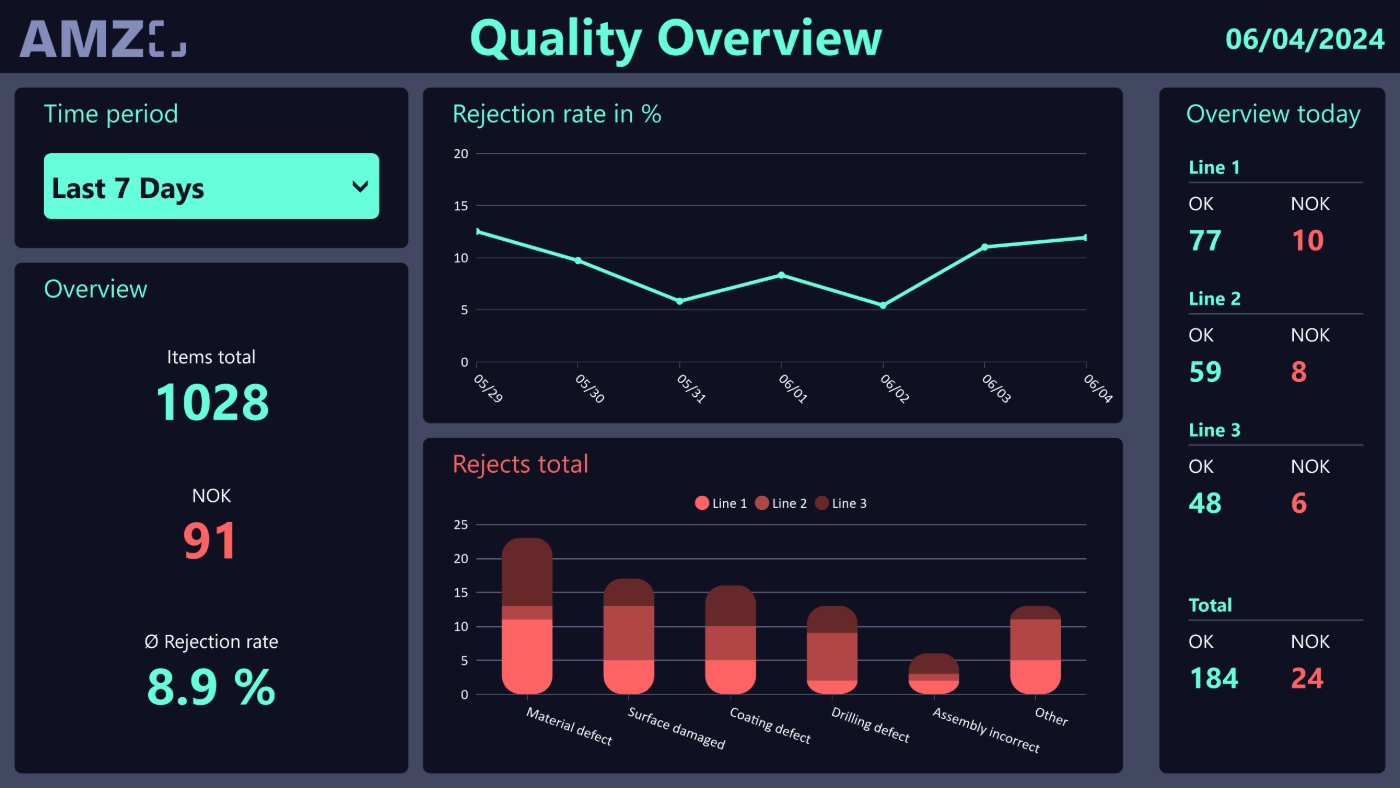
The system captures the time required for assembly, as well as the number of OK and NOK parts at the end – as the basis for quality control.
Each instruction is supplemented with images, technical drawings, and a material list, so employees know exactly what is needed.
Yes. Layout, instructions, and data sources can be adjusted in the Peakboard Designer via low-code, with no IT project required.
You can use the Peakboard Box as a dedicated device or, with the BYOD licence, use existing touchscreens at the assembly workstation.