DISPLAYS ON SITE
1 Display
EMPLOYEES
18
Data sources


1 Licence
One licence per display

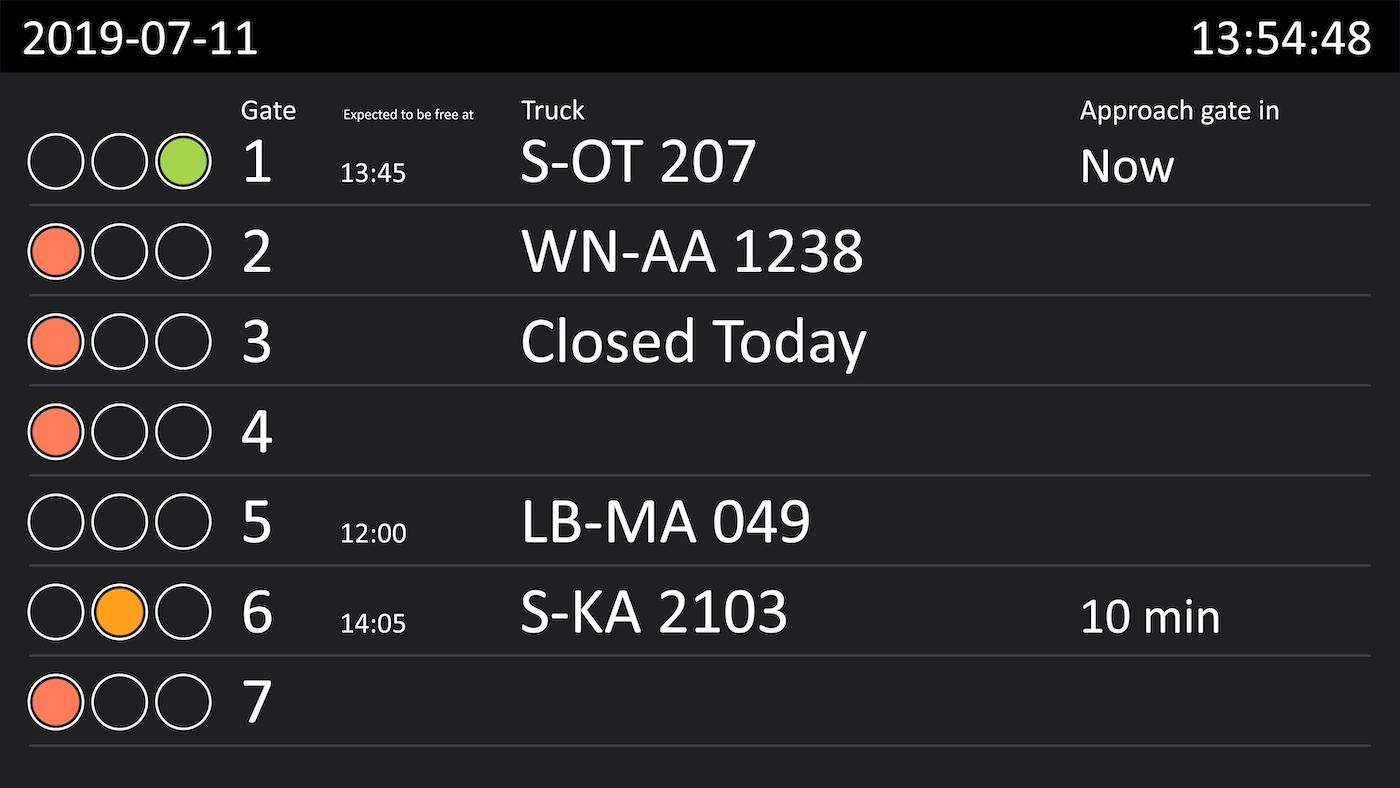
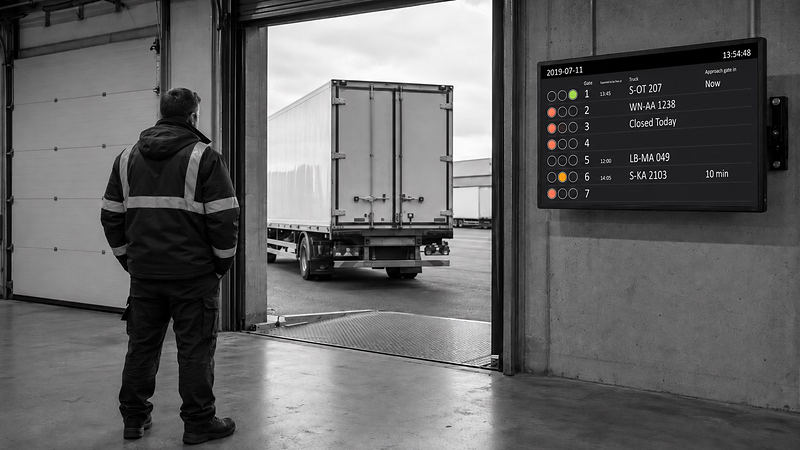
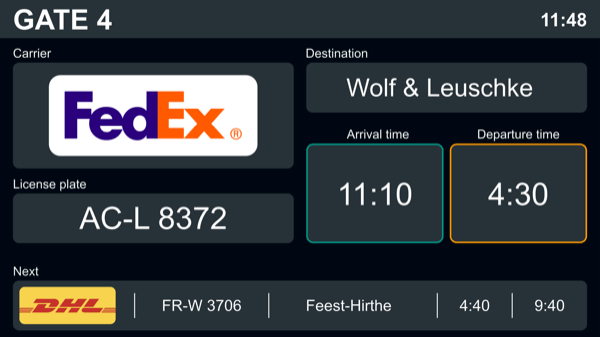
Truck gate assignment from Peakboard assigns a lorry to a particular bay at a particular time. It is maintained through the Peakboard web interface, with the data sitting directly on the Peakboard Box. If more than seven bays are set up, the view moves on to the next page automatically.


The driver doesn't know which bay to head for.
At the gatehouse, someone has to look the assignment up.
When the plan changes, the old printout stays up at the bay.
Native SAP connector, OPC UA, MQTT, and dozens of other sources are available out-of-the-box. You just connect, instead of integrating – and the data appears directly at the shop floor.


%201.svg)


%201.svg)


An extra bay, a different layout, a new time slot – thanks to the low-code editor and Peakbot, you can adapt the display yourself, no coding skills required.
Whether on the Peakboard Box or your own hardware – both run 100% on-prem, with no single point of failure or dependency on US providers.
Device-based pricing instead of user-based licences: one licence per display, unlimited users per device. More staff on the same display cost nothing extra.



Introducing loading bay assignment shouldn't take a year. With Peakboard, you start right away – no appointment, no major IT project.
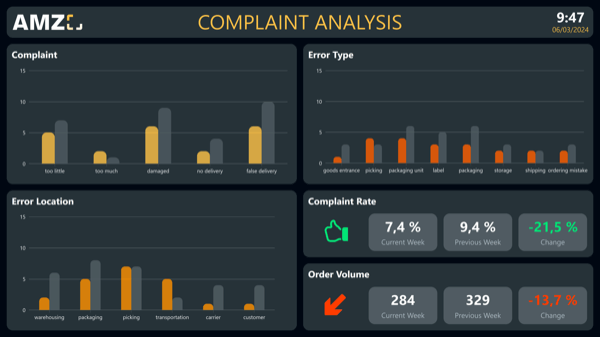

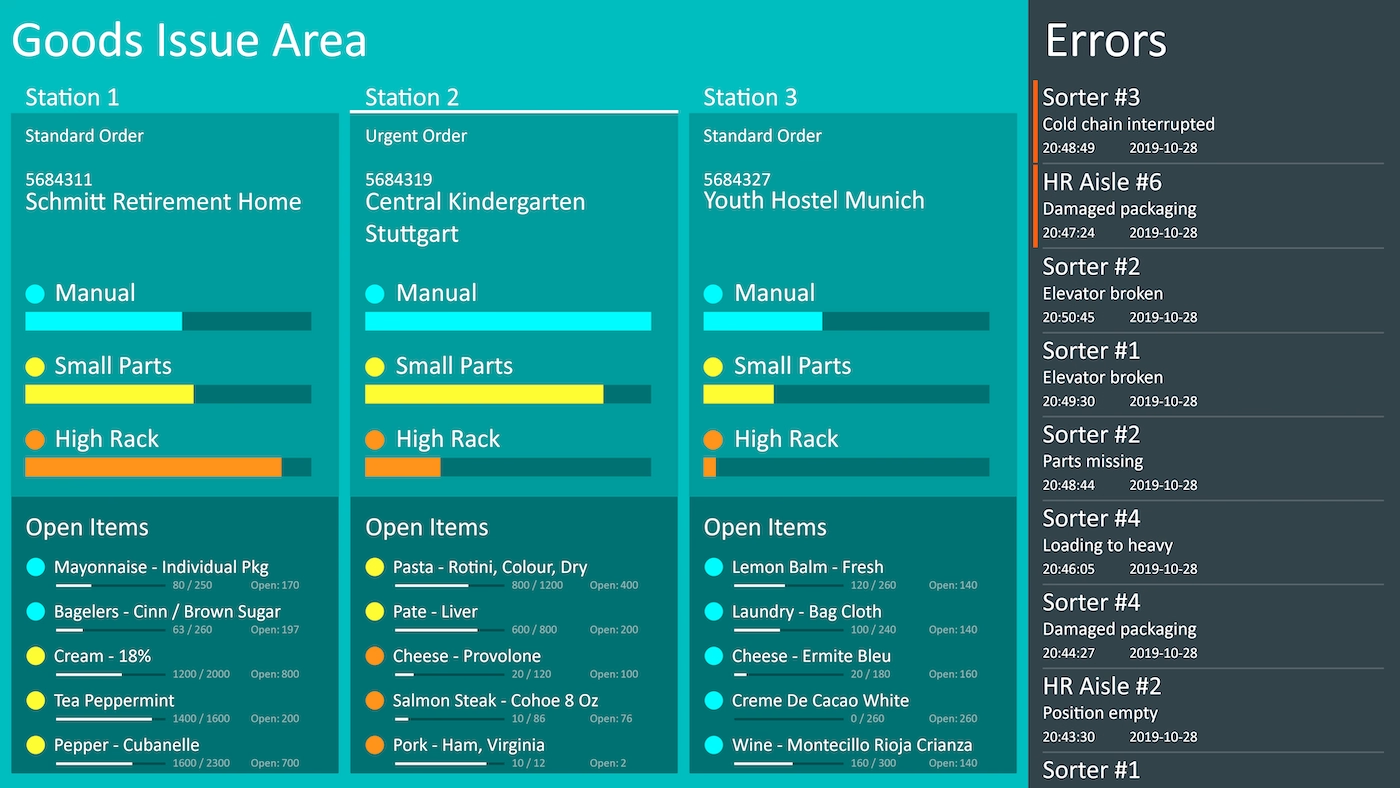

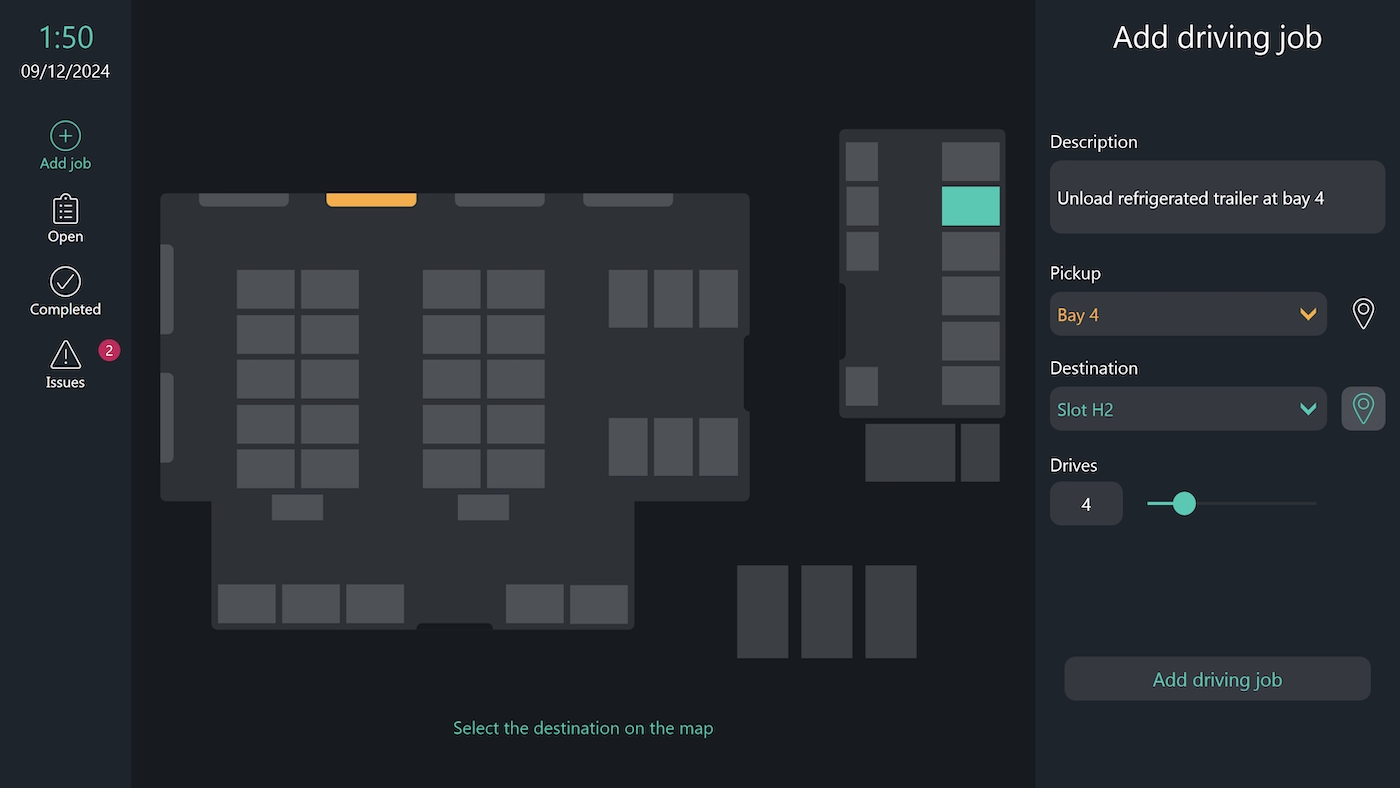

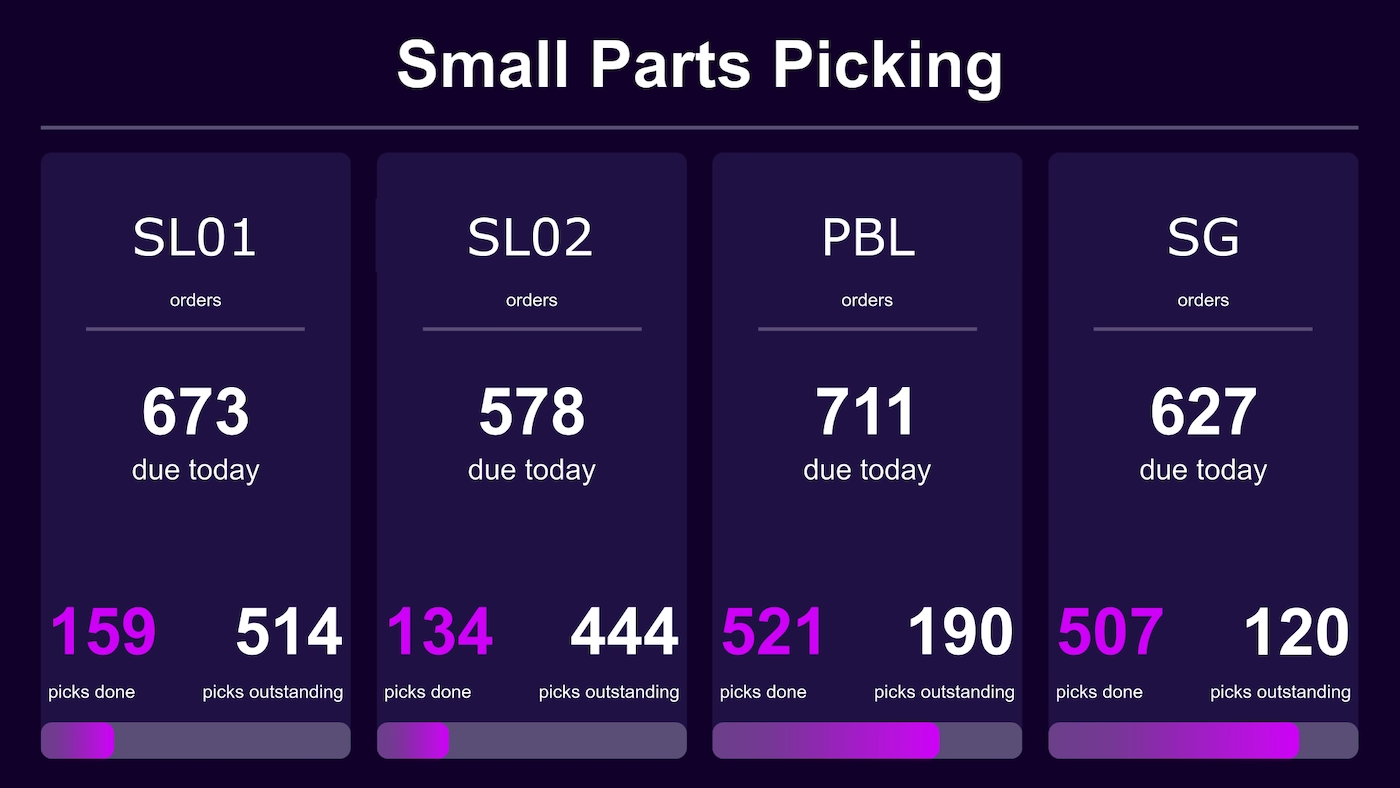
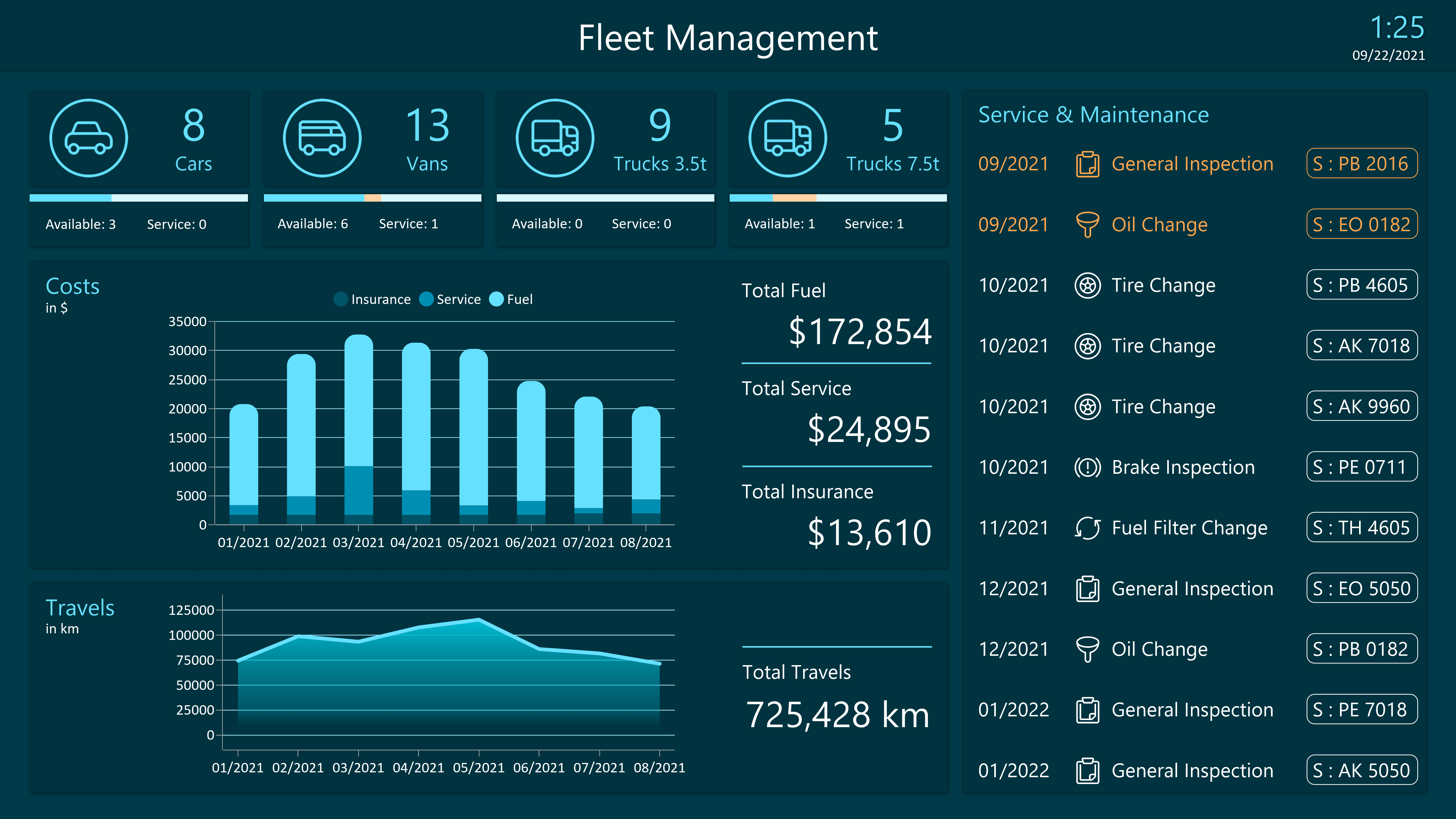
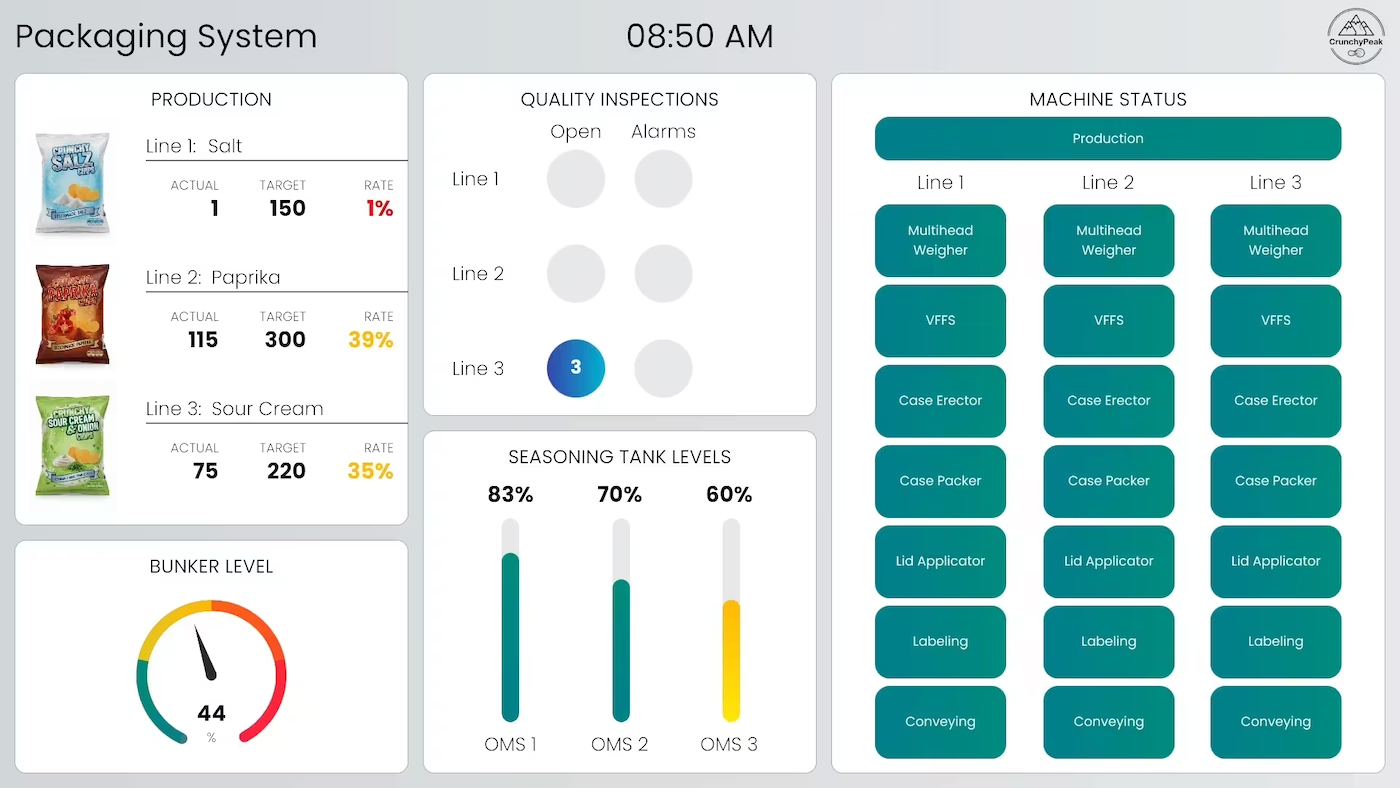
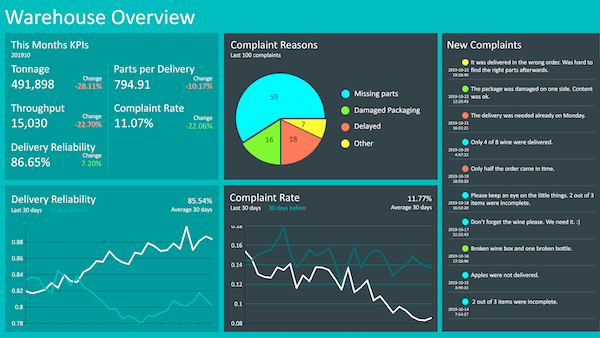
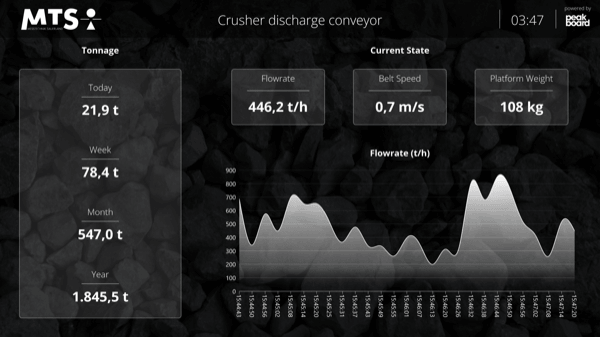
Start Immediately · No Appointment · Free
If you need support: You'll find tutorials and step-by-step guides on our Helpsite and our YouTube channel. For individual needs, we offer workshops and consulting.
In conversation · With experts · 55 min.
Discuss your specific use case with an expert – briefly provide information about your use case beforehand, and we'll get straight to the point.
You'll get a complete overview of all features and see what's possible with Peakboard in your environment.

The visualisation is loaded onto the Peakboard Box, and the bays and lorries are managed through the web interface. No database of your own is required – all the data sits on the Box.
Via the Peakboard web interface, you enter which lorry is expected at which bay and at what time. All data is stored directly on the Peakboard Box.
The view switches automatically to the next page, so even larger numbers of loading bays are displayed clearly.
No. Assignments are maintained directly via the Peakboard web interface on the Box, with no external data source needed.
Yes. Peakboard is a low-code platform: you change bays, layout, and display logic by drag-and-drop in the Peakboard Designer.
Peakboard runs entirely on-premises on your own network – assignment data never leaves the company. There's no cloud requirement and no dependency on US-based infrastructure providers – 100% GDPR-compliant.