DISPLAYS ON SITE
1 Display
EMPLOYEES
18
Data sources


1 License
One license per display

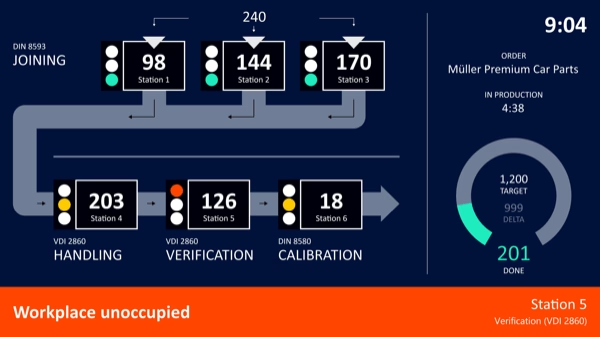
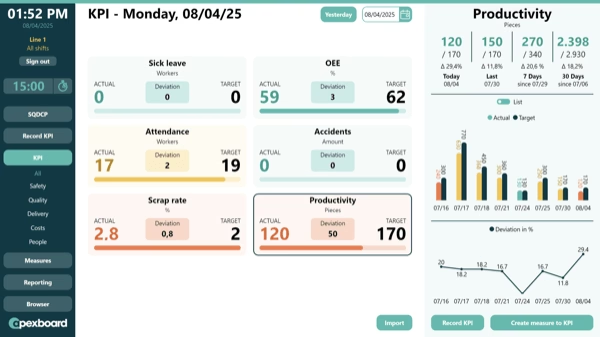
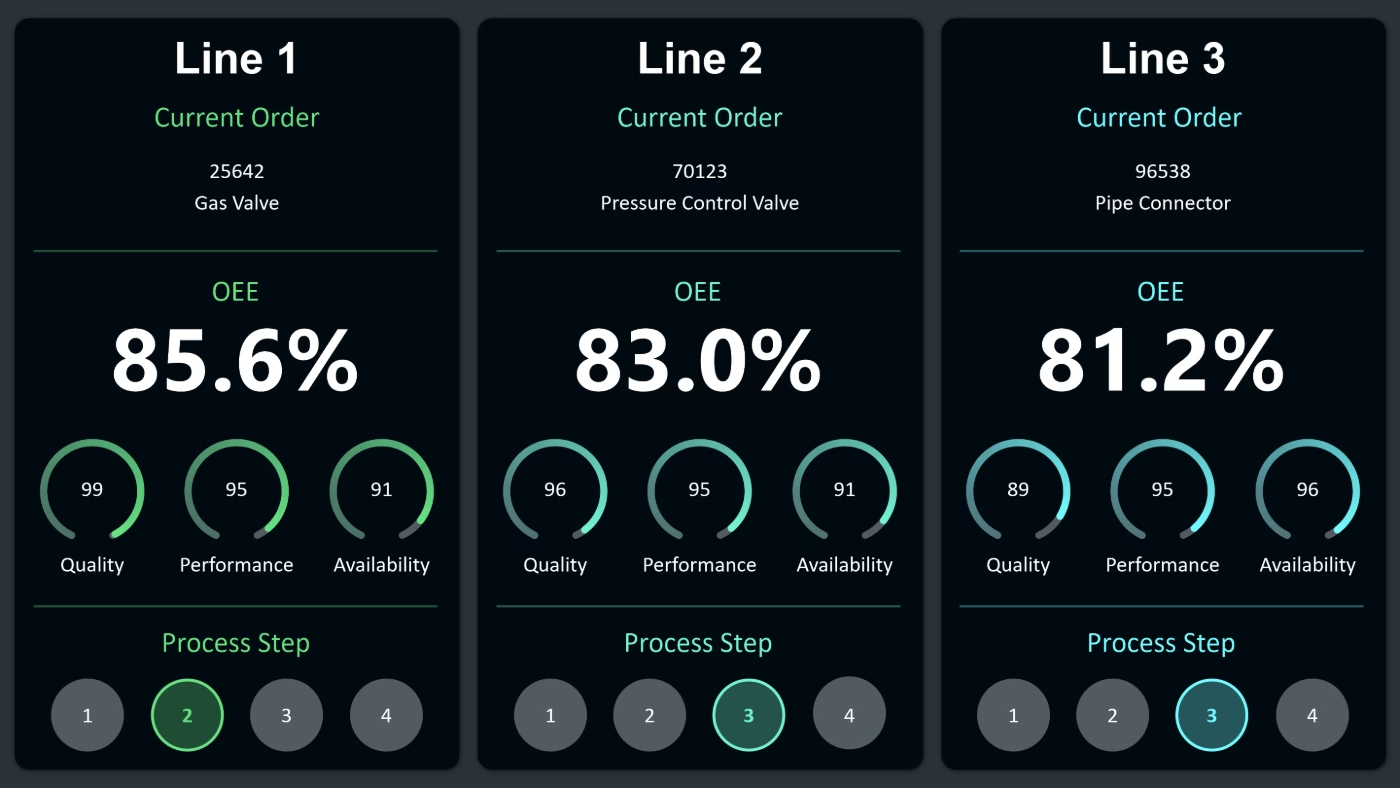
An interactive PDA dashboard from Peakboard captures production data manually and automatically and brings it onto one screen in real time—direct from the Peakboard Hub or existing databases such as SQL, SAP, or Oracle, with no programming skills required.


Manual data entry makes real-time analysis harder and leads to errors or duplicates.
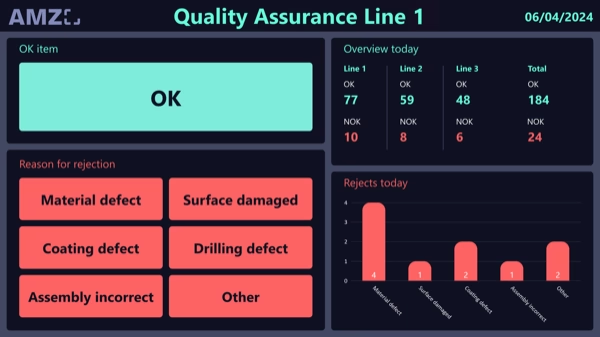
High scrap rate from missing feedback on quality issues.
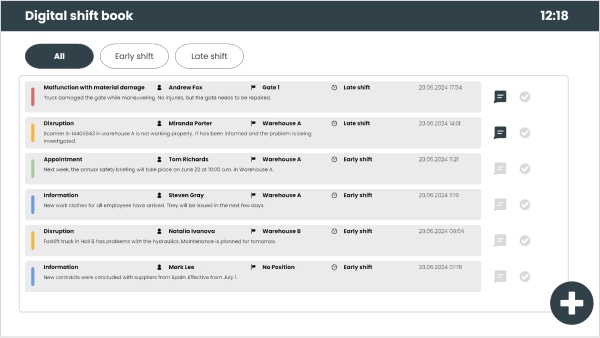
Lack of visibility into current orders, machine run times, and staff deployment.
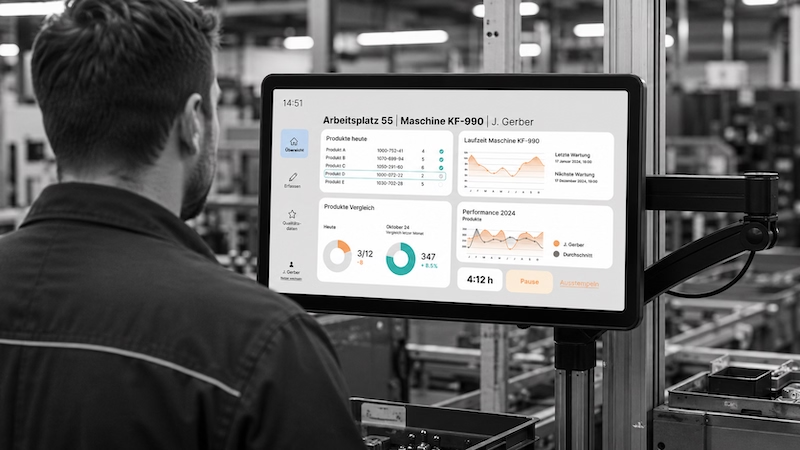
Native SAP connector, OPC UA, MQTT, and dozens of other sources are available out-of-the-box. You just connect, instead of integrating – and the data appears directly at the shop floor.


%201.svg)


%201.svg)


A new metric, a different layout, an extra data source—thanks to the low-code editor and Peakbot, departments can adapt the PDA dashboard themselves, without programming skills.
Whether on the Peakboard Box or your own hardware—both run 100% on-prem, with no single point of failure and no cloud dependency.
Device-based pricing instead of user-based licenses: one license per display, unlimited users per device. More employees on the same display cost nothing extra.



Introducing a PDA dashboard shouldn't take a year. With Peakboard, you start immediately—no appointment, no major IT project.

Start Immediately · No Appointment · Free
If you need support: You'll find tutorials and step-by-step guides on our Helpsite and our YouTube channel. For individual needs, we offer workshops and consulting.
In conversation · With experts · 55 min.
Discuss your specific use case with an expert – briefly provide information about your use case beforehand, and we'll get straight to the point.
You'll get a complete overview of all features and see what's possible with Peakboard in your environment.

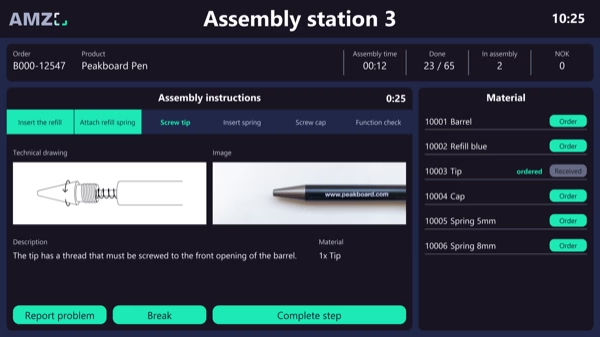
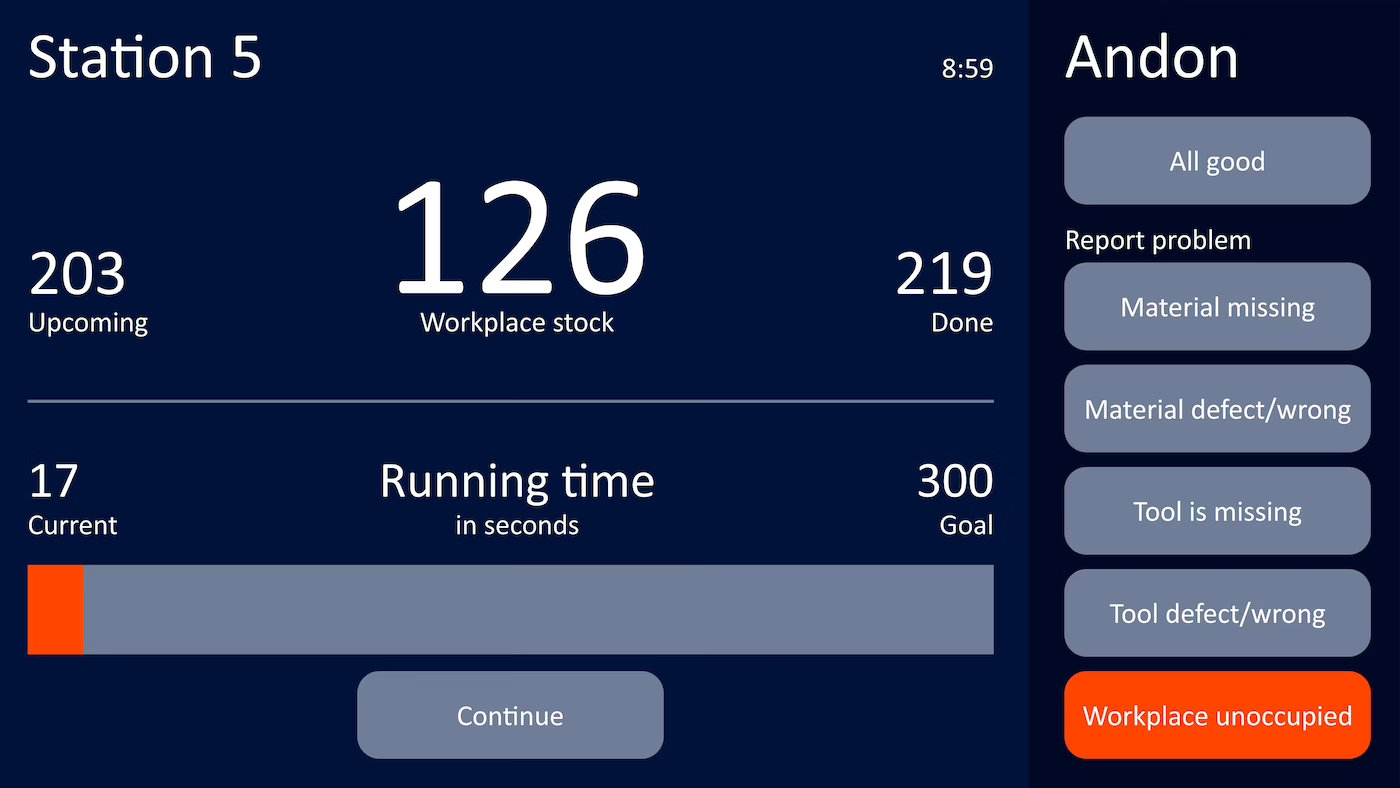
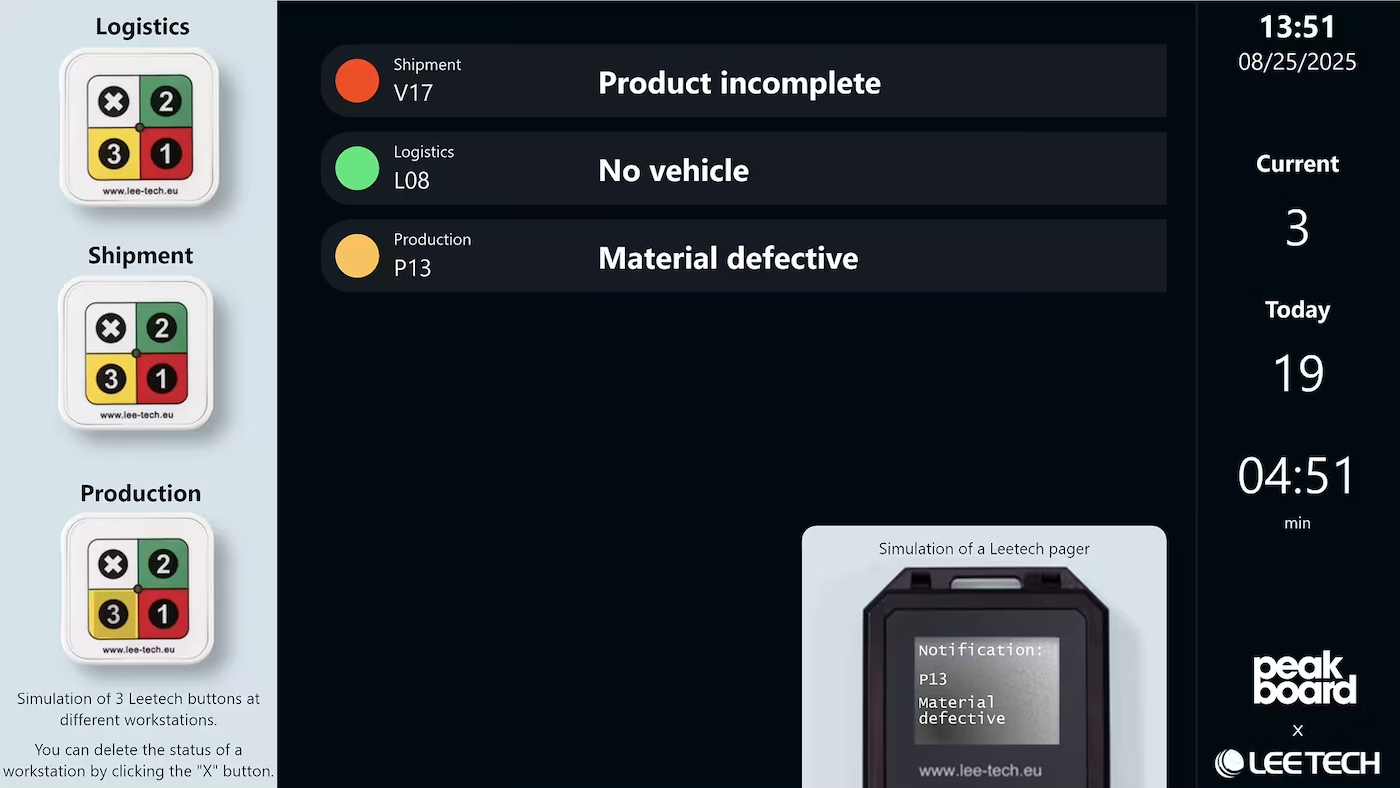
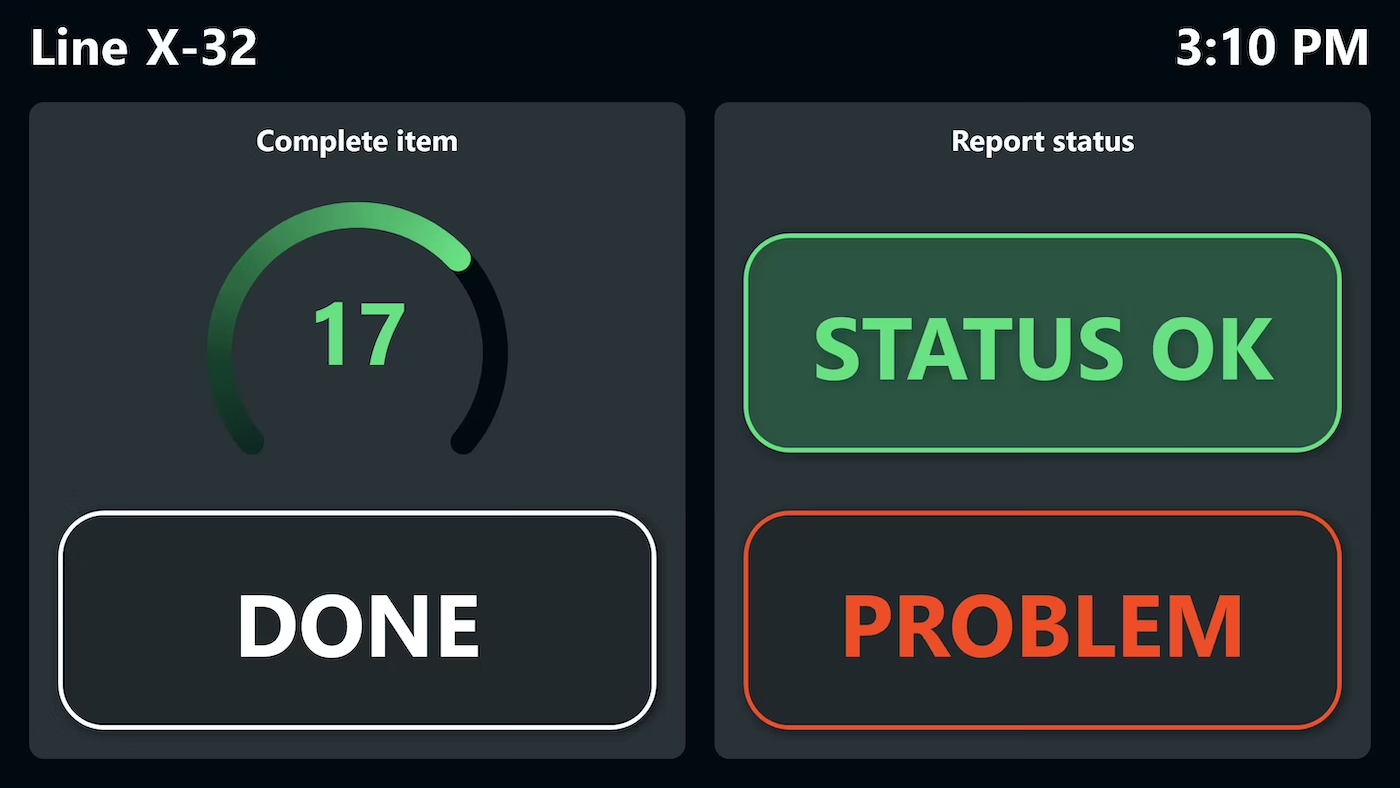
A BDE dashboard 4.0 goes far beyond simple data collection. In production, it creates a data-driven workflow in which employees provide direct feedback on quantities, reasons for scrapping and process times via touch screens or mobile devices. In this way, quality and productivity are constantly monitored and optimized. With Peakboard, you get a user-friendly solution that enables your team to identify and fix errors faster, leading to a sustainable improvement of the entire production chain.
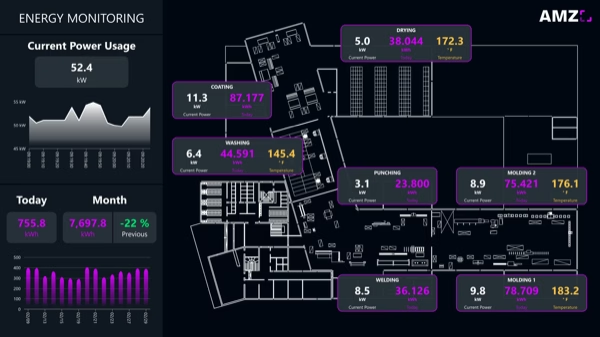
Alongside the feedback from the workstation, the machines themselves supply data continuously. How that data is captured and evaluated is covered on the page about machine monitoring software.
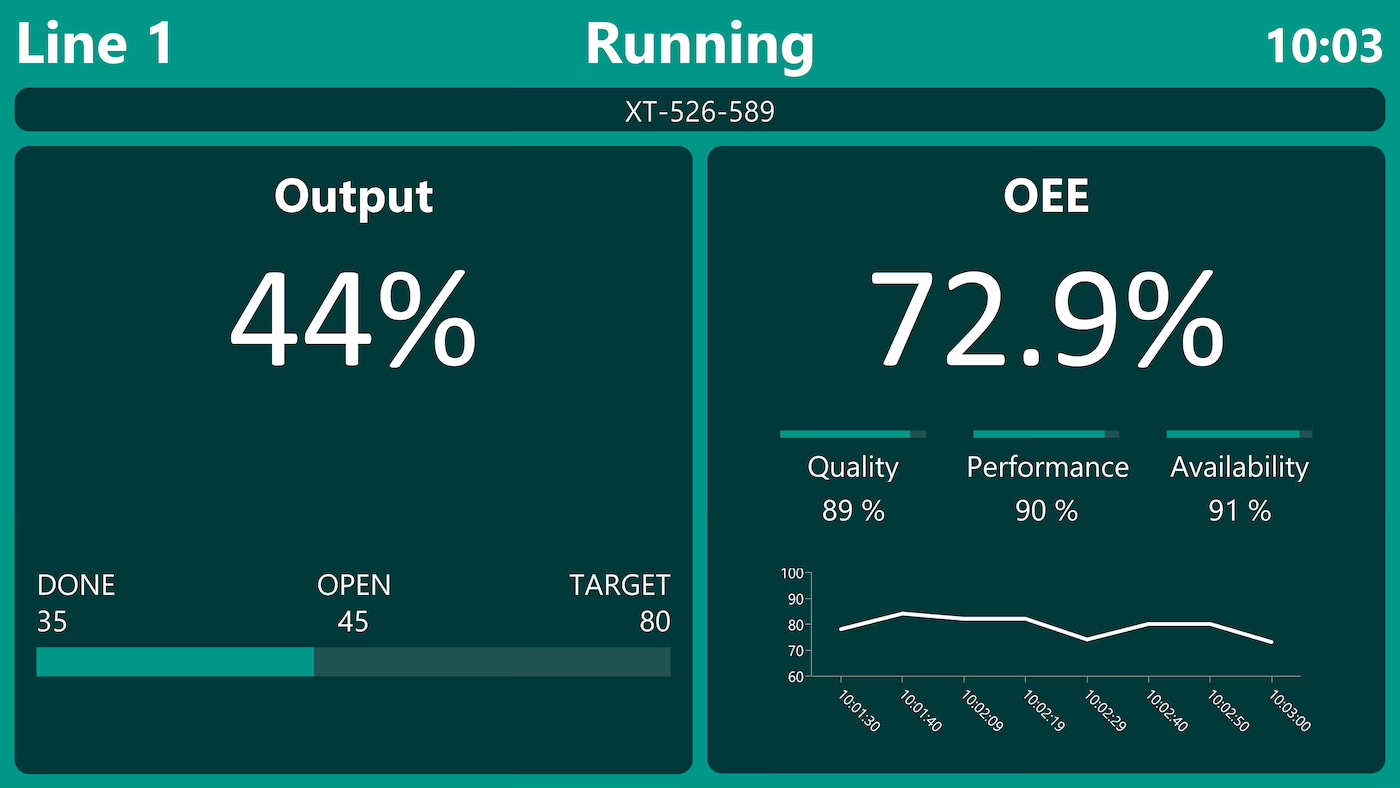
An interactive PDA dashboard captures production data manually and automatically and visualizes production data and quality parameters in real time on one central dashboard.
You can capture current orders, machine running times, employee assignments, and feedback on quality issues—manually or automatically.
Data is stored centrally in the Peakboard Hub or written directly into existing databases such as SQL, SAP, or Oracle.
Real-time visualization of production data and quality parameters makes deviations visible immediately, so errors can be detected and fixed early.
Yes. Layout, metrics, and data sources can be adjusted in the Peakboard Designer via low-code, with no IT project required.
You can use the Peakboard Box as a dedicated device or, with the BYOD license, use existing touchscreens at the workstation.