DISPLAYS ON SITE
1 Display
EMPLOYEES
18
Data sources


1 License
One license per display

For single-station production, this application captures assembly times, progress, and faults right at the workstation—live and traceable. With Peakboard, you document every step, report issues instantly, and steer production precisely—with no programming required.


Missing data on average processing time per part.
Unclear overview of progress at individual workstations.
Delays from inefficient workflows or lack of resources.

Native SAP connector, OPC UA, MQTT, and dozens of other sources are available out-of-the-box. You just connect, instead of integrating – and the data appears directly at the shop floor.


%201.svg)


%201.svg)


A new workstation, a different metric, an extra component—thanks to the low-code editor and Peakbot, you can adapt the application yourself, without programming skills.
Whether on the Peakboard Box or your own hardware—both run 100% on-prem, with no single point of failure and no cloud dependency.
Device-based pricing instead of user-based licenses: one license per display, unlimited users per device. More employees on the same display cost nothing extra.



Introducing an application for single-station production shouldn't take a year. With Peakboard, you start immediately—no appointment, no major IT project.
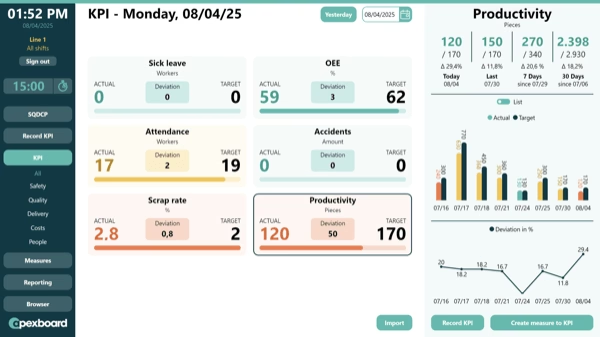
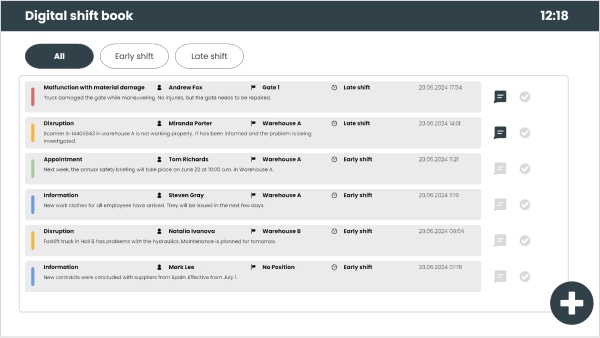

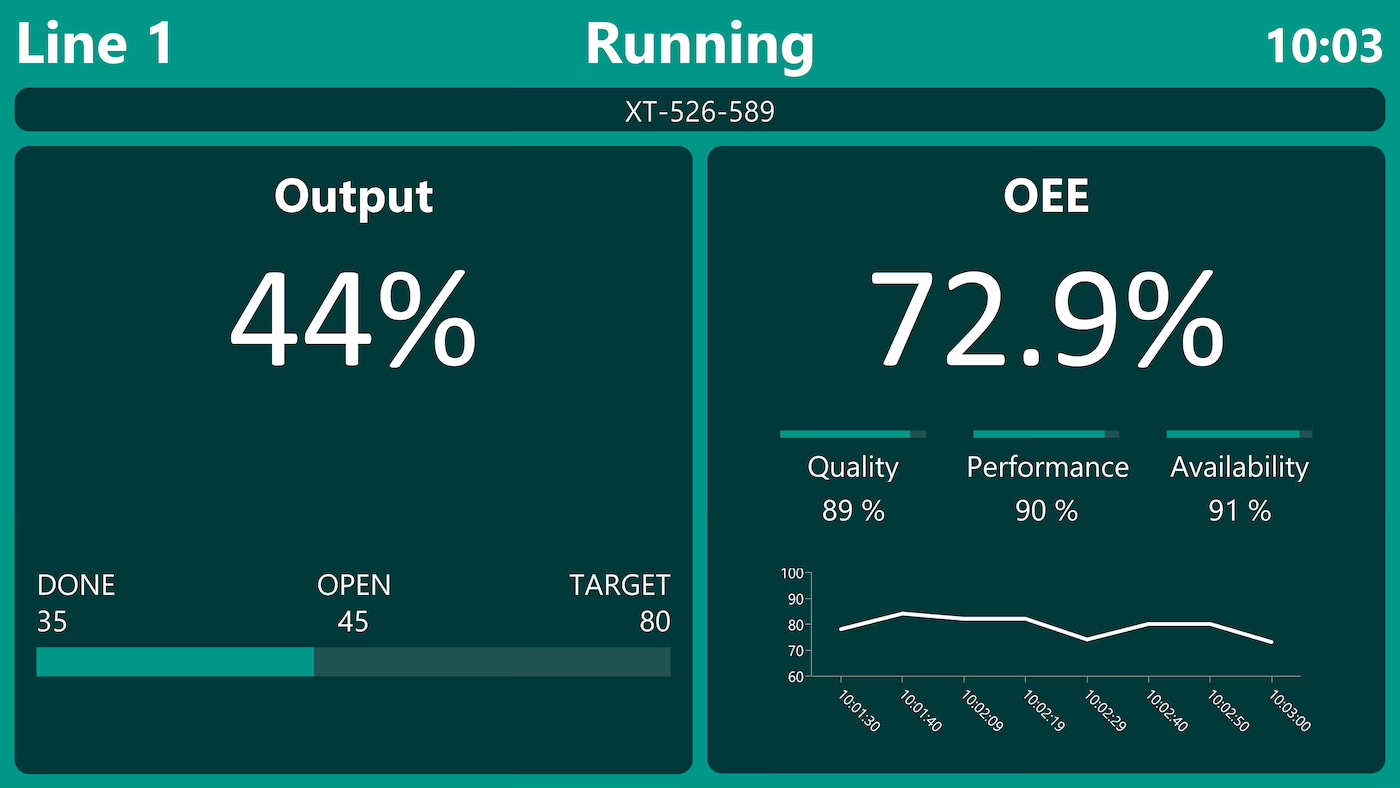
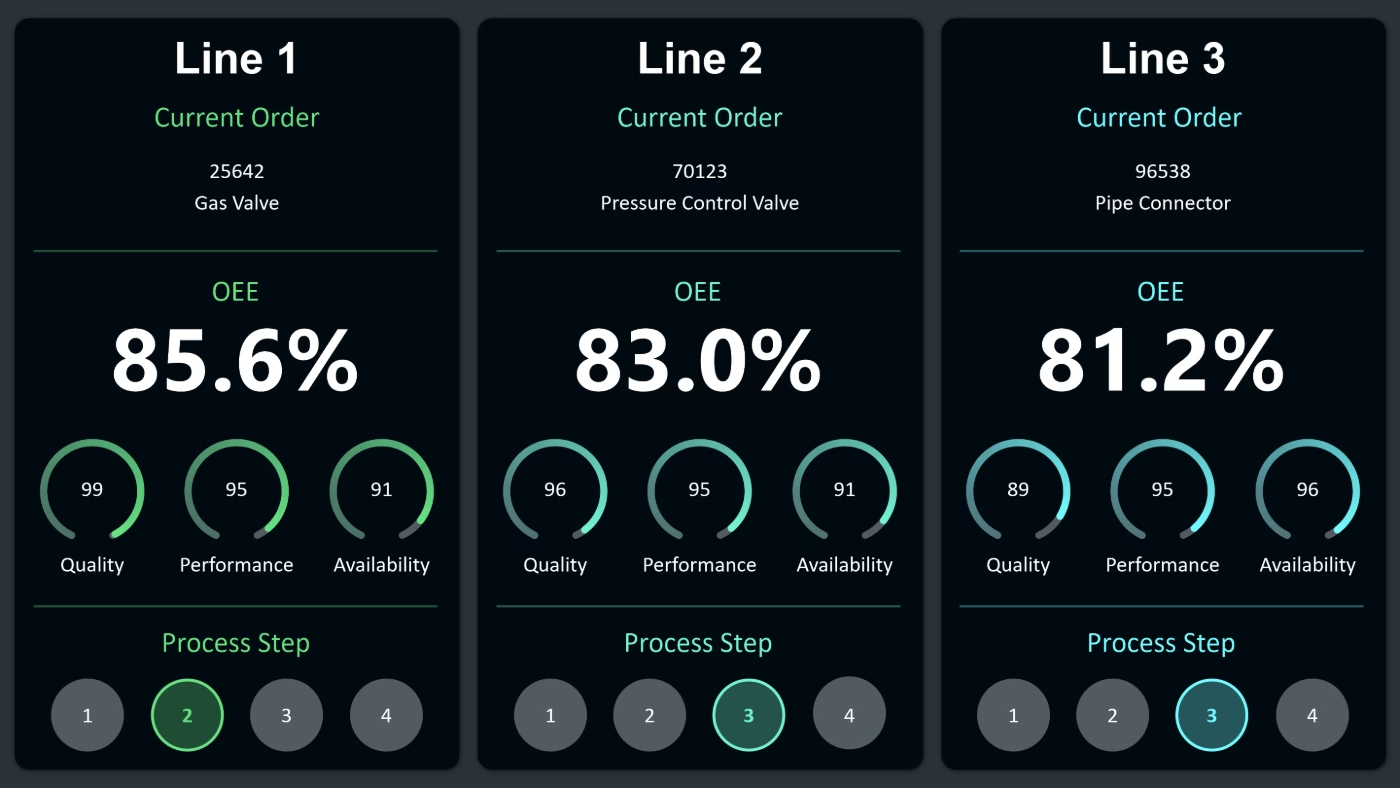

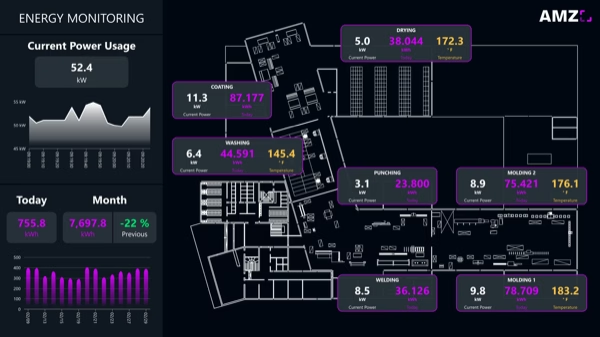
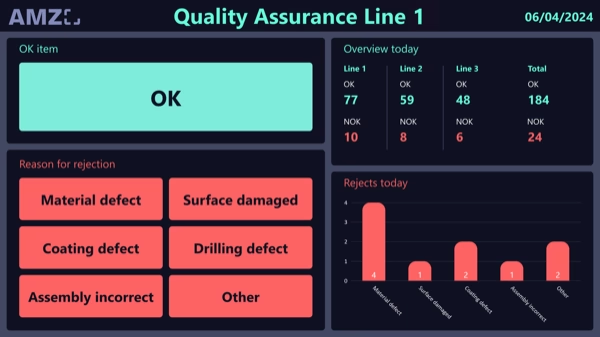
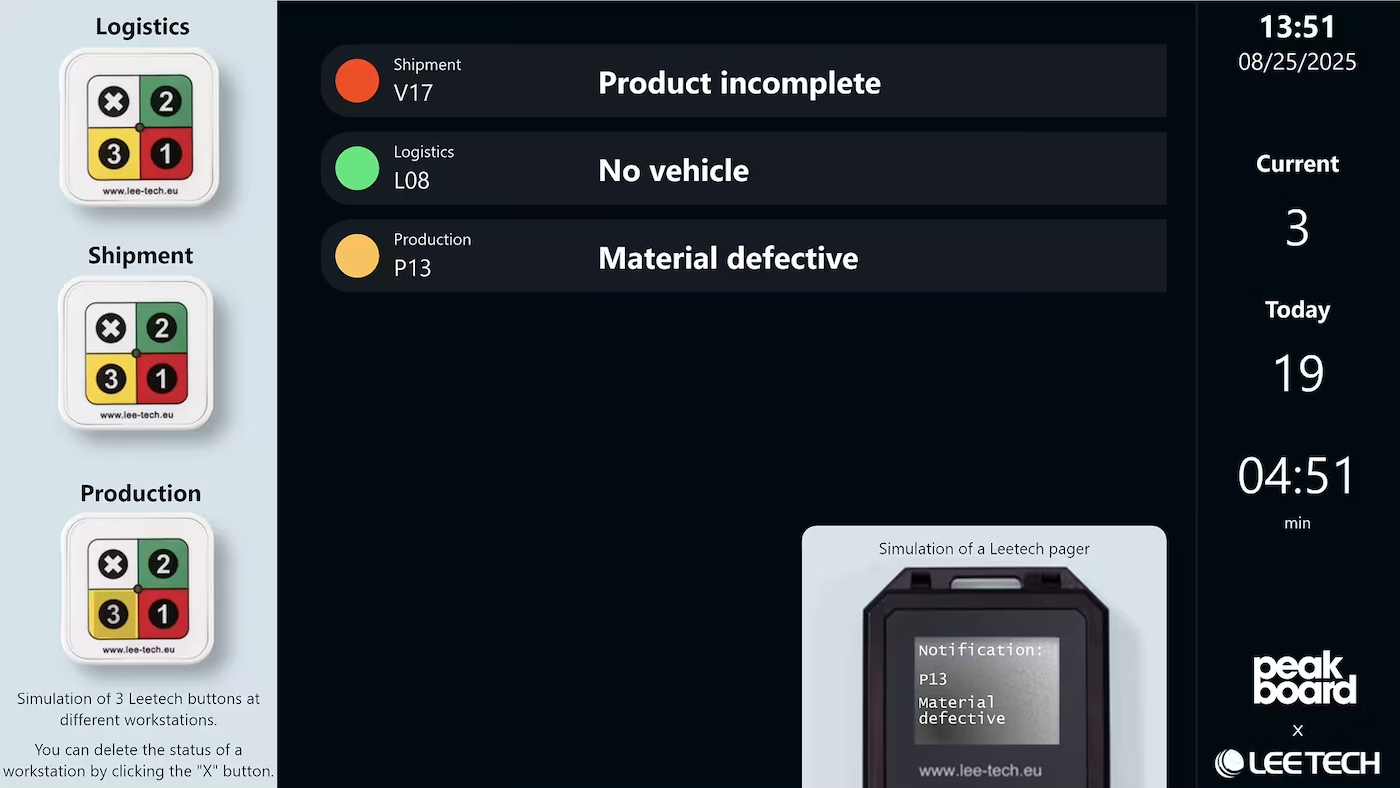
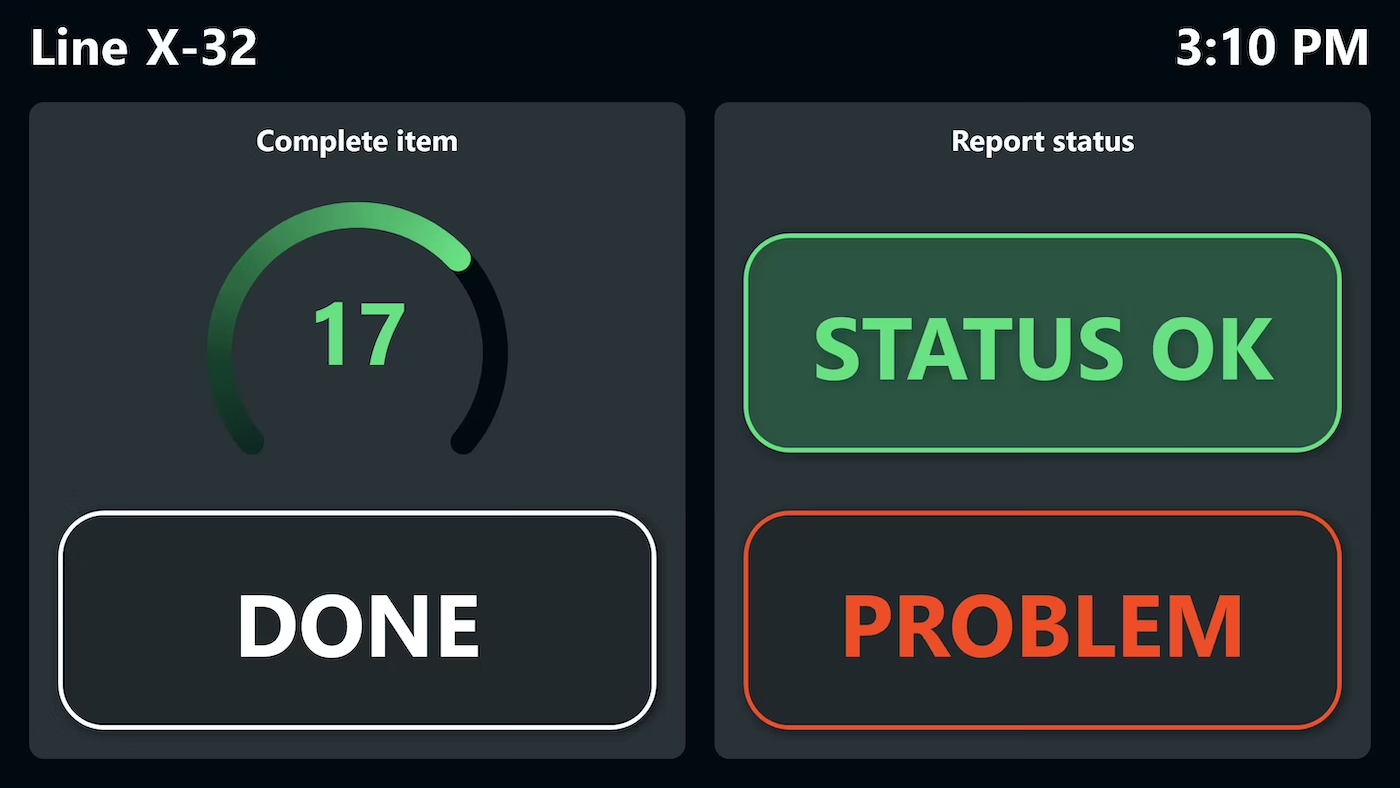
Start Immediately · No Appointment · Free
If you need support: You'll find tutorials and step-by-step guides on our Helpsite and our YouTube channel. For individual needs, we offer workshops and consulting.
In conversation · With experts · 55 min.
Discuss your specific use case with an expert – briefly provide information about your use case beforehand, and we'll get straight to the point.
You'll get a complete overview of all features and see what's possible with Peakboard in your environment.

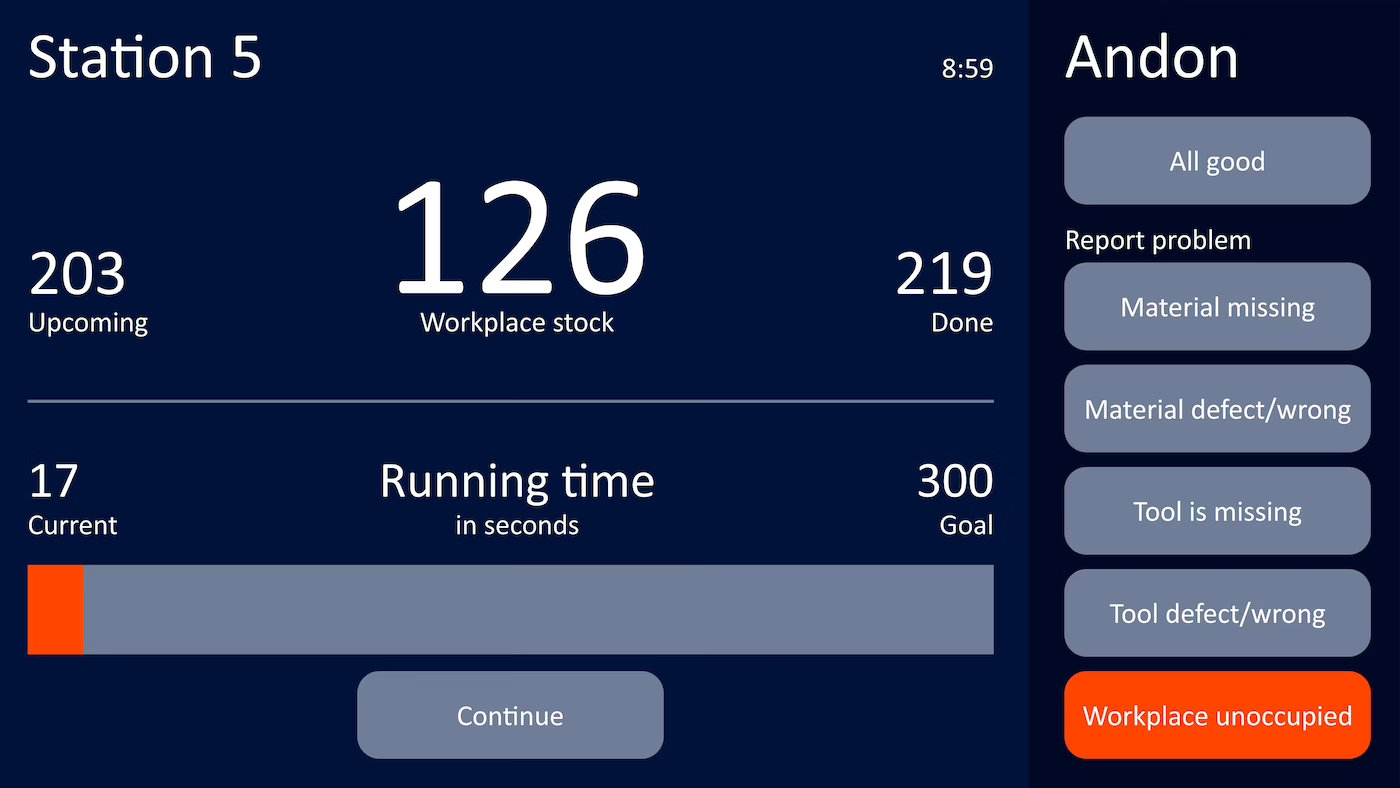
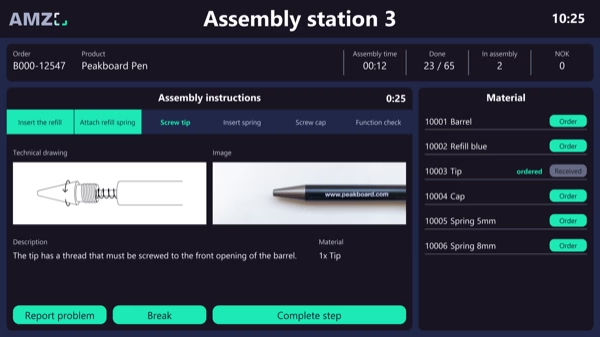
The interactive application bundles all relevant production information at a workplace. Employees can process orders directly, make changes immediately visible, and issues can be reported without delay. Interactive operation via touch screen or tablet ensures that information is always up to date and that production can be managed efficiently.
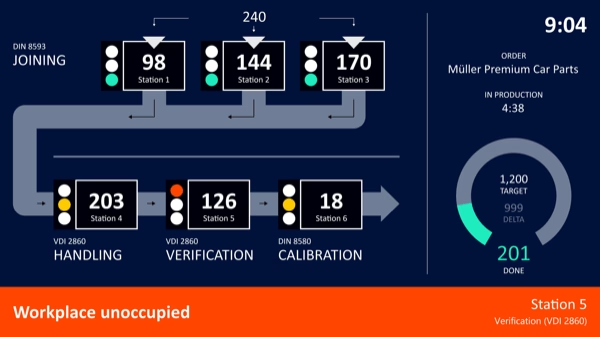
A single-user production board gives a transparent overview of every task at a workstation, tracks assembly time per part, flags bottlenecks early and assigns work efficiently. Built with Peakboard using low-code.
Peakboard connects workstations to an interactive application. Progress is captured live, confirmations record assembly times automatically, and data is collected centrally.
Average assembly time per part, real-time status updates, automatic fault alerts and live documentation of all progress.
A flexible low-code platform: fast adaptation without IT effort, real-time data capture, integration with ERP and MES, and scalability from small workstations to large production lines.
Peakboard runs fully on-premises on your own network. Order and production data never leaves the company, with no cloud requirement and no cloud dependency — you keep full control of your data.