DISPLAYS ON SITE
1 Display
EMPLOYEES
18
Data sources


1 Licence
One licence per display

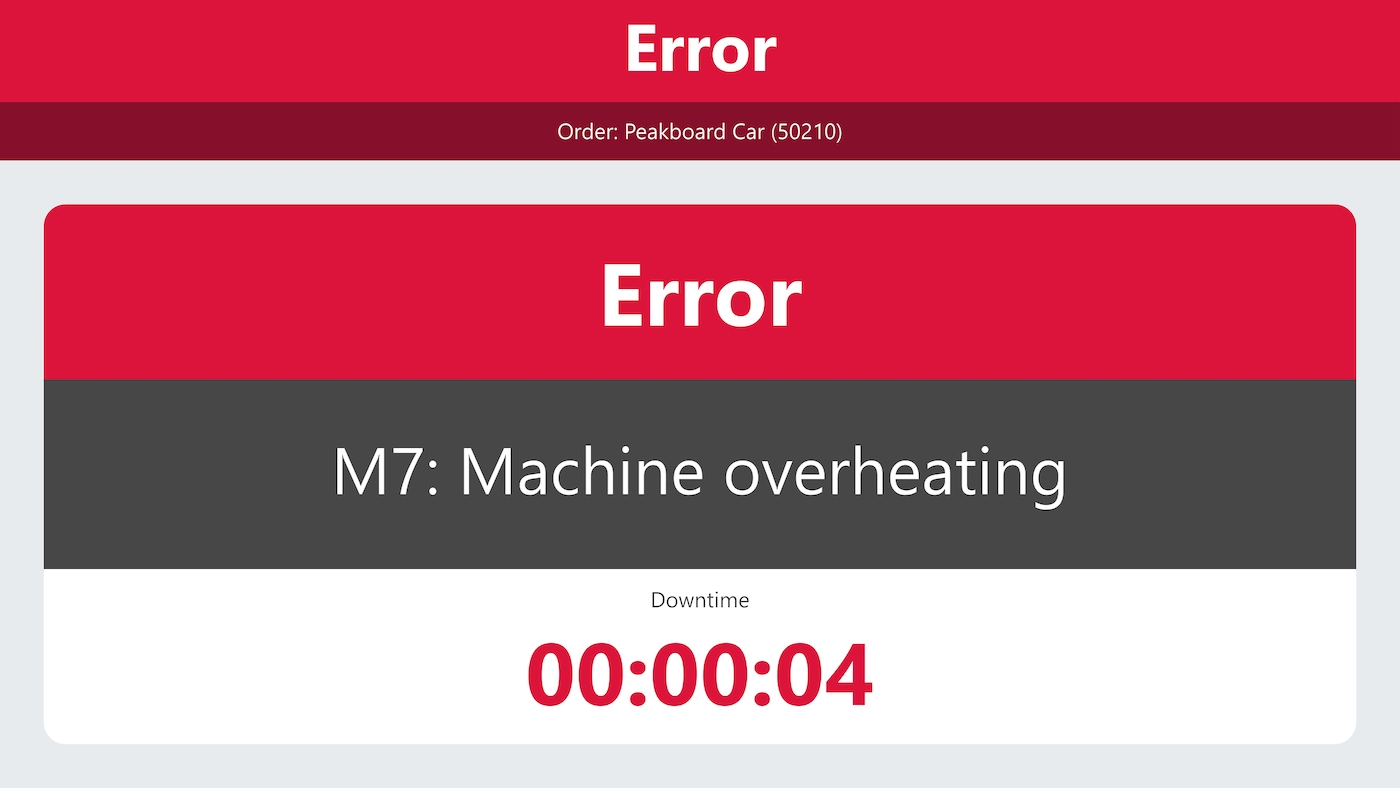
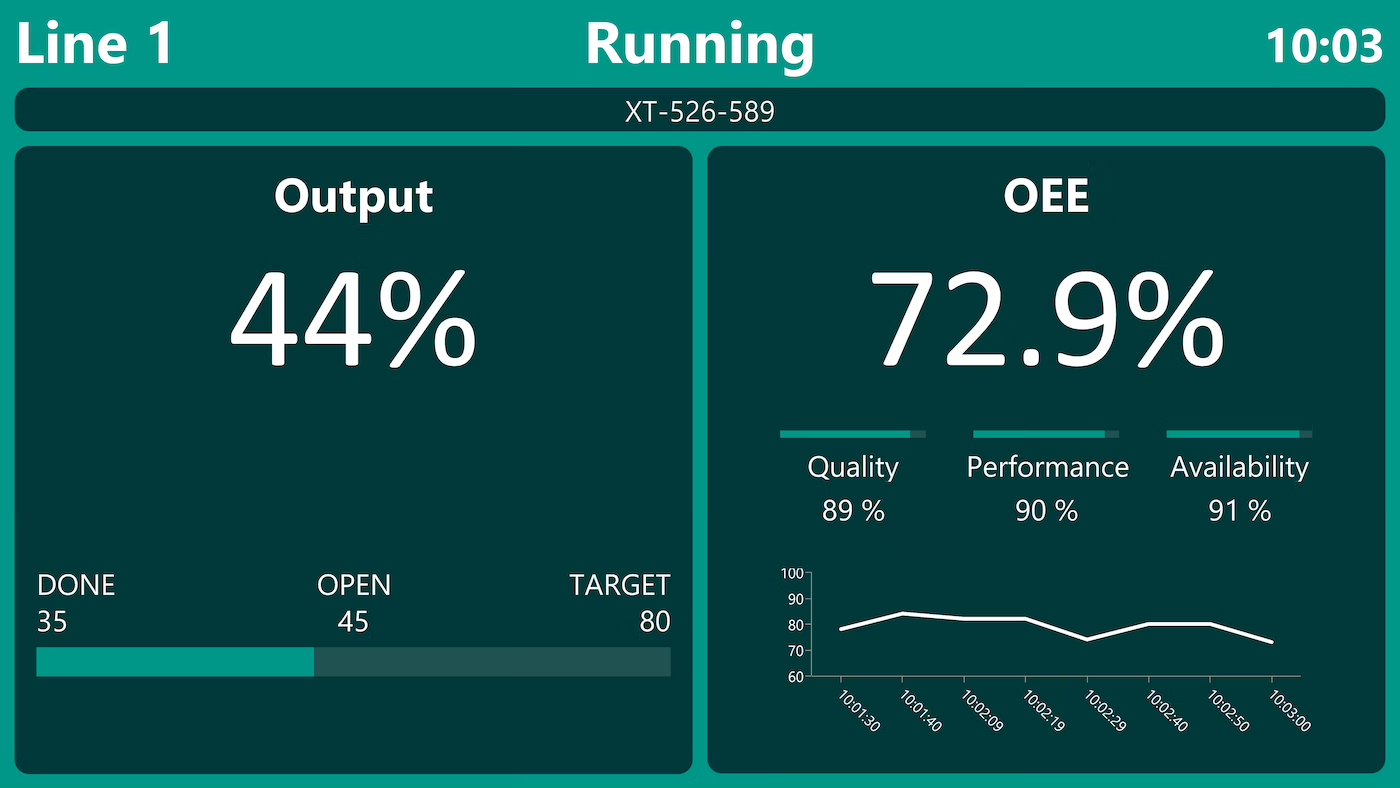
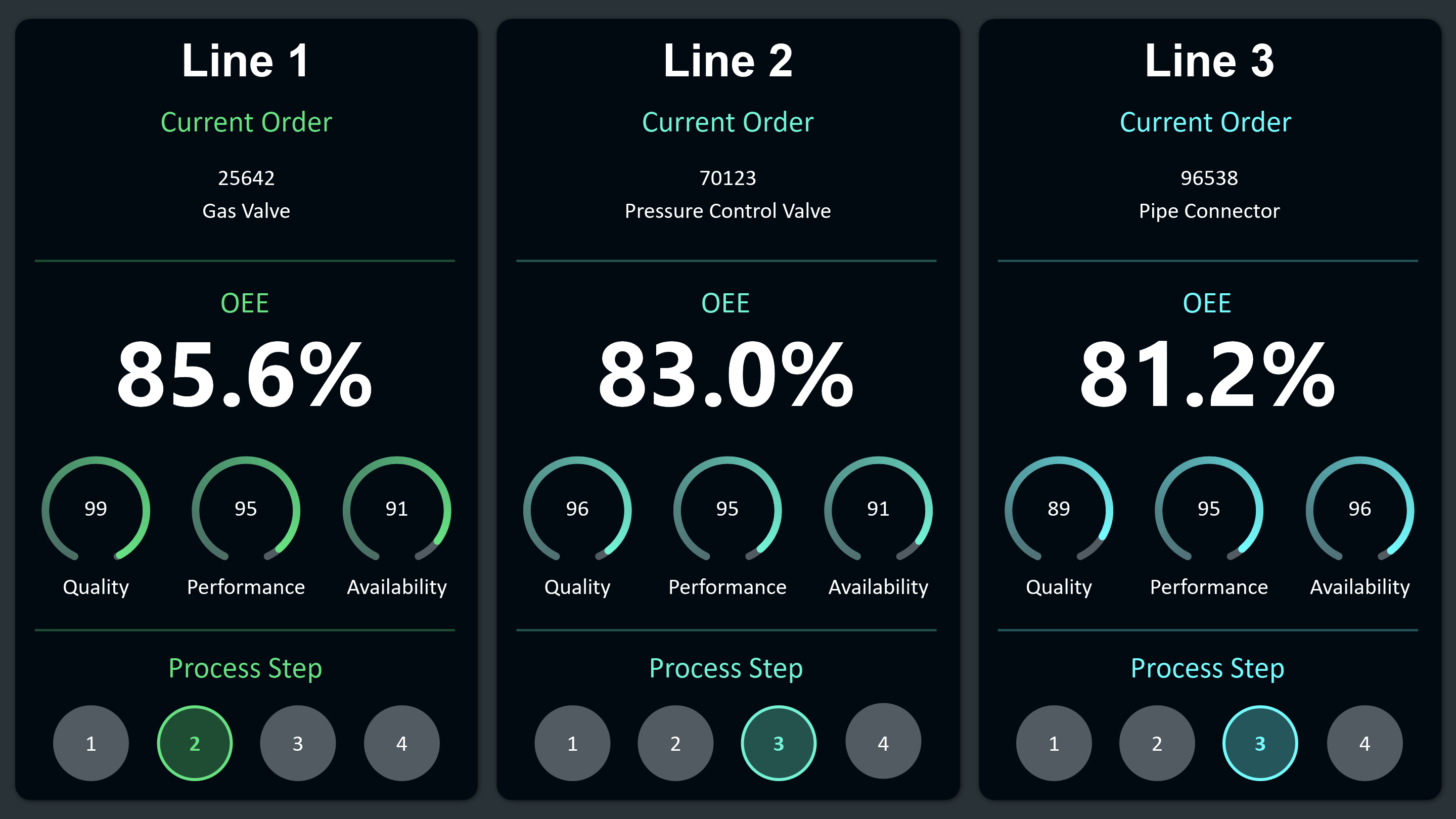
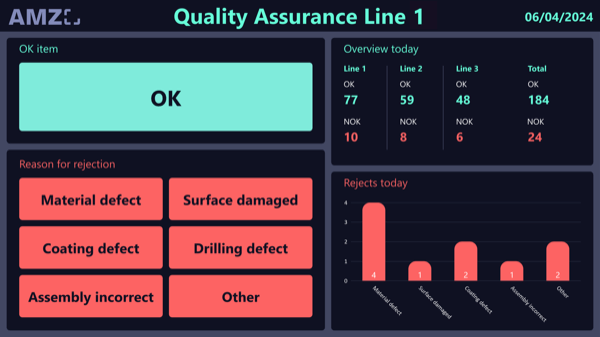
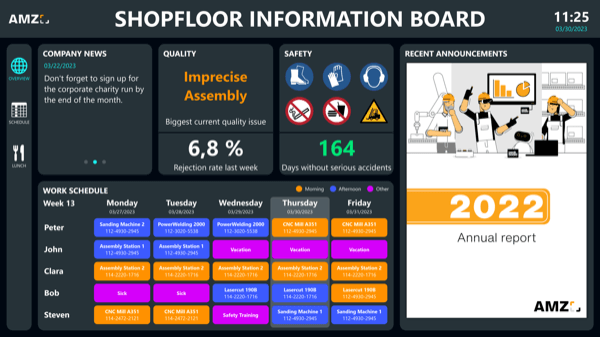
The alarm monitor from Peakboard keeps the production status in view: when a fault occurs, it appears in real time together with the type of fault message – large and in signal colours. Machine data comes via OPC UA.


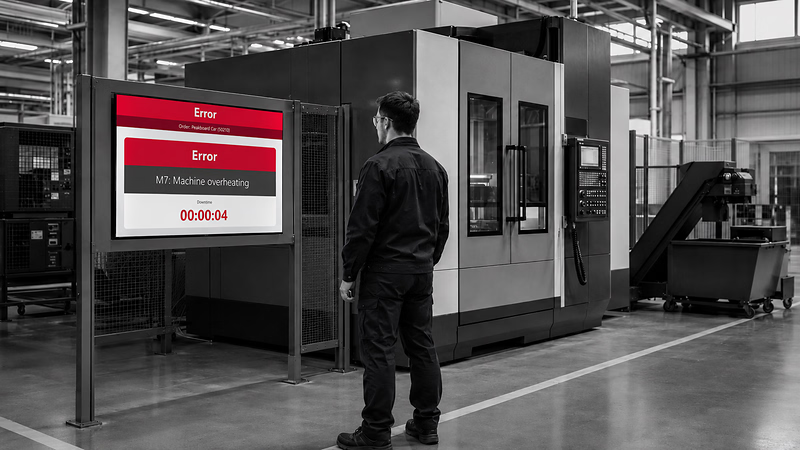
A machine standing still is only noticed in passing.
The type of fault message sits on the machine itself.
Every minute without a response adds to the downtime.
Native SAP connector, OPC UA, MQTT, and dozens of other sources are available out-of-the-box. You just connect, instead of integrating – and the data appears directly at the shop floor.


%201.svg)


%201.svg)


A different colour scheme, an extra fault category, a new machine – thanks to the low-code editor and Peakbot, you can adapt the alarm monitor yourself, no coding skills required.
Whether on the Peakboard Box or your own hardware – both run 100% on-prem, with no single point of failure or dependency on US providers.
Device-based pricing instead of user-based licences: one licence per display, unlimited users per device. More staff on the same display cost nothing extra.



Introducing an alarm monitor shouldn't take a year. With Peakboard, you start right away – no appointment, no major IT project.
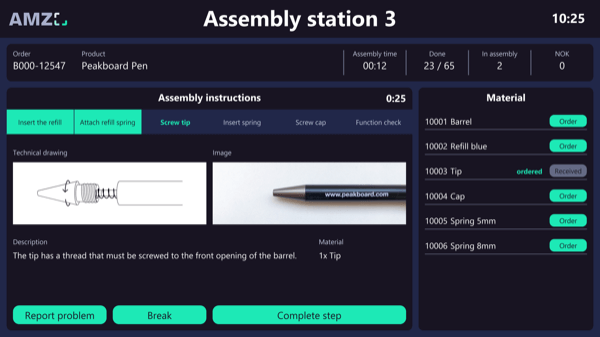
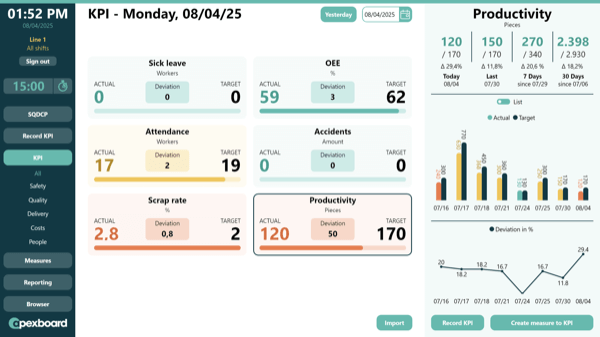
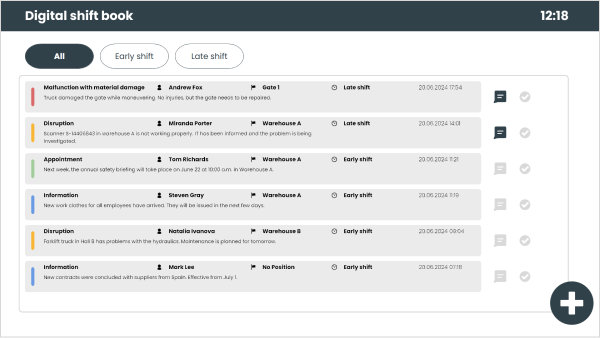
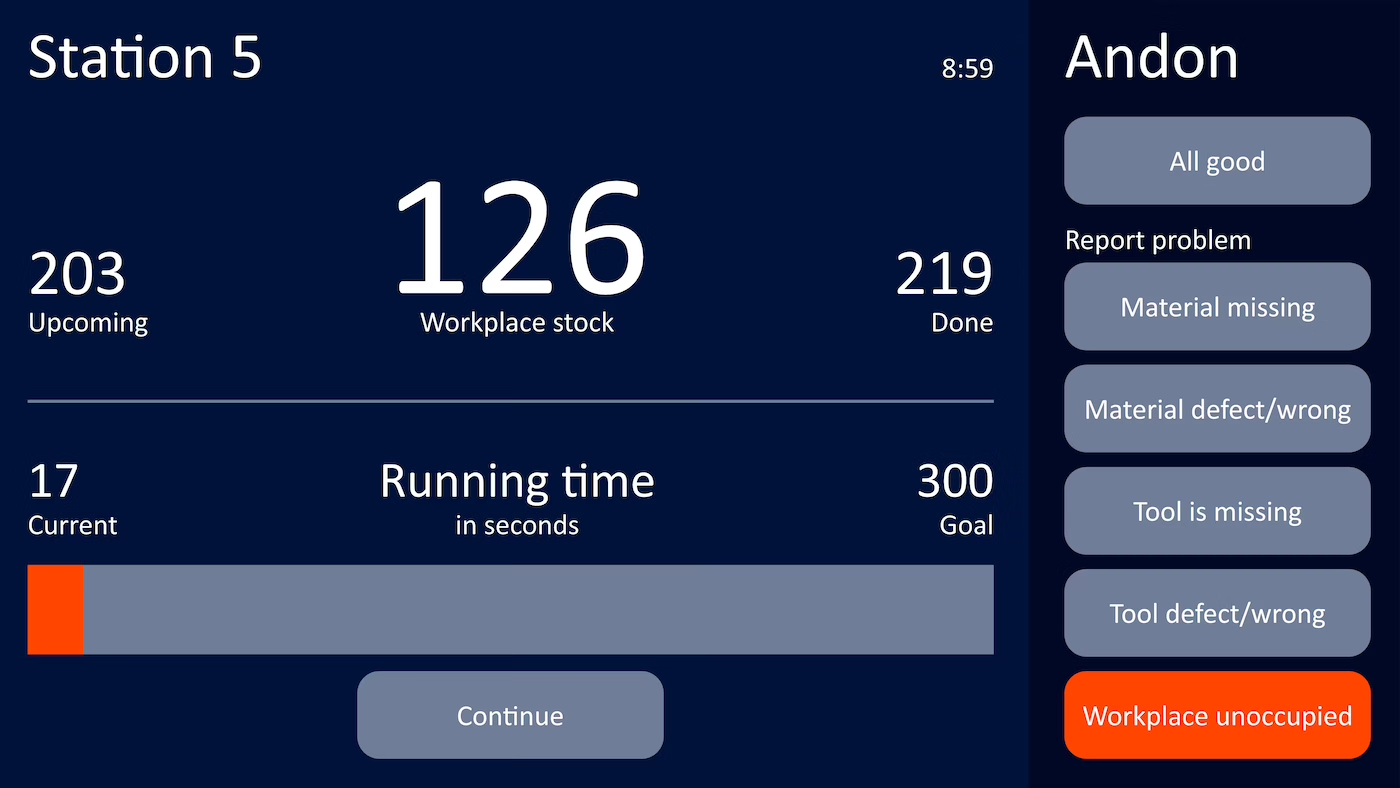
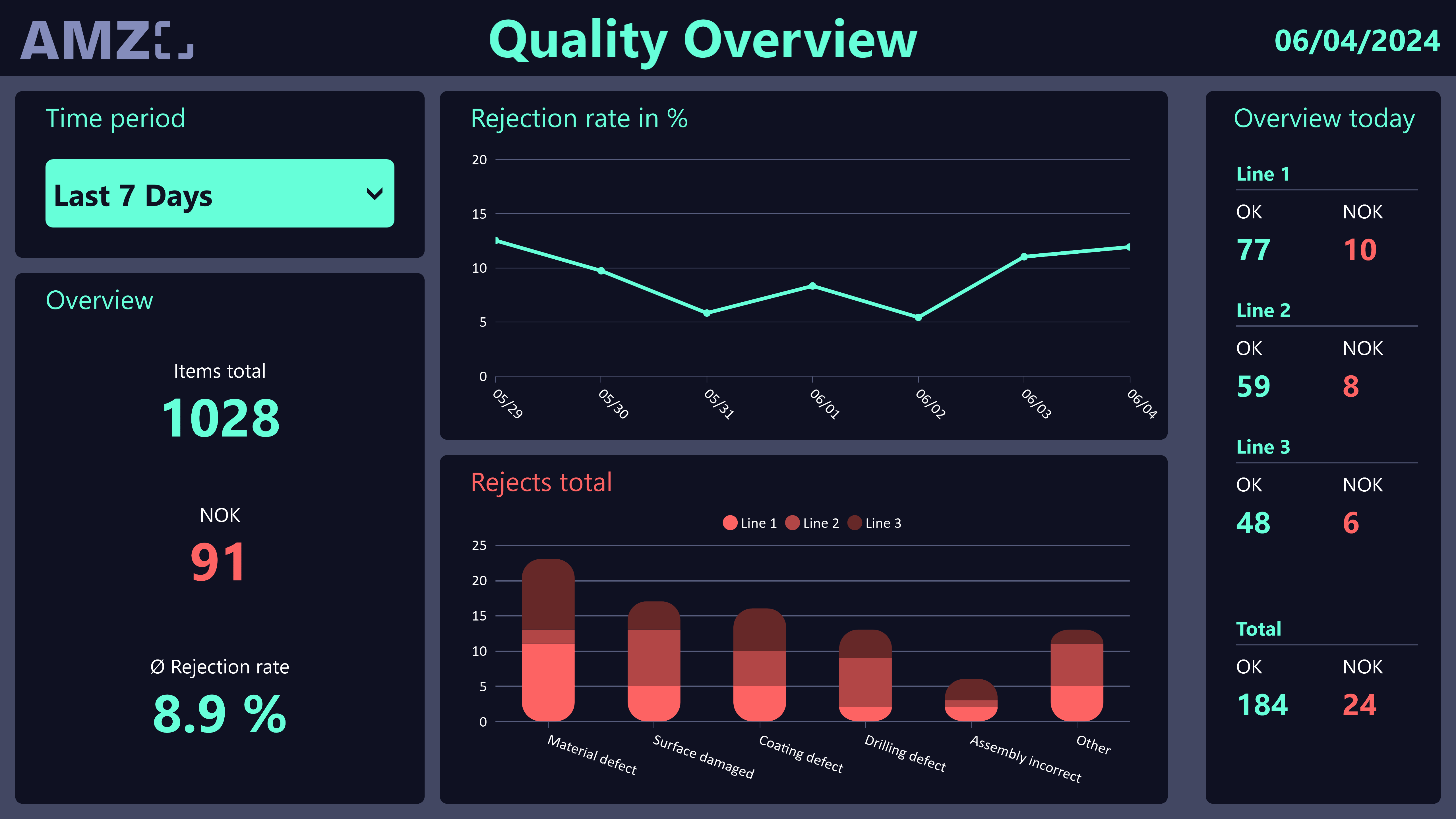
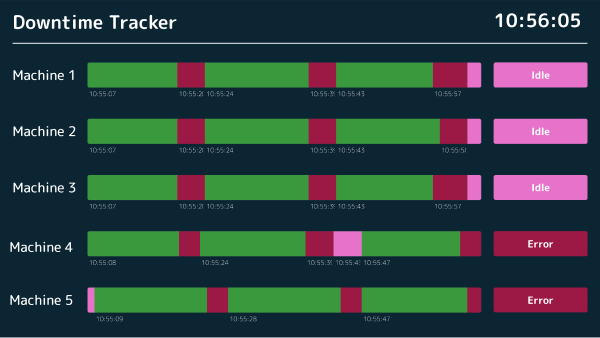

Start Immediately · No Appointment · Free
If you need support: You'll find tutorials and step-by-step guides on our Helpsite and our YouTube channel. For individual needs, we offer workshops and consulting.
In conversation · With experts · 55 min.
Discuss your specific use case with an expert – briefly provide information about your use case beforehand, and we'll get straight to the point.
You'll get a complete overview of all features and see what's possible with Peakboard in your environment.

The monitor hangs where the machines are and keeps them in view. When a fault occurs, the display switches to signal colours and names the type of fault message. Machine data comes via OPC UA; alternatively you can connect MQTT, Siemens S7, Werma, Beckhoff Automation, Rockwell Automation or MT Connect.
The monitor reports each fault at the moment it occurs. What else can be captured and evaluated over time is covered on the page about machine monitoring software.
Malfunctions and the type of fault appear on the monitor in real time – clearly recognisable through signal colours like red, yellow, or green.
OPC UA by default. Alternatively, you can also connect MQTT, Siemens S7, Azure Event & IoT Hub, Mitsubishi Electric, Beckhoff Automation, Bosch IoT Gateway, Rockwell Automation, or MT Connect.
The Andon board shows several workstations at once as tiles. The alarm monitor is a simpler, central alert screen for a single machine or line.
Yes. Peakboard is a low-code platform: you change colour scheme, layout, and data source by drag-and-drop in the Peakboard Designer.
Peakboard runs entirely on-premises on your own network – machine data never leaves the company. There's no cloud requirement and no dependency on US-based infrastructure providers – 100% GDPR-compliant.