Peakboard Designer
Low-code editor for building your industrial applications.
Learn more
Machine monitoring is the continuous capture and display of the operating state of production machines. Peakboard reads status, cycle time, part counts and fault messages straight from the controller — via OPC UA, Siemens S7, MQTT or Modbus — shows them on the display at the line, and records them in the Peakboard Hub for long-term analysis. No middleware, no programming, no MES project.









.avif)
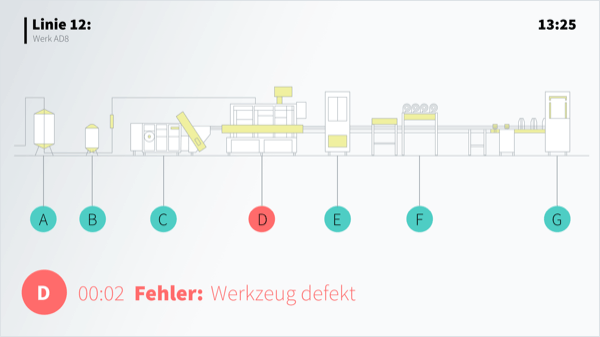
An entire production line on one screen – the operations lit up on a drawing of the plant.
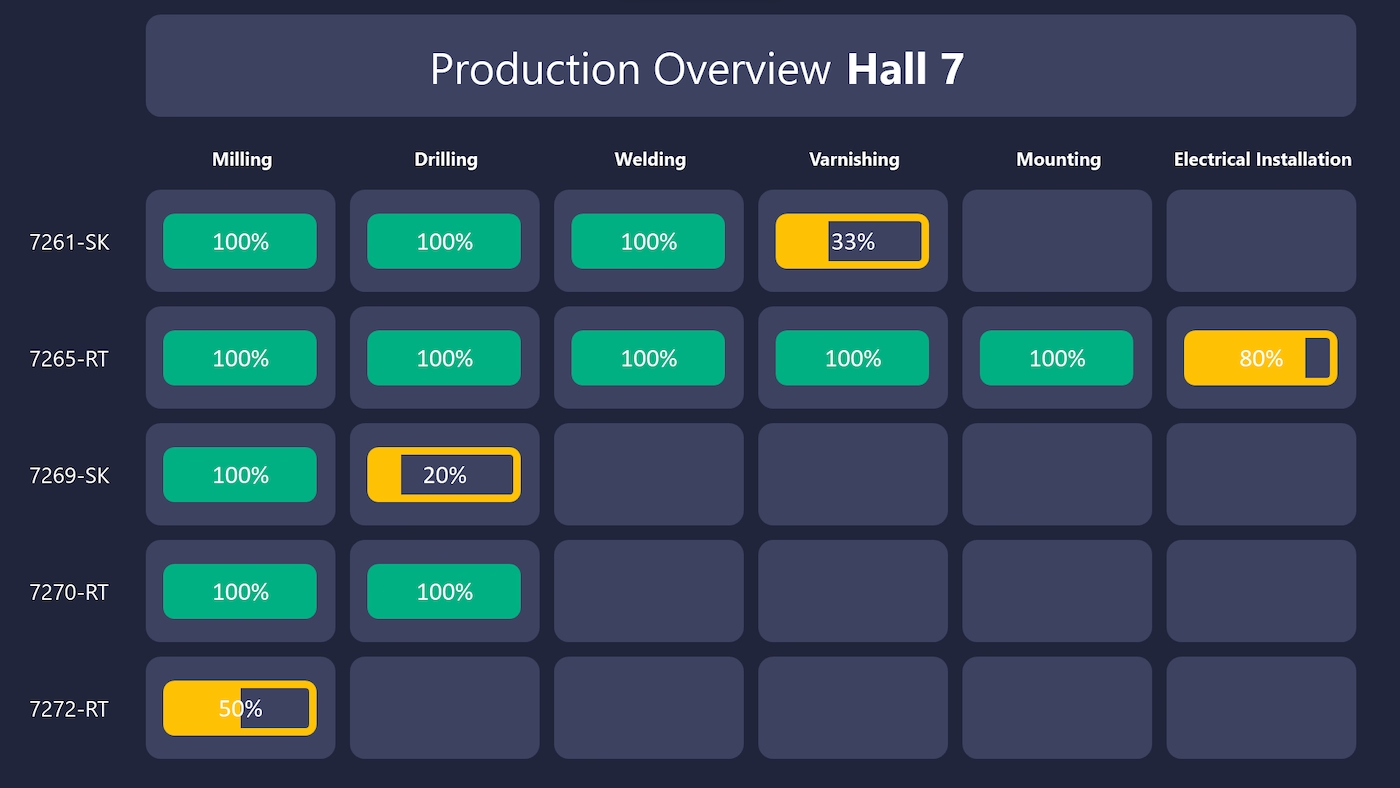
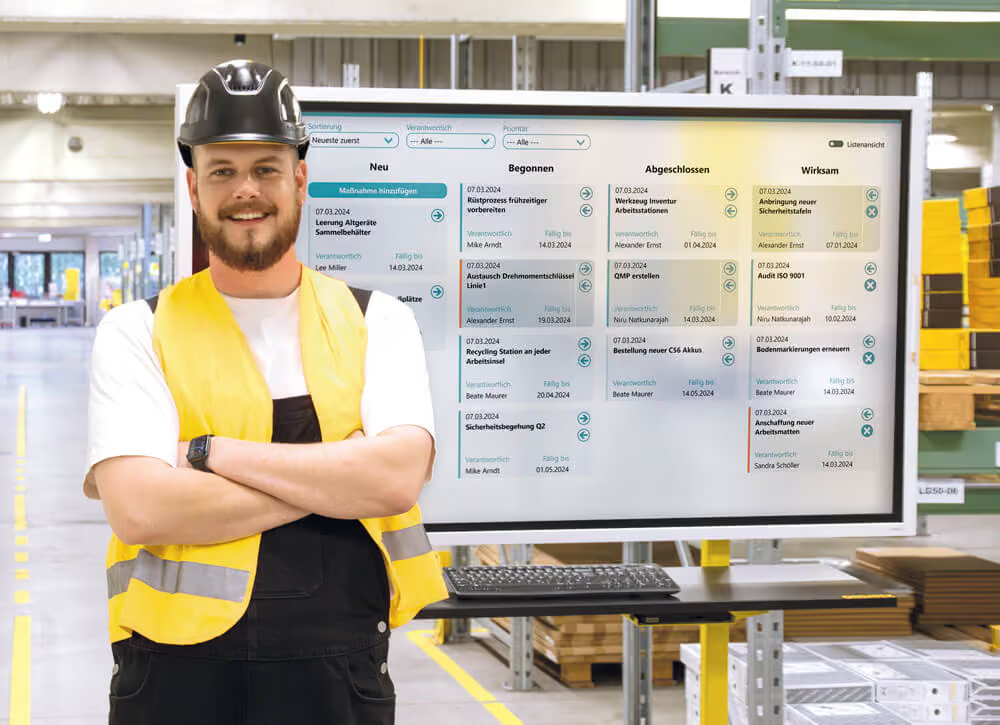
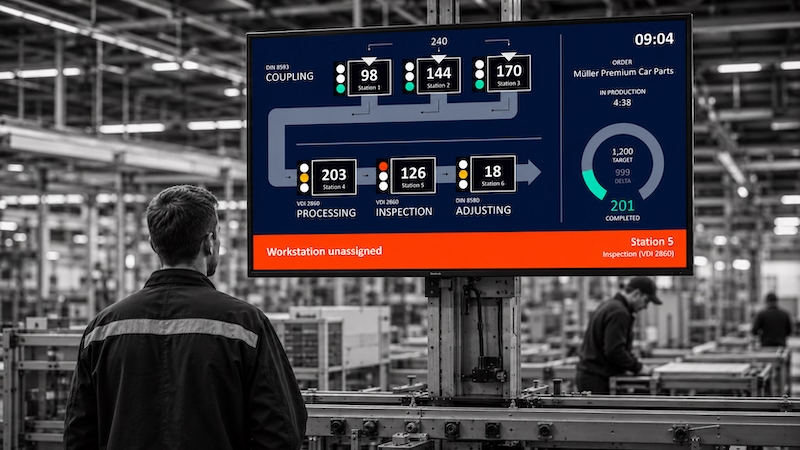
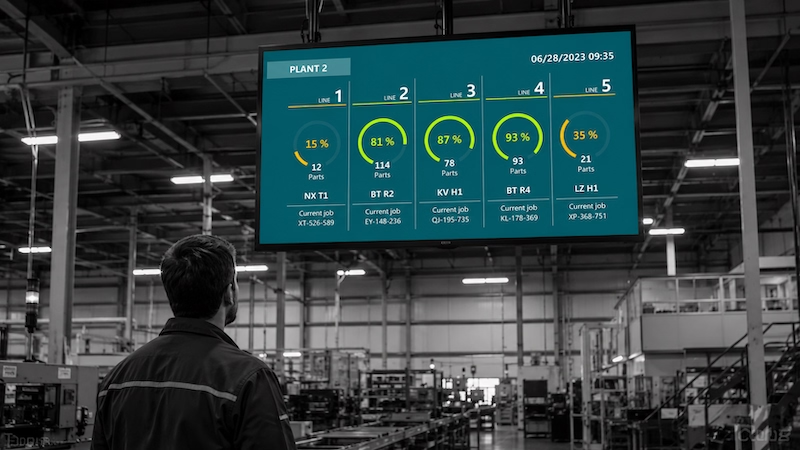
Show the status of several production lines clearly – with the progress of every operation.
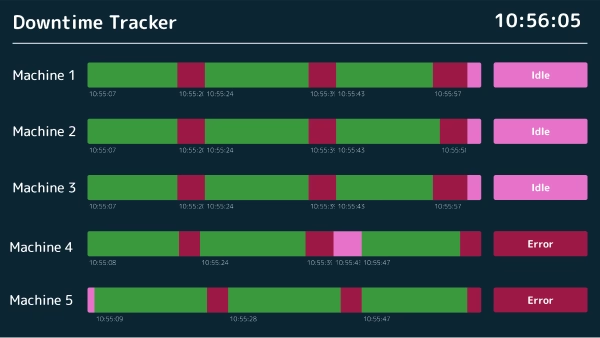
Capture machine downtime in real time, analyse root causes and cut outages for good.
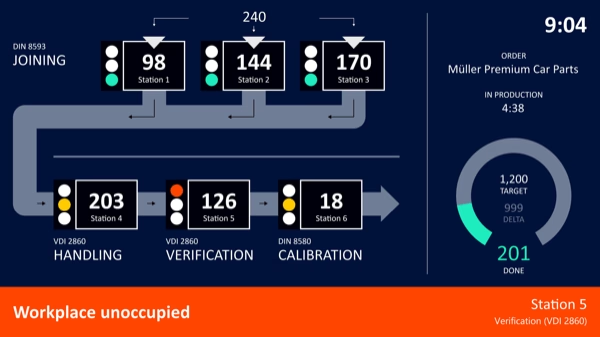
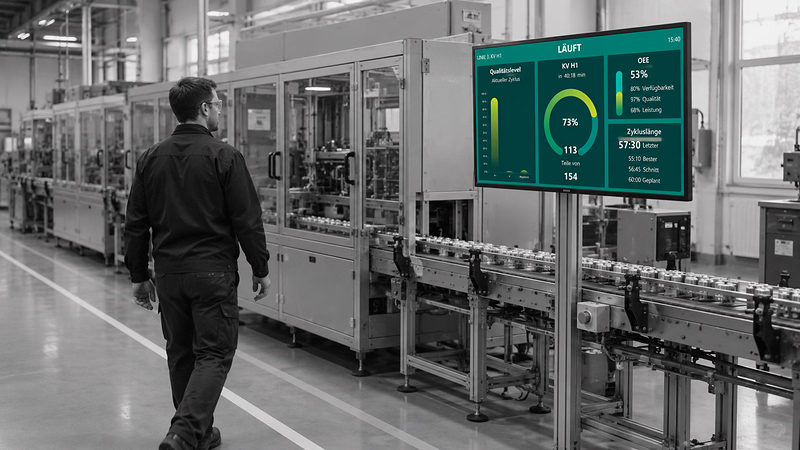
Machine status, faults and progress in real time – for less downtime.
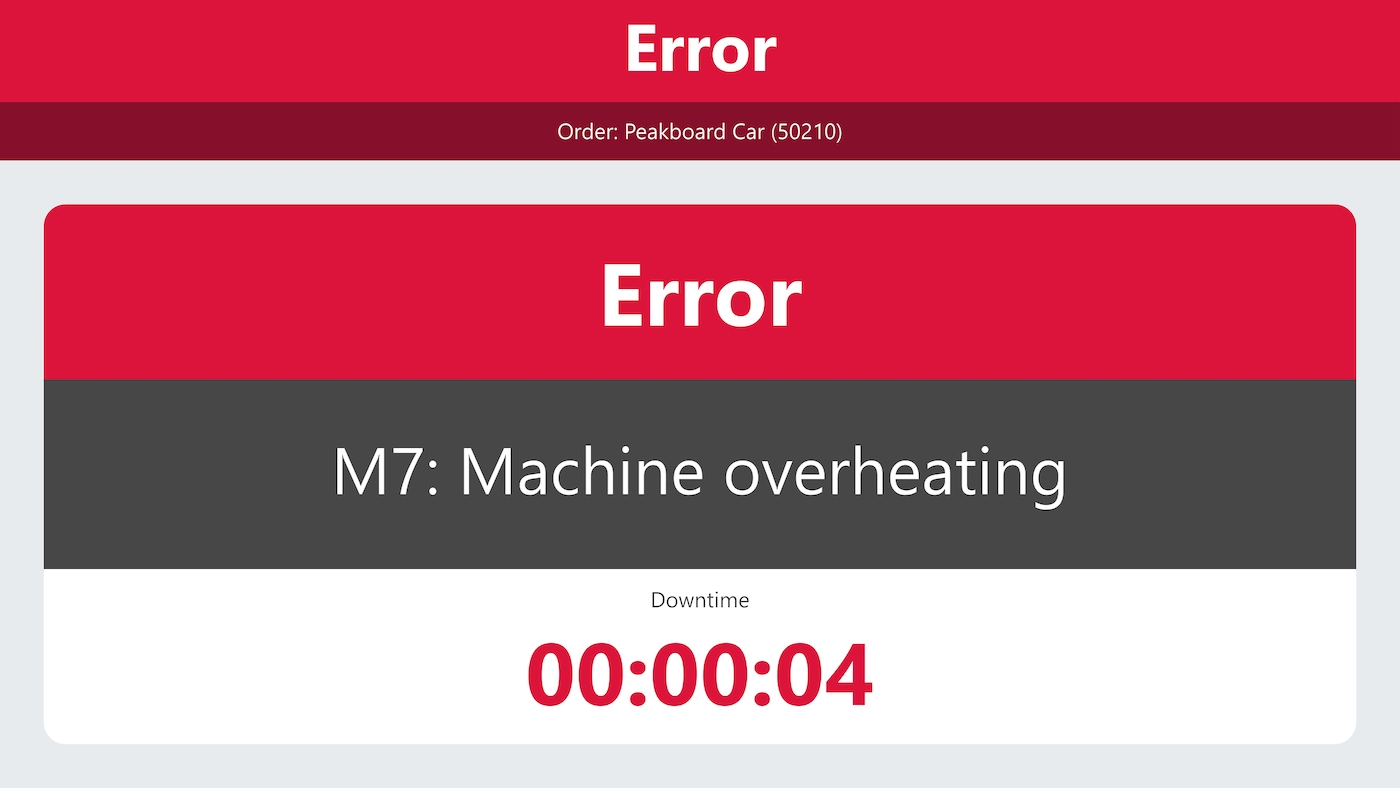
Show faults and the type of fault message in real time – large and in signal colours.

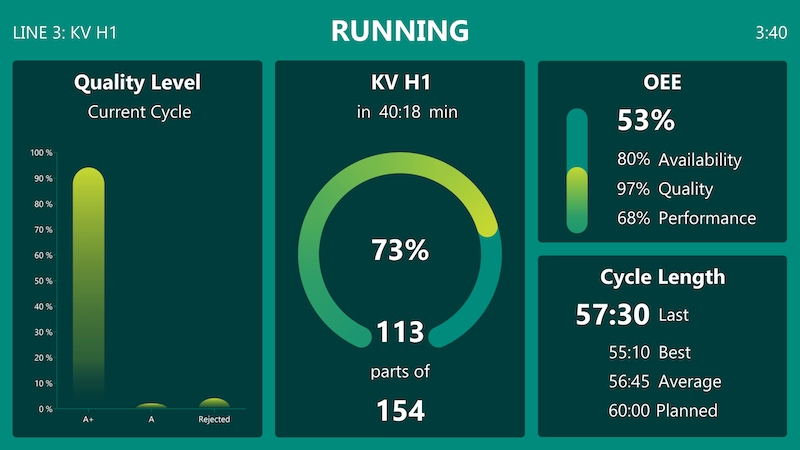
Capture and visualise production data in real time – spot errors earlier and protect quality.
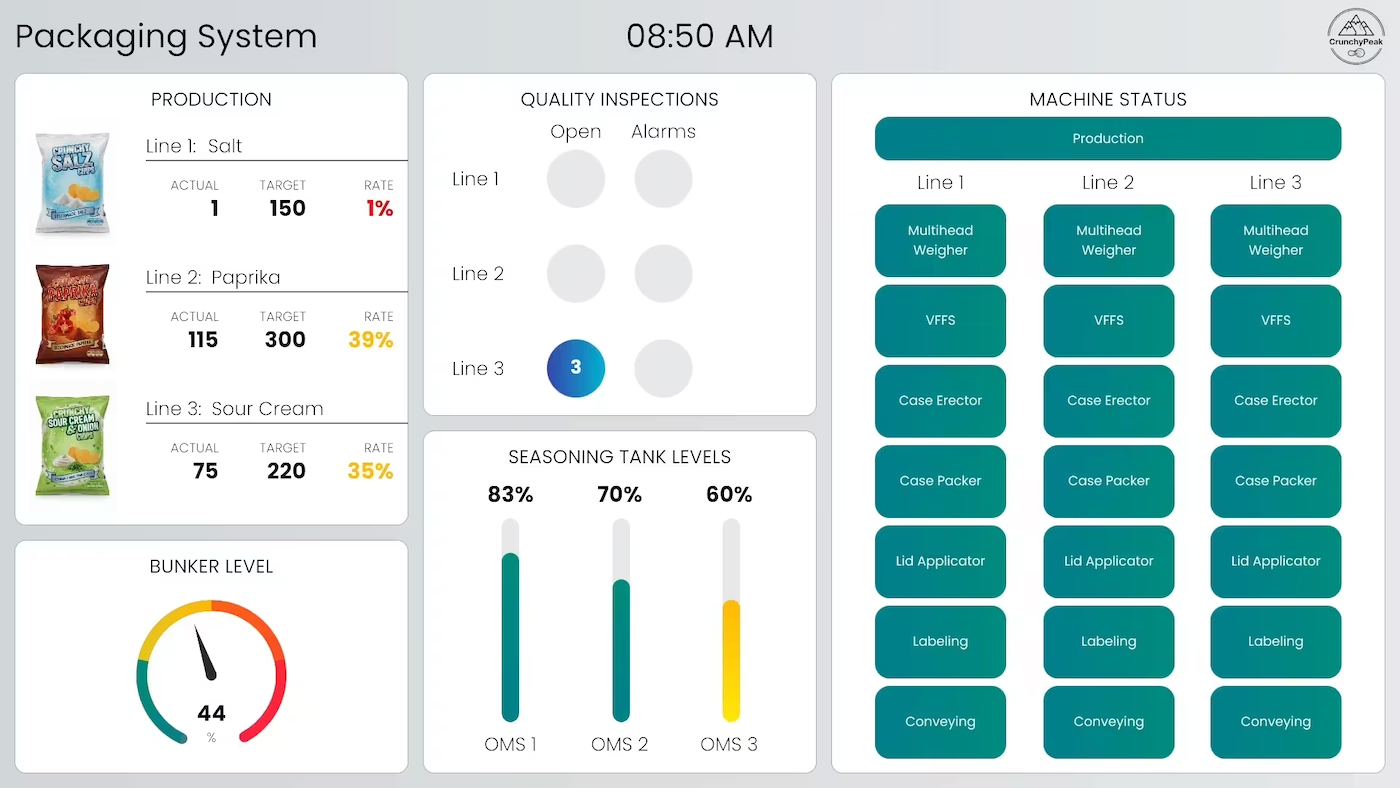
Fill levels, machine status and production progress of the packaging line on one dashboard – spot disruptions before they stop the line.
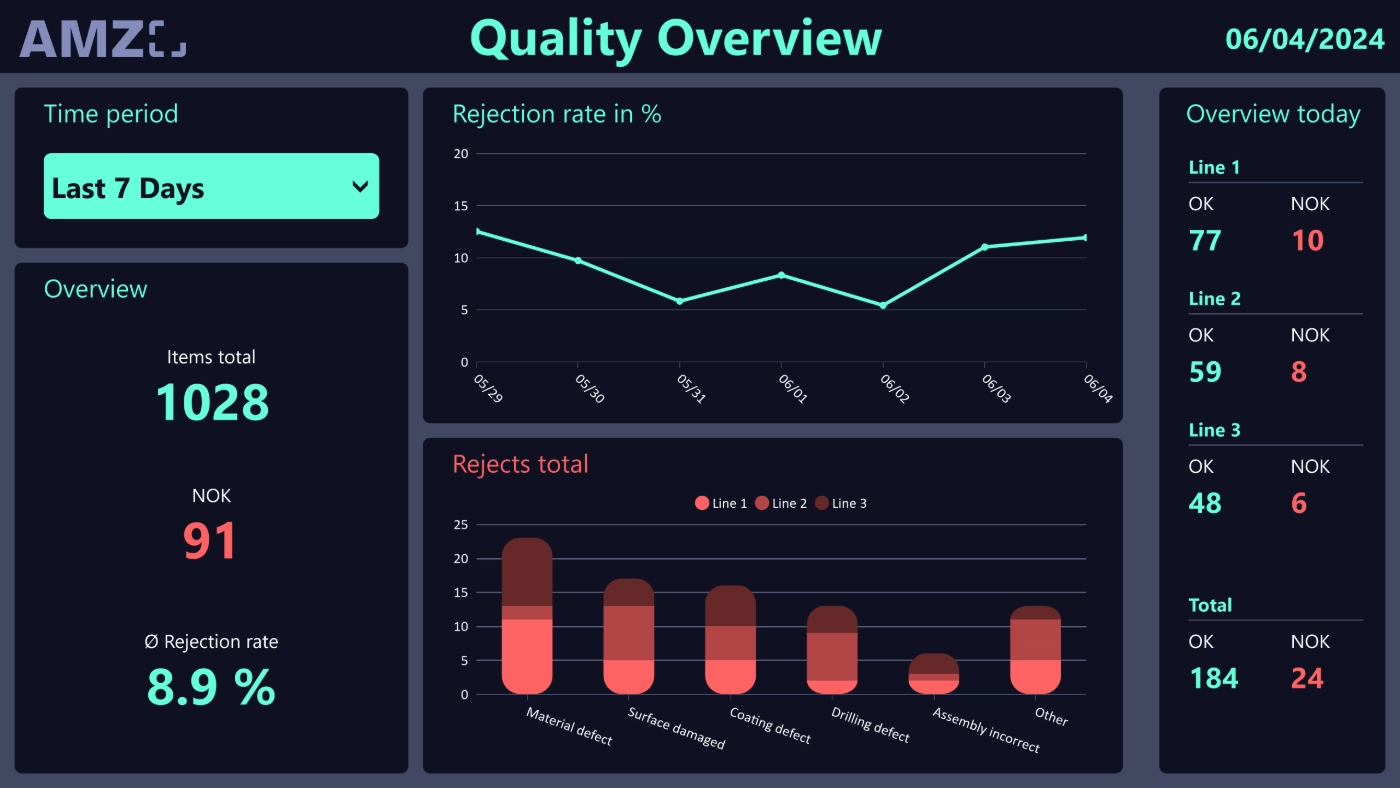
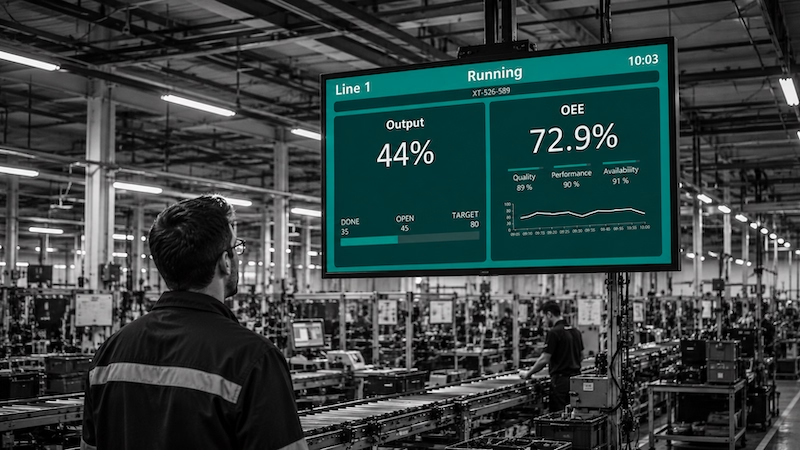
Every production step backed by data – detect scrap early, improve OEE, continuously optimise processes.
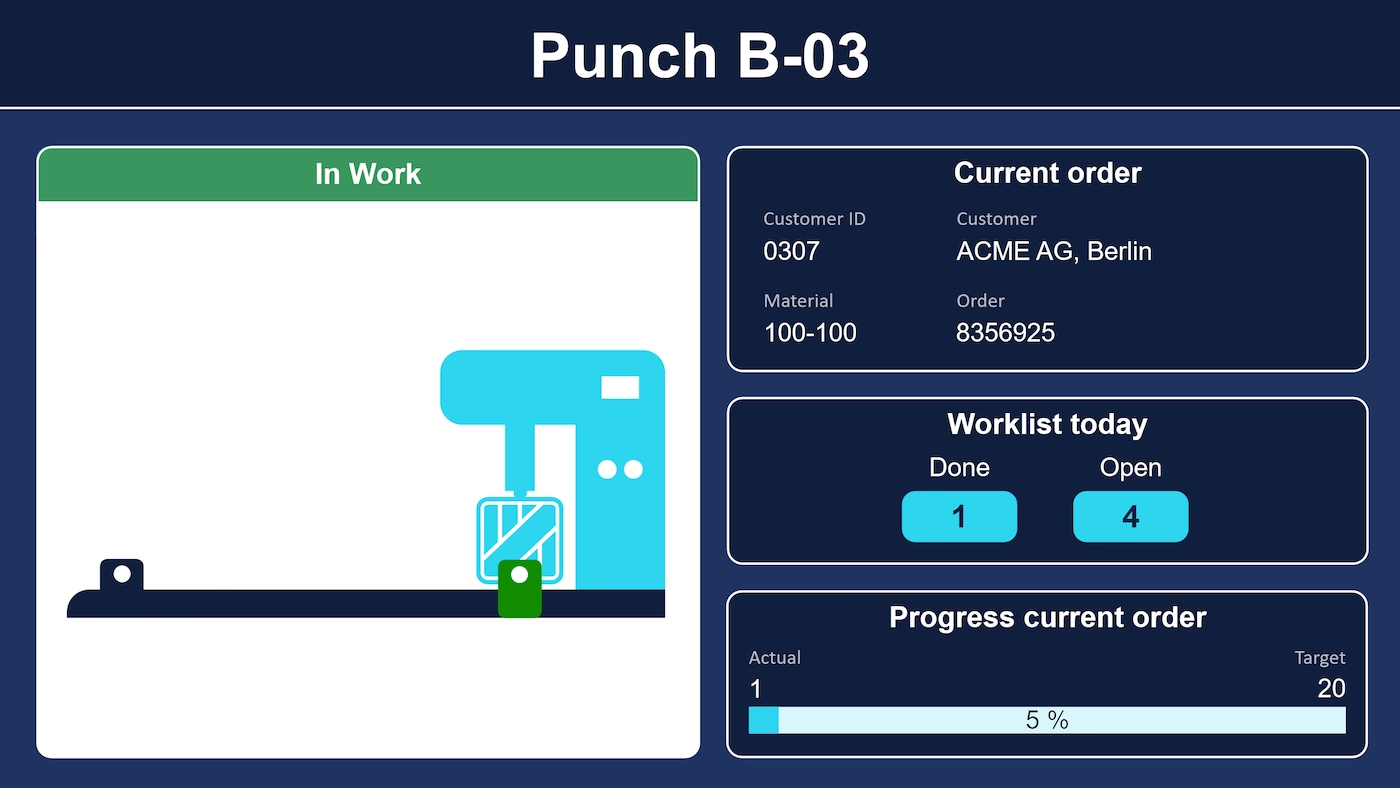
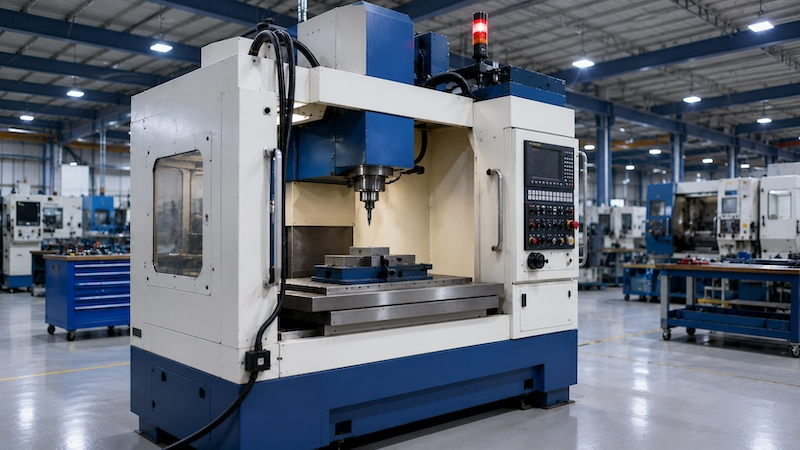
Map a punching machine graphically – with light barriers, punch head, order, workload and progress.
For your own use case
None of the templates fits your machines or the way you handle faults? A few sentences are enough. Peakbot turns them into a working Peakboard project with sample data, which you can open in Peakboard Designer and connect to OPC UA, S7 or MQTT. Peakbot is built right into Peakboard Designer – here you can try it without installing anything.

Capture machine data, show it at the line and analyse it over months — three steps on one platform, with no system break in between.

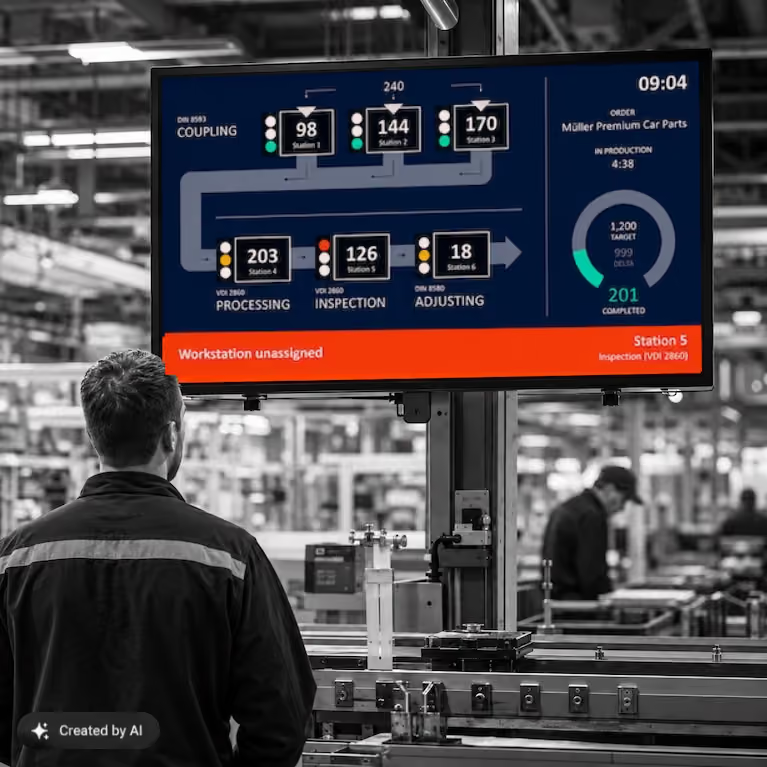

OPC UA, Siemens S7, MQTT, Modbus, Beckhoff, Rockwell, Kepware, MPDV, SAP and SQL. Peakboard connects to the controller directly and reads the data points instead of fetching them through an intermediate server.

Drag & drop, low-code editor, and AI: departments build and customise their own applications — no IT ticket required.

Peakboard runs locally on your own network. Data never leaves your premises — no cloud dependency, no single point of failure.

Licensing is per display, not per user. Use as many employees, applications, and interfaces as you like on one device with no additional costs.

Start Immediately · No Appointment · Free
If you need support: You'll find tutorials and step-by-step guides on our Helpsite and our YouTube channel. For individual needs, we offer workshops and consulting.
In Conversation · With Industry Experts · 55 Min.
Discuss your specific use case with an industry expert – provide brief information about your use case beforehand, and we'll get straight to the point. You'll get a complete overview of all features and see what's possible with Peakboard in your environment.
Machine monitoring software reads operating and process data continuously from the machine controller, presents it in real time and keeps it for later analysis: state, cycle time, part counts, scrap and fault messages, each with a timestamp. Peakboard fills that role with no middleware – the application runs on the Peakboard Box or on existing Windows hardware inside your own network, and the Peakboard Hub handles the history.
OPC UA by default. Alongside it Siemens S7, MQTT, Modbus, Beckhoff Automation, Rockwell Automation, Kepware, MPDV, SAP and SQL. Peakboard connects to the controller directly – no middleware server and no additional driver required.
Yes, in two ways. Operators report status and fault reason by touch at the terminal, and those entries sit alongside the machine signals read automatically. Where sensors or a gateway are needed on top, the hardware comes from partners such as Softing or Kepware; Peakboard processes and displays the signal.
Yes. In the Peakboard Hub, machine states can be stored with a timestamp, so availability, downtime durations and OEE can be analysed over longer periods. With Hub Flows, that data can be processed further and handed over via REST to an ERP, an MES or another system – on a schedule or on an event, with nobody having to start anything.
No. An MES runs production end to end – order management, material flow, quality assurance – and needs a project of matching size. Machine monitoring with Peakboard is lean, aimed at transparency, and complements an existing MES rather than replacing it.