DISPLAYS ON SITE
1 Display
EMPLOYEES
18
Data sources


1 Licence
One licence per display

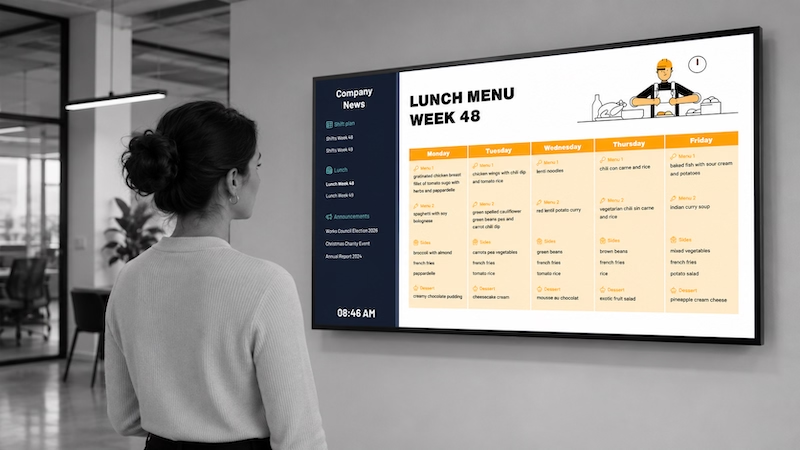
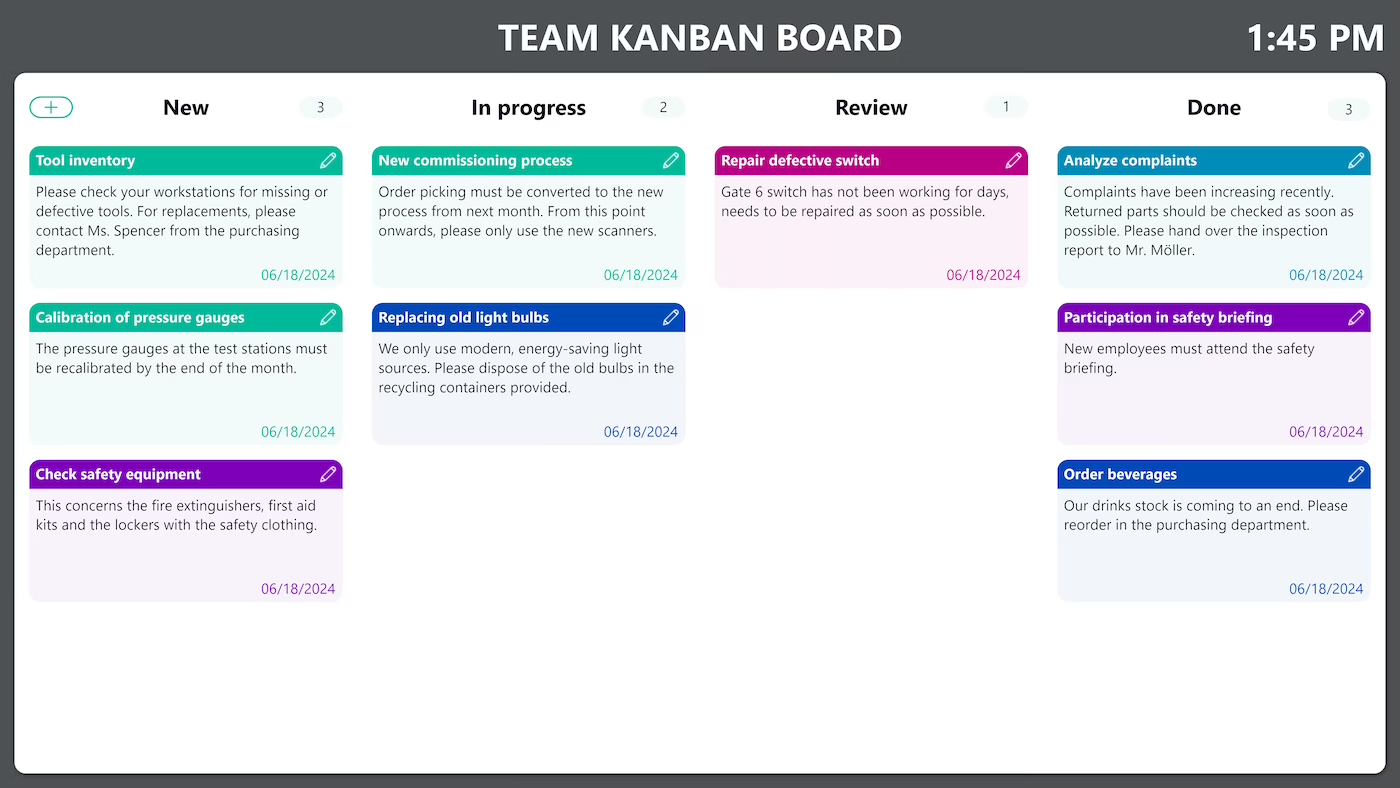
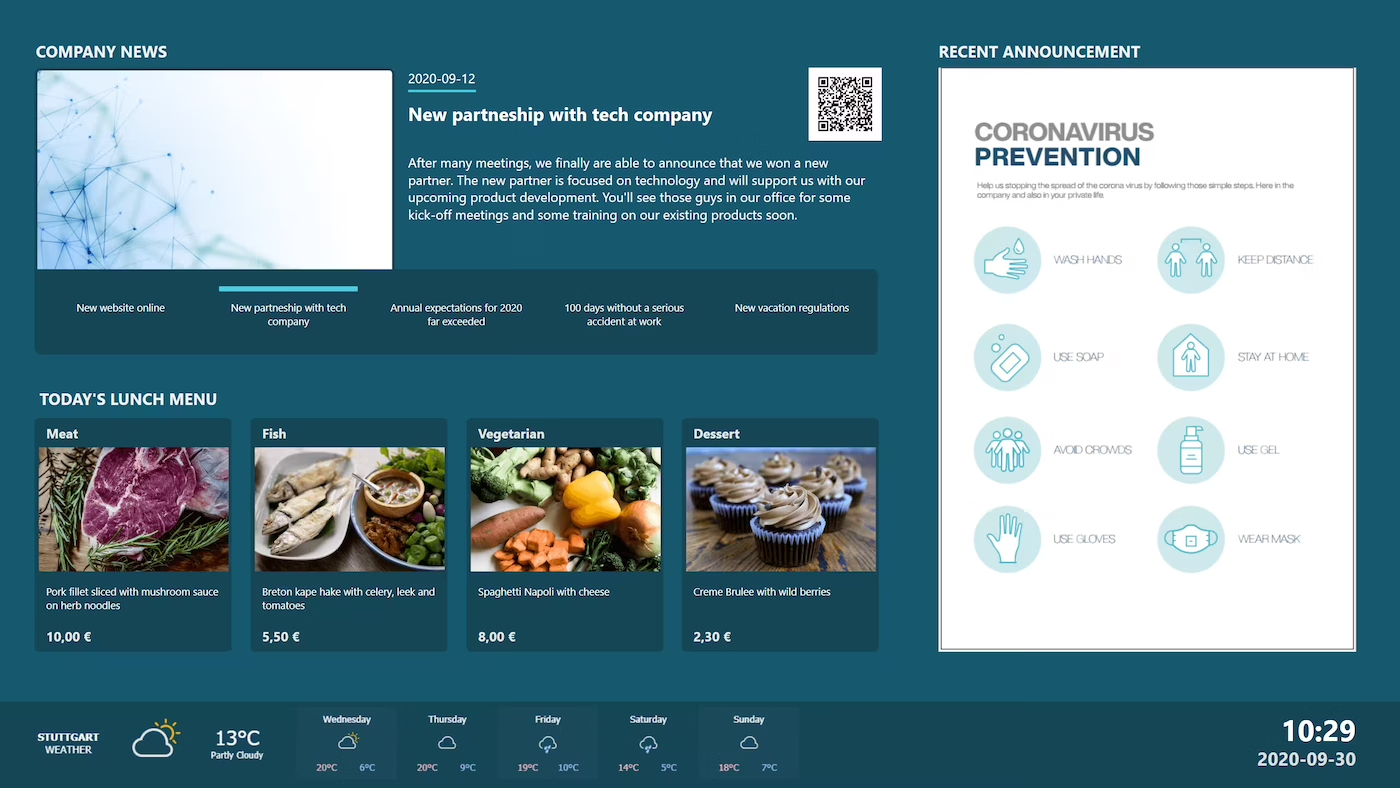
A digital notice makes sure employees always see up-to-date information – with no paper slips. Shift plans, menus or company news are stored centrally in the Peakboard Hub and appear right on screen. This is how you communicate transparently and always up to date – with no programming required.


Constantly changing shift and canteen schedules on paper.
Different information levels across locations.
No central access to all documents.
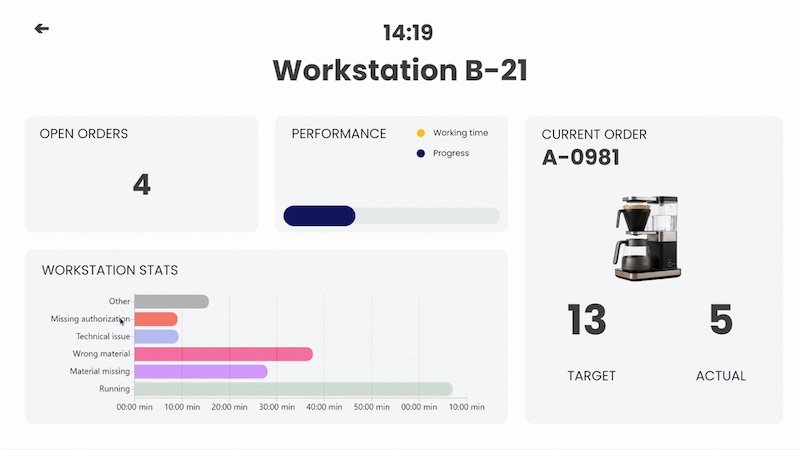
Native SAP connector, OPC UA, MQTT, and dozens of other sources are available out-of-the-box. You just connect, instead of integrating – and the data appears directly at the shop floor.


%201.svg)


%201.svg)


A new shift plan, a different menu, an extra notice – thanks to the low-code editor and Peakbot, you can adapt the notice yourself, without programming skills.
Whether on the Peakboard Box or your own hardware – both run 100% on-prem, with no single point of failure or dependency on US providers.
Device-based pricing instead of user-based licences: one licence per display, unlimited users per device. More employees on the same display cost nothing extra.



Introducing a digital notice shouldn't take a year. With Peakboard, you start immediately – no appointment, no major IT project.
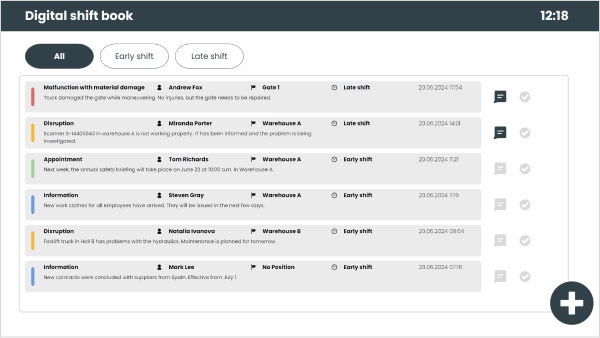
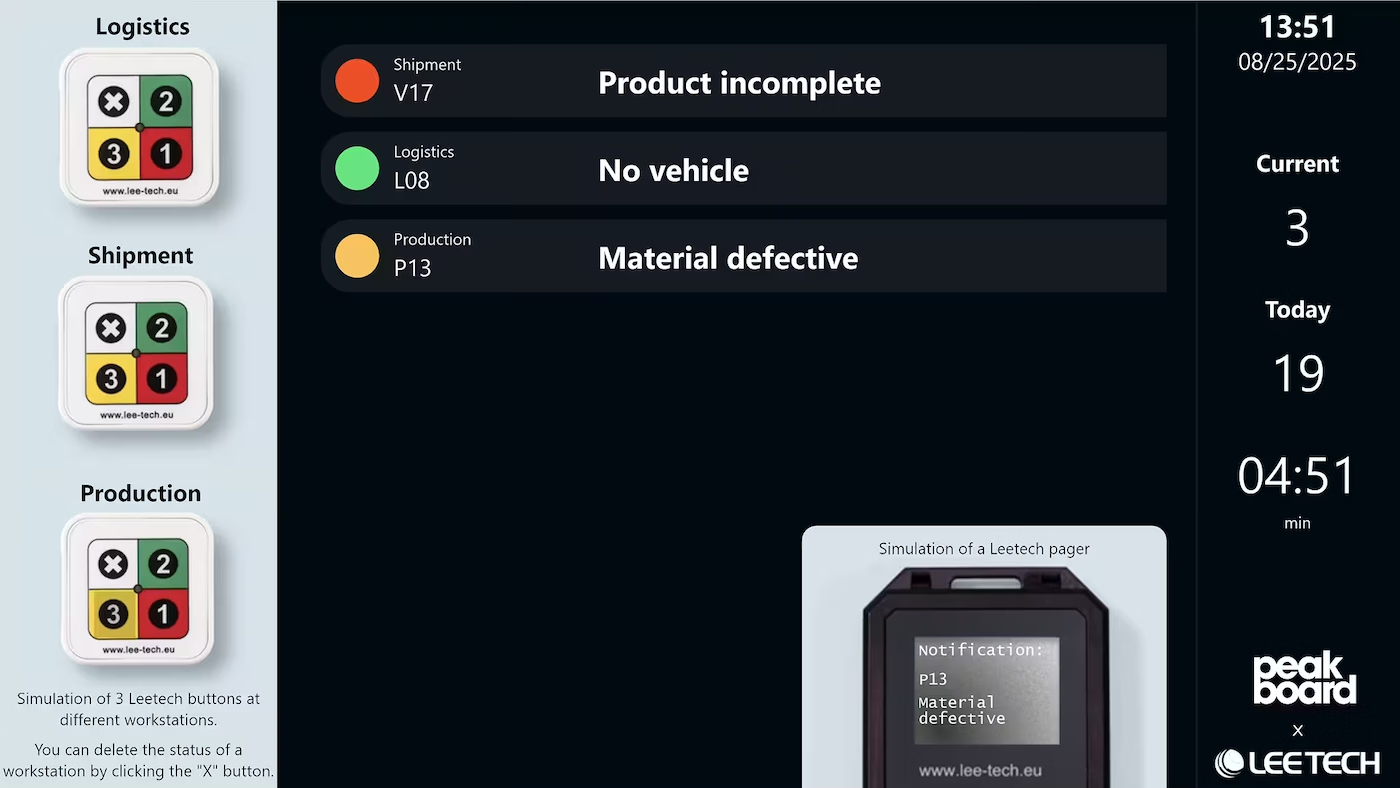
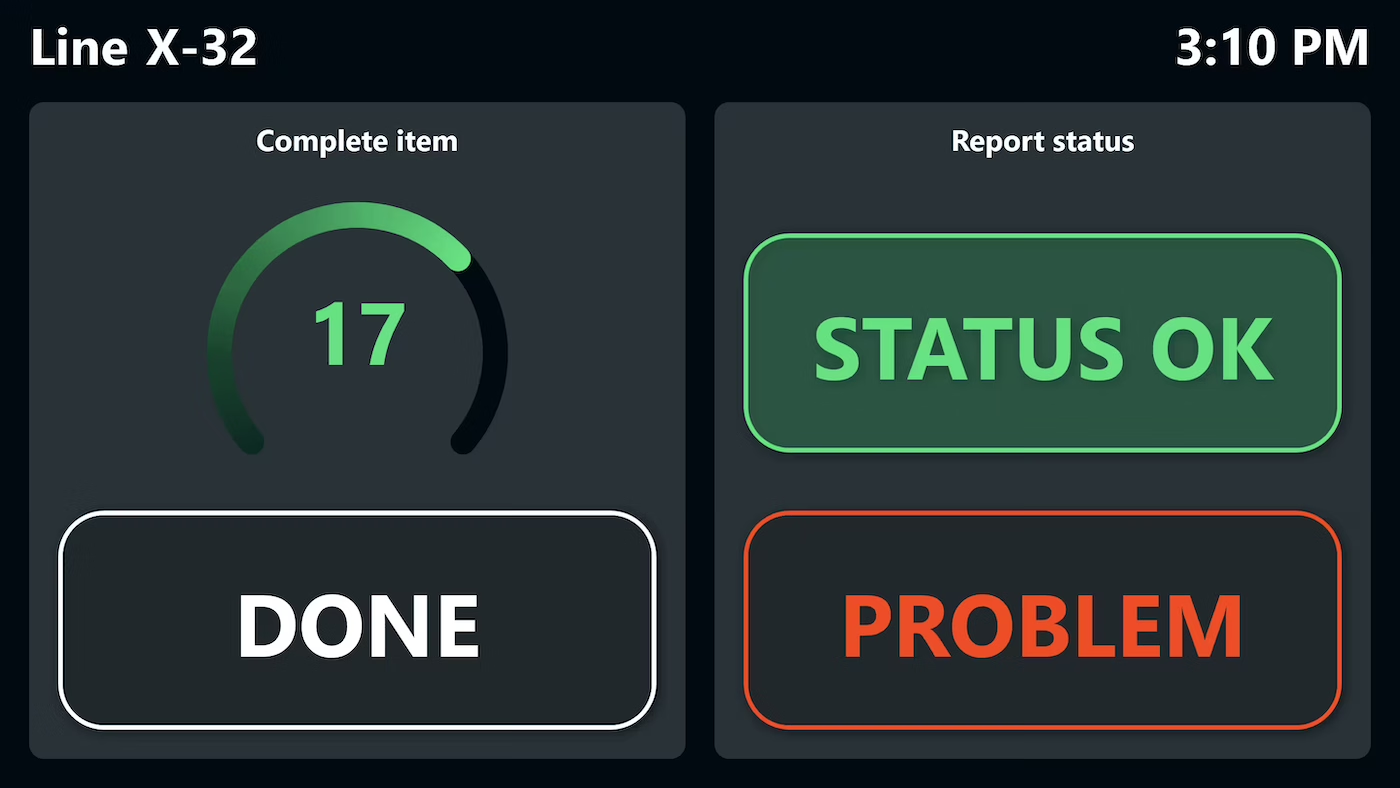
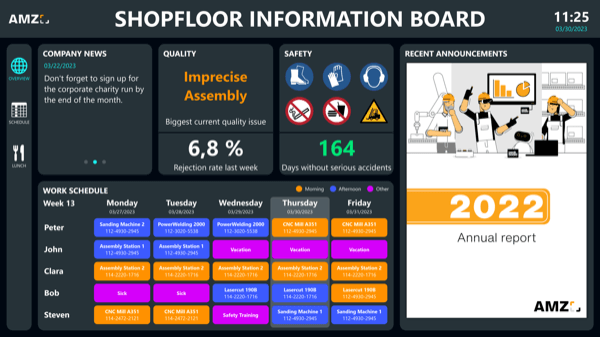

Start Immediately · No Appointment · Free
If you need support: You'll find tutorials and step-by-step guides on our Helpsite and our YouTube channel. For individual needs, we offer workshops and consulting.
In conversation · With experts · 55 min.
Discuss your specific use case with an expert – briefly provide information about your use case beforehand, and we'll get straight to the point.
You'll get a complete overview of all features and see what's possible with Peakboard in your environment.

Digital notices are the modern answer to classic bulletin boards. Instead of laboriously exchanging paper, documents are simply stored centrally and displayed digitally. This saves time and resources and ensures that information reliably arrives where it is needed.
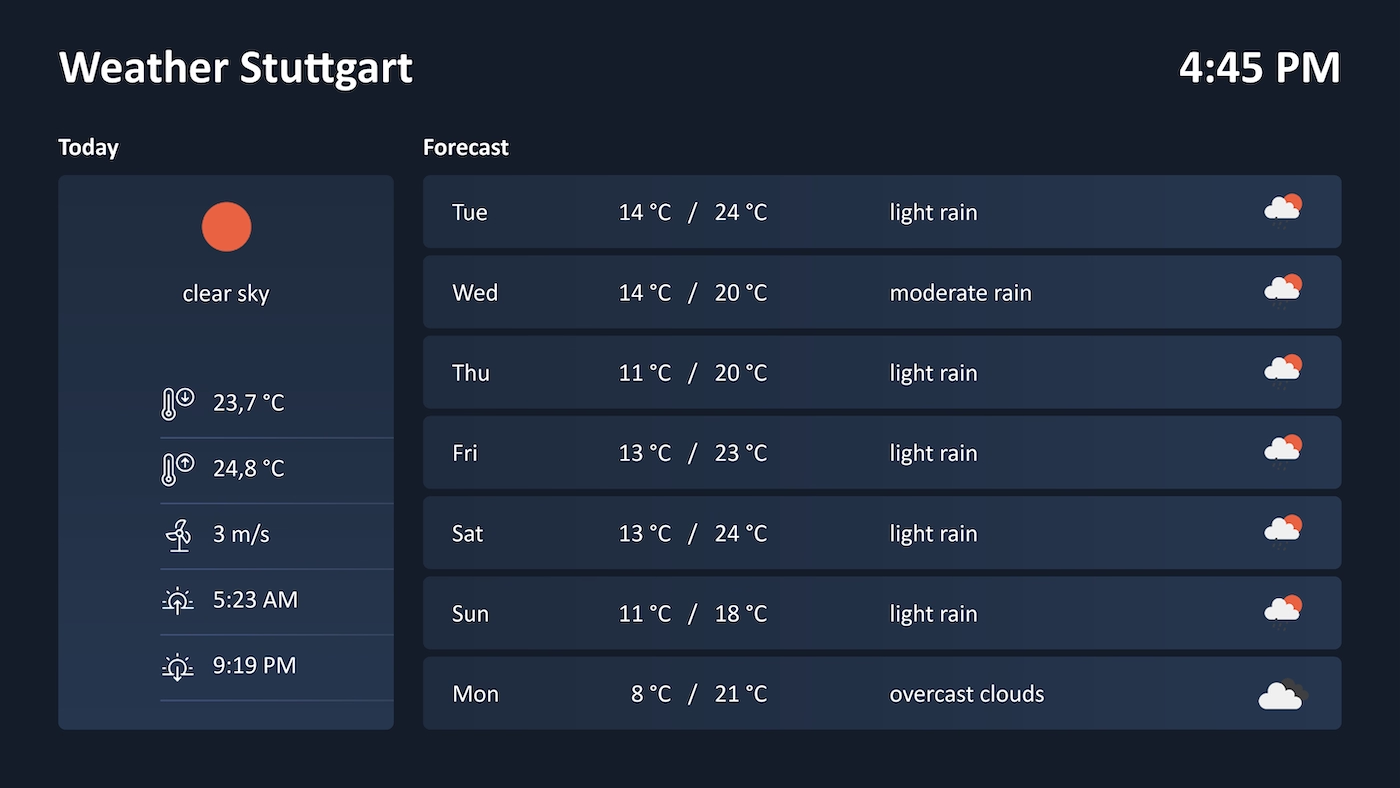
A digital notice board displays information such as shift schedules, canteen menus or company news on a screen in the workplace, centrally controlled, instead of printed paper on a physical board. The content lives in one place and updates automatically on every display.
The process is deliberately simple and needs no programming:
The central storage location is the Peakboard Hub. Beyond that, files from existing systems can be included so there is no duplicate maintenance:
Yes. New notices are simply uploaded as a PDF to the Peakboard Hub, with no ticket to IT. You build and change the application itself in Peakboard Designer using low-code, supported by Peakbot, without any programming knowledge.
The digital notice board runs fully on-premises: the Peakboard Hub sits in your own network and all documents stay under your control. This meets GDPR requirements and avoids dependence on US-based providers.