From sensor to actuator: How data is revolutionizing production
Sensors and actuators collect signals and convert them. But only once those signals are evaluated and visualised in an understandable way can they close the gap between the real and the virtual world.
18.03.2024
·
3 min read
- Sensors measure physical quantities and convert them into electrical signals.
- Actuators do the reverse: they turn signals into mechanical movement.
- Sensor data on dashboards makes production transparent and controllable.
- Only sensor data that has been made usable truly raises efficiency.
What exactly are sensors and actuators?
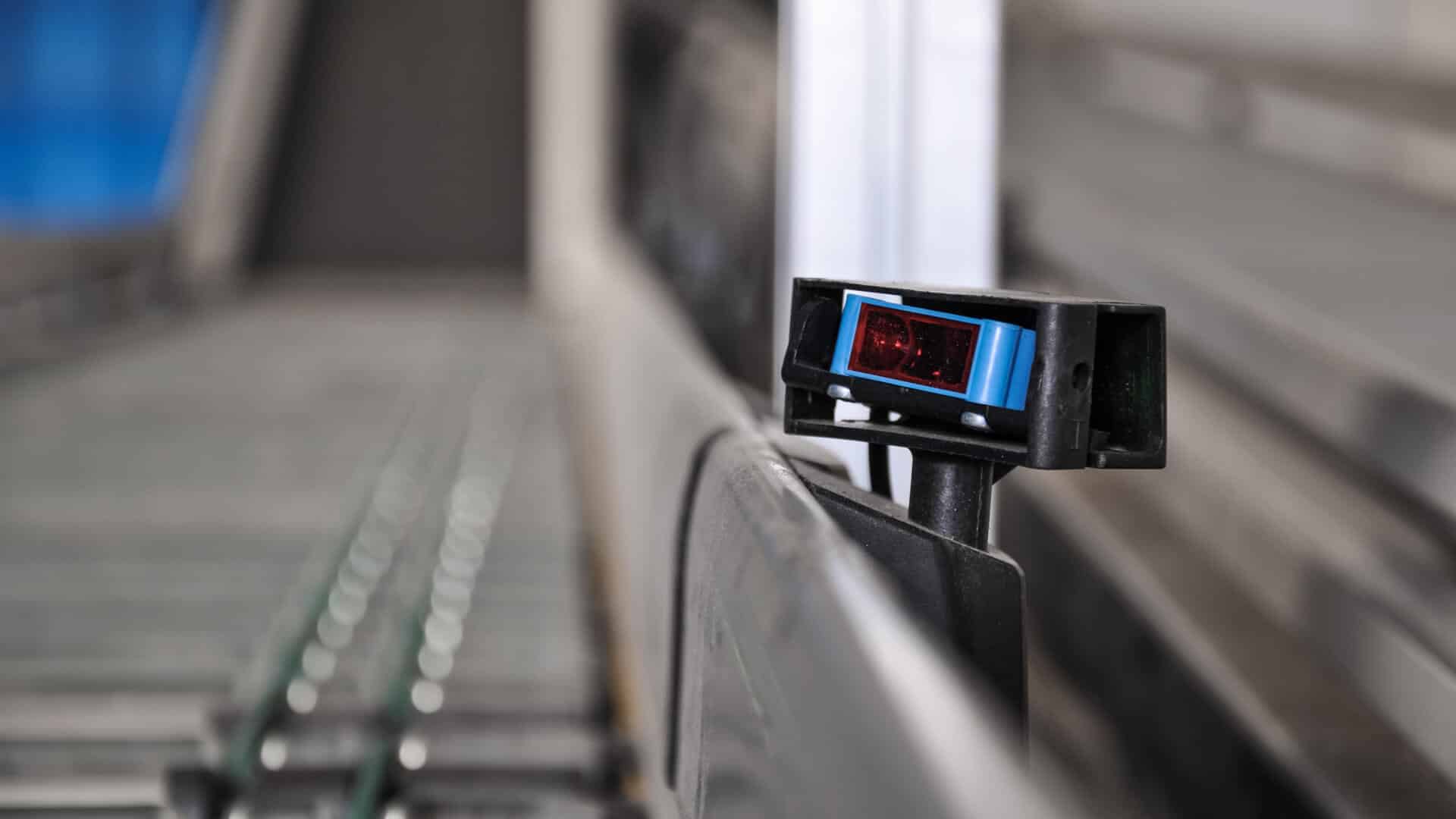
Sensors are devices that can measure a particular property. They are built in a wide variety of ways, which makes them versatile in use. Some temperature sensors, for example, use an NTC thermistor whose resistance falls as the temperature rises. That resistance is then converted into a voltage and read out by a microcontroller. A motion detector, as the name suggests, detects movement. It is usually used to establish whether an object is moving inside or outside the sensor's range.
From physical quantities to electrical signals and mechanical movements
In short, sensors convert physical quantities such as temperature, pressure, rotational speed or fill level into electrical signals and pass them on to a control device. A distinction is drawn between active and passive sensors. Active sensors are probes with internal amplifying or signal-shaping components that generate an electrical signal. Passive sensors contain components such as coils, resistors or capacitors and output signals as an analogue voltage. Another difference is that active sensors need an external power supply, while passive sensors can run without one — from a battery or a mains socket, for example.
What all sensors have in common, however, is the ability to take in input and pass it on as data. That information is then processed by a control device and output via an actuator. Actuators convert the control commands issued by the control device, in digital or analogue form, into mechanical movements or other physical quantities such as pressure or temperature.

Maximising efficiency in your production with sensor data
Sensors can supply two kinds of data. On one hand there is data that is captured continuously, such as temperature or pressure; it arrives as an uninterrupted stream. On the other hand there is data captured only when a particular event occurs — when an object passes a motion detector, for instance. That is known as event data.
These volumes of data are stored in a database, from which they can be analysed or processed further. The database serves as the central point of reference for everyone who needs the sensor data to do their job.
To communicate that data clearly and usefully, you need the right solution — Peakboard, for example. Peakboard is designed to process data from a wide range of sources, databases among them. The data could equally come from an MES or ERP system at this point. Data from SAP, Microsoft Azure, Dynamics NAV or Oracle can be connected without difficulty and displayed on screens exactly where it is needed. Our overview of data connections shows precisely which interfaces Peakboard supports. As an IoT solution, Peakboard can be used in automation to visualise sensor data. Path lengths, distances, pressure, temperature, position, force and much more can be measured and presented individually on a dashboard.

The advantage of sensor-based data visualisation on dashboards
The big advantage of a dashboard in production is obvious: because the data is visualised and made available in real time, work processes can be made more efficient, more effective and safer. And the data is provided exactly where it is needed: right at the machine, ready for the operators to use. Our website shows which areas of automation Peakboard covers; here is one example of what that looks like in practice.
Making sensor data usable
Peakboard can be used to keep an eye on the throughput of a bottling plant at all times and follow production progress easily. A commercially available light barrier serves as the sensor. Our template then makes the collected data usable and communicates it as a target/actual comparison. Peakboard can also connect data from other sources and visualise it in real time. You will find more use cases among our templates.
Frequently asked questions about sensors and actuators
What is the difference between a sensor and an actuator?
A sensor measures a physical quantity and converts it into an electrical signal. An actuator does the reverse: it turns a signal into mechanical movement.
Why is sensor data important for production?
Sensor data makes conditions in production measurable and visible. Shown on dashboards, processes can be monitored and controlled transparently.
How is sensor data made usable?
By capturing, connecting and visualising it. Only once the raw data is presented in an understandable way does it raise efficiency.