DISPLAYS ON SITE
1 Display
EMPLOYEES
18
Data sources


1 License
One license per display

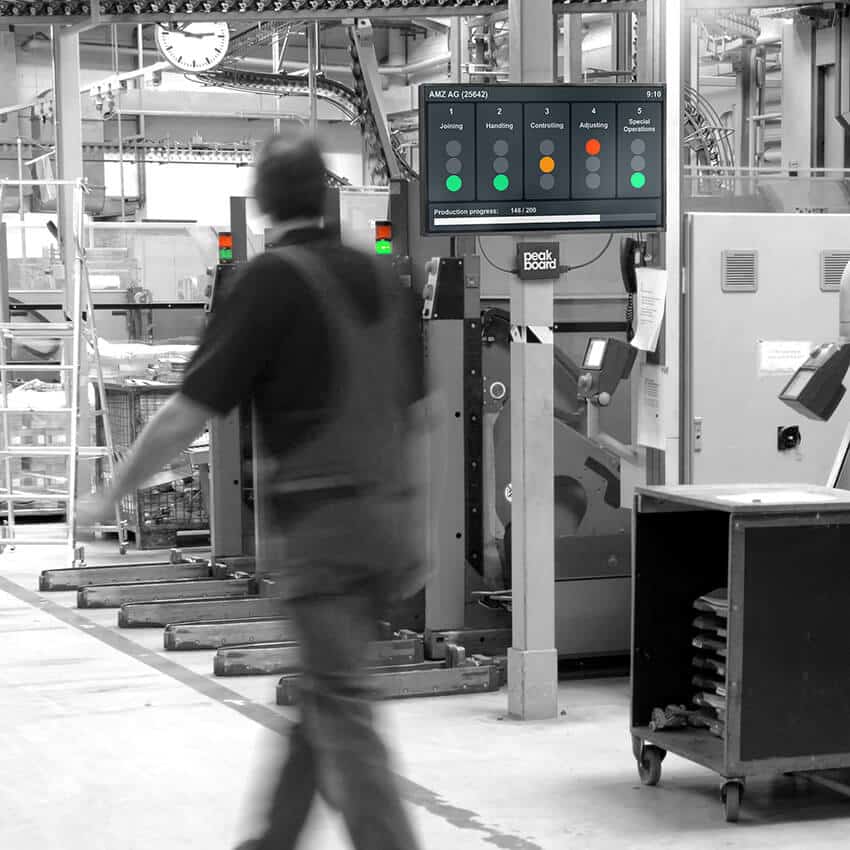
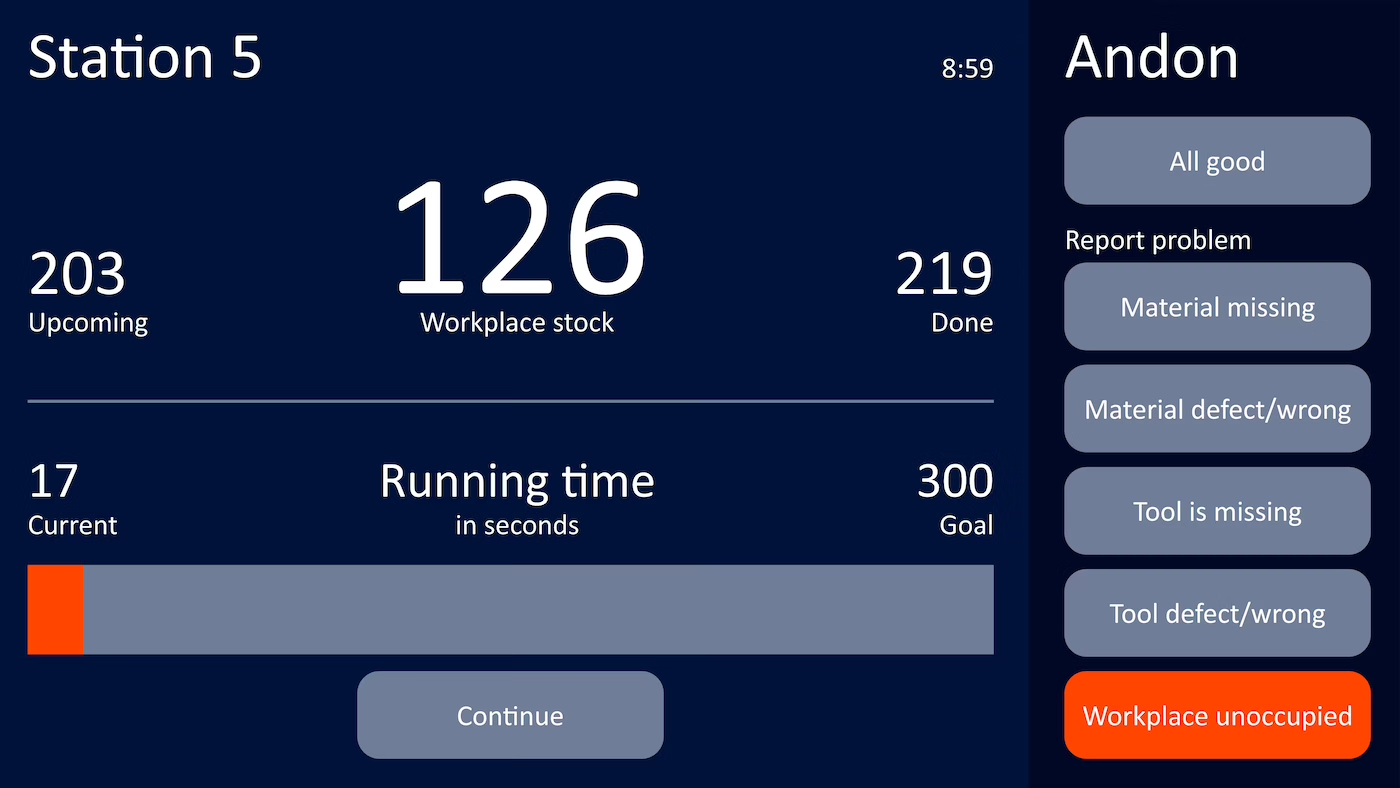
With an Andon board from Peakboard, you connect workstations, machines, and MES systems—and see workflow steps, faults, and machine status in real time on a display. Straight from MQTT, OPC UA, Siemens S7, or your MES, with no coding skills required.


No display shows what is happening at the stations—real visibility into production is missing.
Faults are not reported immediately—the response comes too late.
Progress and status are recorded manually after the shift—this takes time and is error-prone.
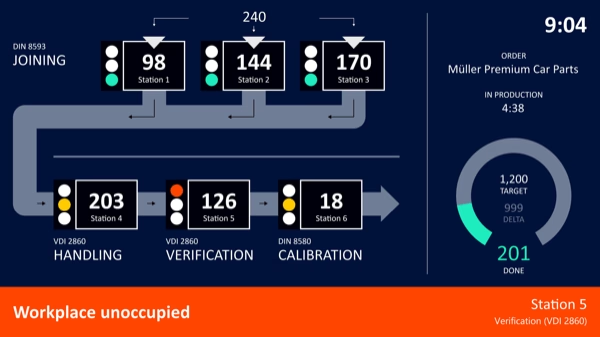
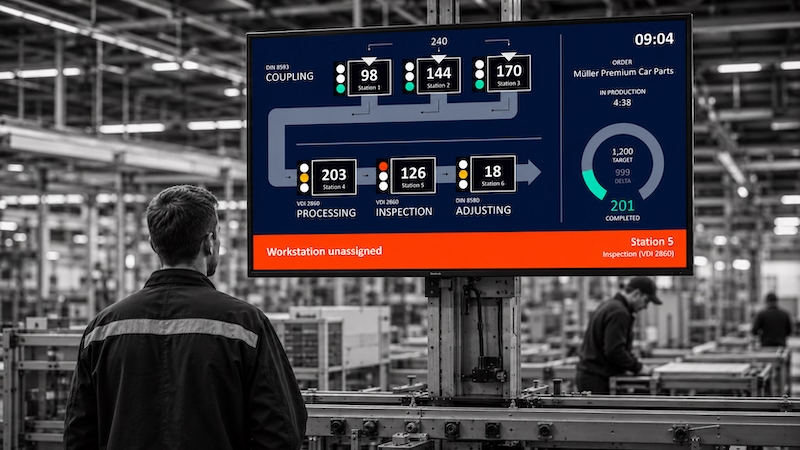
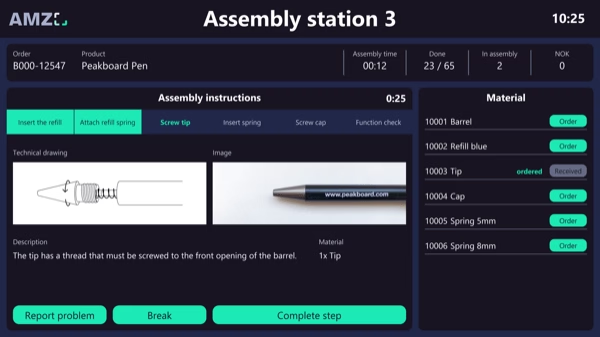
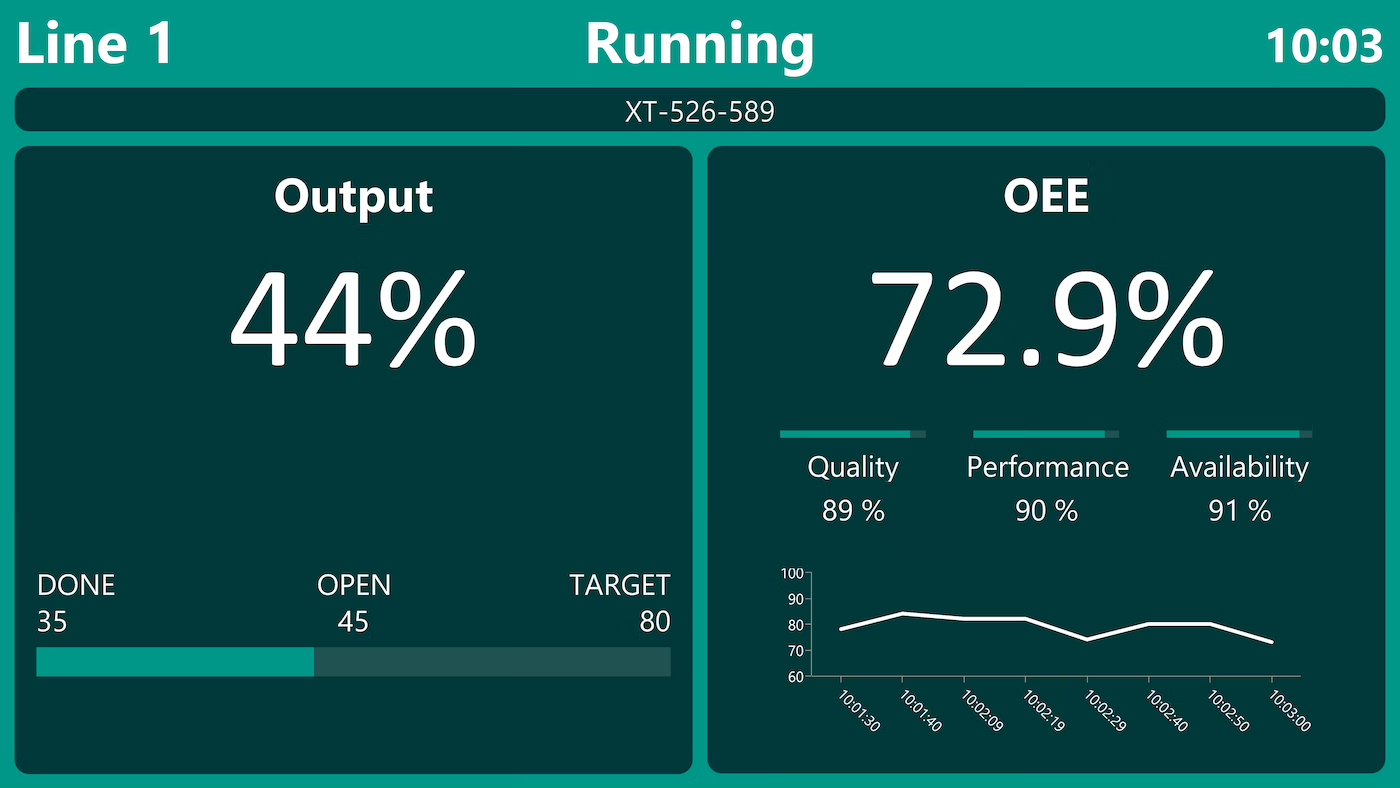
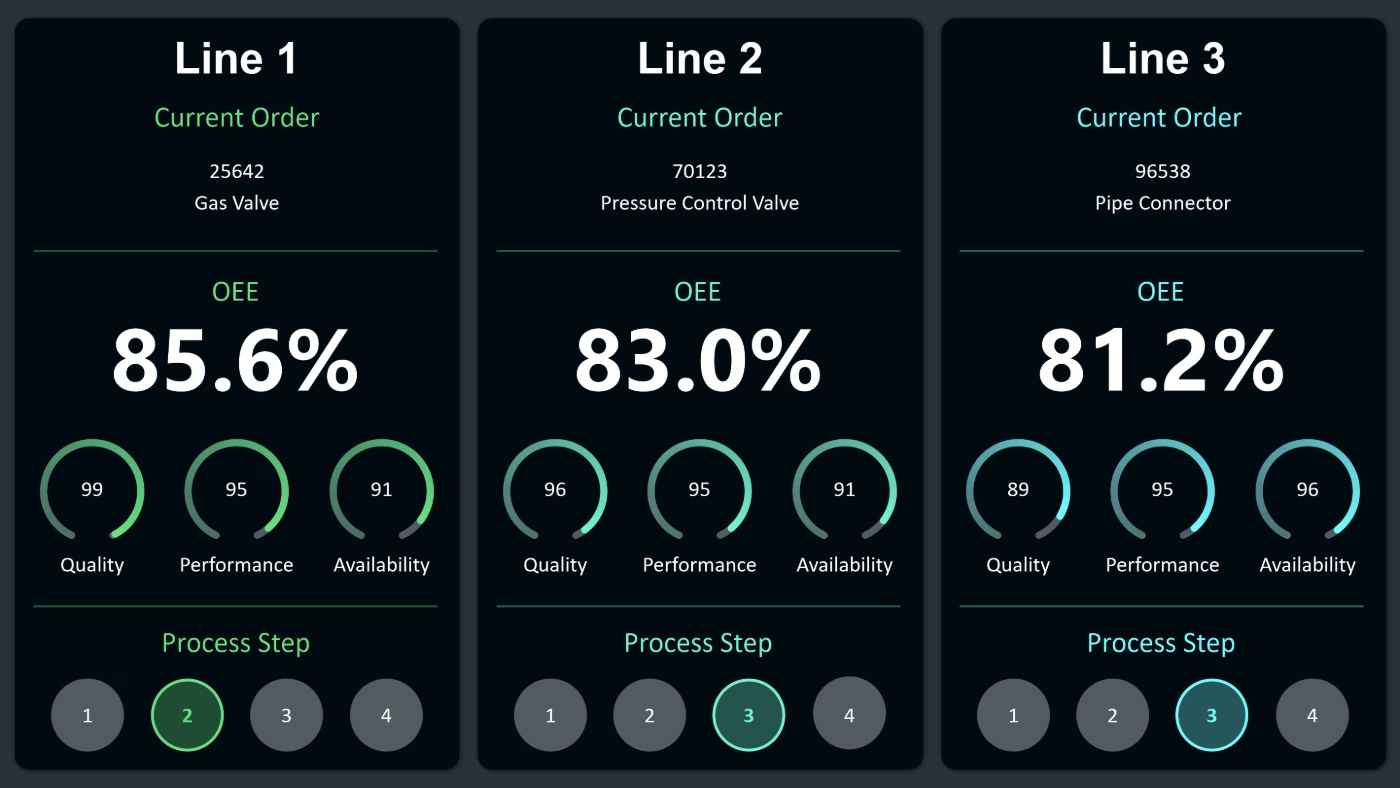
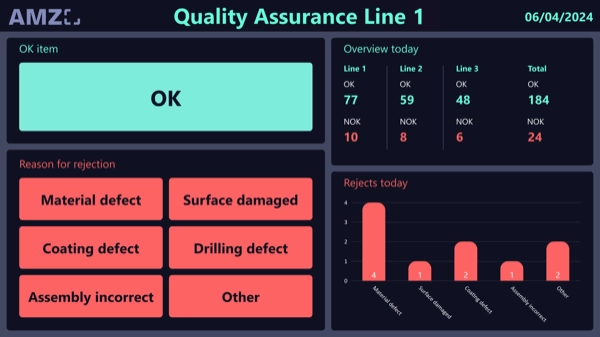
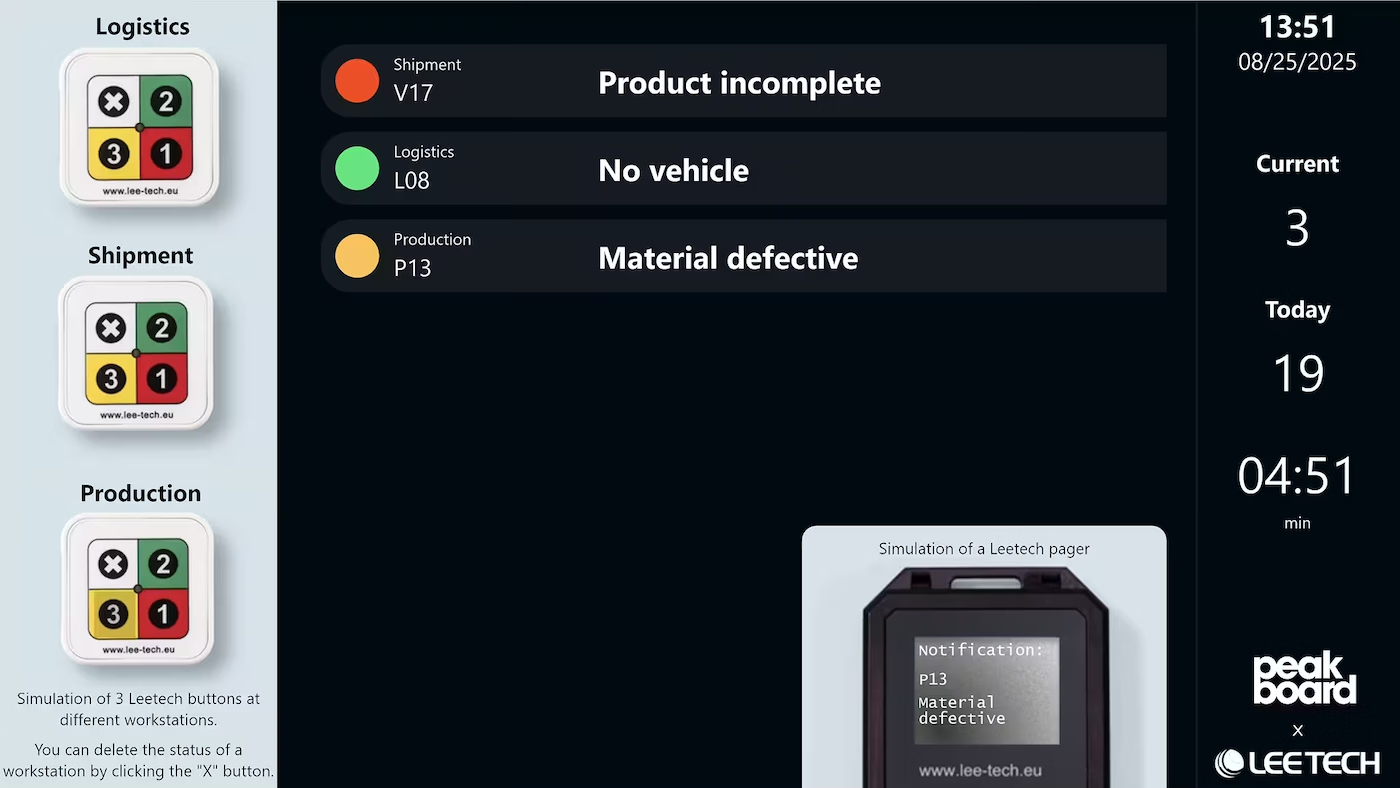
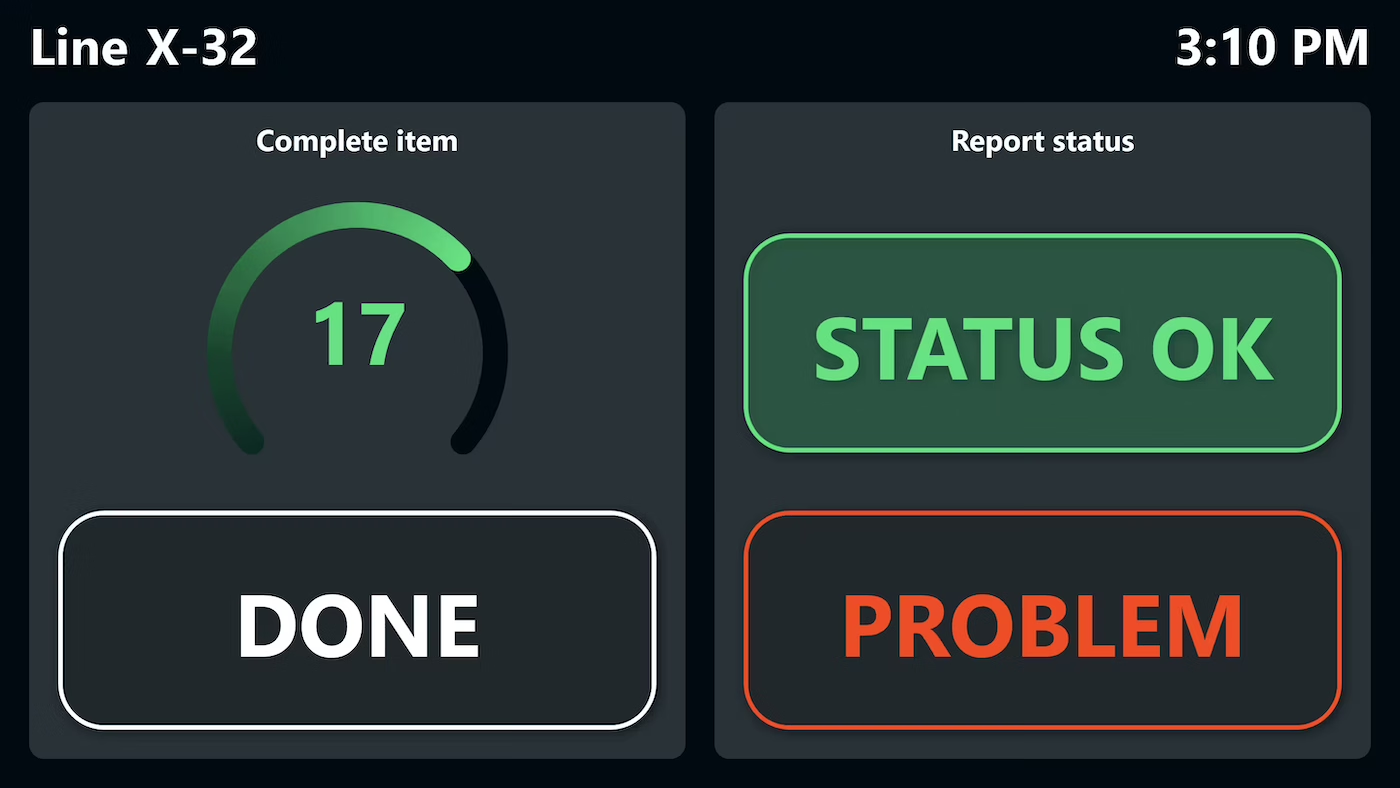
The Andon template shows all workstations in a real-time view – workflow steps, faults, and machine status at a glance, straight from your existing systems.
Native SAP connector, OPC UA, MQTT, and dozens of other sources are available out-of-the-box. You just connect, instead of integrating – and the data appears directly at the shop floor.


%201.svg)


%201.svg)


A new station, a different alarm level, an extra data source – thanks to the low-code editor and Peakbot, business teams can customize the Andon board themselves, no coding skills required.
Whether on the Peakboard Box or your own hardware – both run 100% on-premises, with no single point of failure and no cloud dependency.
Device-based pricing instead of user-based licenses: one license per display, unlimited users per device. More employees on the same display cost nothing extra.



Rolling out an Andon board shouldn't take a year. With Peakboard, you start right away – no appointment, no major IT project.



Start Immediately · No Appointment · Free
If you need support: You'll find tutorials and step-by-step guides on our Helpsite and our YouTube channel. For individual needs, we offer workshops and consulting.
In conversation · With experts · 55 min.
Discuss your specific use case with an expert – briefly provide information about your use case beforehand, and we'll get straight to the point.
You'll get a complete overview of all features and see what's possible with Peakboard in your environment.

With Peakboard, you get a flexible Andon solution that can be adapted to your own requirements. Integration into existing machines and systems is easy, which ensures a seamless fit into the manufacturing process.
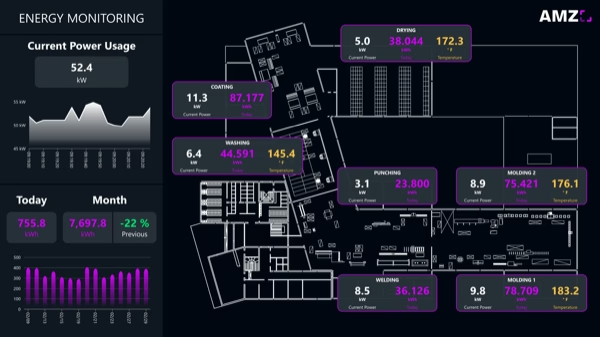
Beyond reporting faults at a single station, every machine behind those stations can be tracked continuously. An overview is available on the page about machine monitoring software.
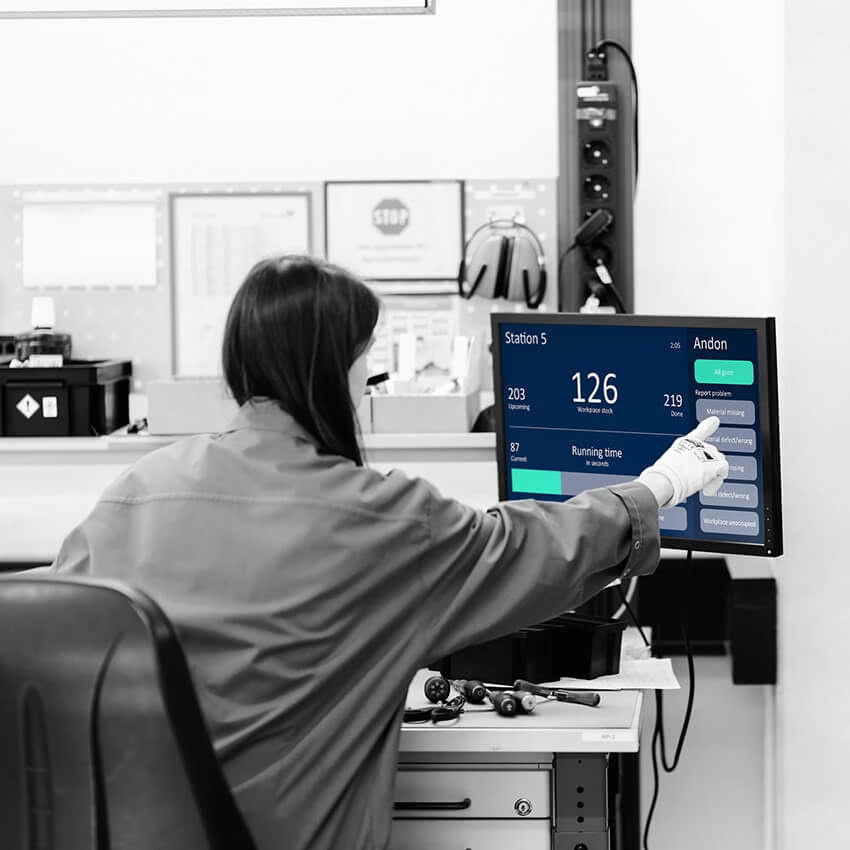
A digital Andon board is a real-time display on the shop floor that visualizes the status of workstations, machines, and ongoing orders. It originates from the Toyota Production System and is used to make faults instantly visible so teams can respond quickly. With Peakboard, a digital Andon board is built using a low-code editor in just a few days – no coding skills and no IT project required.
Peakboard connects directly to MQTT, OPC UA, Siemens S7, Beckhoff, Rockwell, Modbus, and MES systems such as FORCAM FORCE, MPDV HYDRA, camLine InFrame Synapse, and others. SAP (S/4HANA, ECC, EWM) is also connected via the certified connector. The template initially runs with Peakboard Variable Lists but can be extended to any of these standards – with no integration project.
The template is designed for single-piece flow, assembly line production, and assembly. It shows multiple workstations simultaneously and is optimized for scenarios where individual workflow steps need tracking and faults need to be reported to the right place immediately. Communication between multiple Peakboard Boxes is also possible – one box can read variables from another box directly.
Yes. Peakboard is a low-code platform: layout, data sources, and logic are changed via drag and drop in the Peakboard Designer. For more complex requirements, there are script blocks in Lua. Peakbot – the built-in AI – generates a complete board from a description on request. IT stays involved for infrastructure and network; the content customization sits with the business team.
The template can be downloaded and connected to initial data sources on the same day. A first productive application is typically live in under 5 days. The full rollout – including all workstations and systems – usually takes under 3 months.
Peakboard runs entirely on-premises within your own network – data never leaves your company. There's no cloud requirement, no single point of failure, and you keep full control over your infrastructure. The Peakboard Hub is optional and can also be run on-premises.