
The importance of icons in dashboard design
In the area of data visualization and dashboard design, icons play a crucial role in improving the user experience and the comprehensibility of information. Icons can transform complex data into an intuitive and easy-to-navigate user interface. Here's a closer look at the importance of icons in dashboard design and how they help make dashboards more efficient and easy to use.
12.09.2024
·
3 min read
- Icons don't just make dashboards prettier – they make them faster to understand.
- They replace text blocks, ease navigation and support data comprehension.
- Consistent icons create recognition across multiple dashboards.
- They improve accessibility – including for colour-vision deficiency.
Improving visual appeal
Icons add visual appeal to dashboards and break through monotonous blocks of text and data. You can make dashboards more appealing and aesthetically appealing, which encourages users to interact with the data more often. A well-designed icon set can adapt to the overall theme and branding and provide a consistent look.
Improved usability and navigation
Icons serve as visual cues that guide users through the dashboard. They help users quickly identify various sections, features, and actions without having to read lengthy descriptions. This is particularly useful in complex dashboards with multiple widgets and data points. For example, a gear icon for settings or a magnifying glass for searching are universally understandable and reduce training time for new users.
Tip: Choose understandable and universal icons. Make sure that the icons used are generally understandable and can be interpreted universally. Simple and familiar icons such as the gear icon for settings or the house to get to a home screen make it easier to use and reduce the need for additional explanations. Avoid using symbols that are too abstract or specific, which could cause confusion.

Efficient dissemination of information
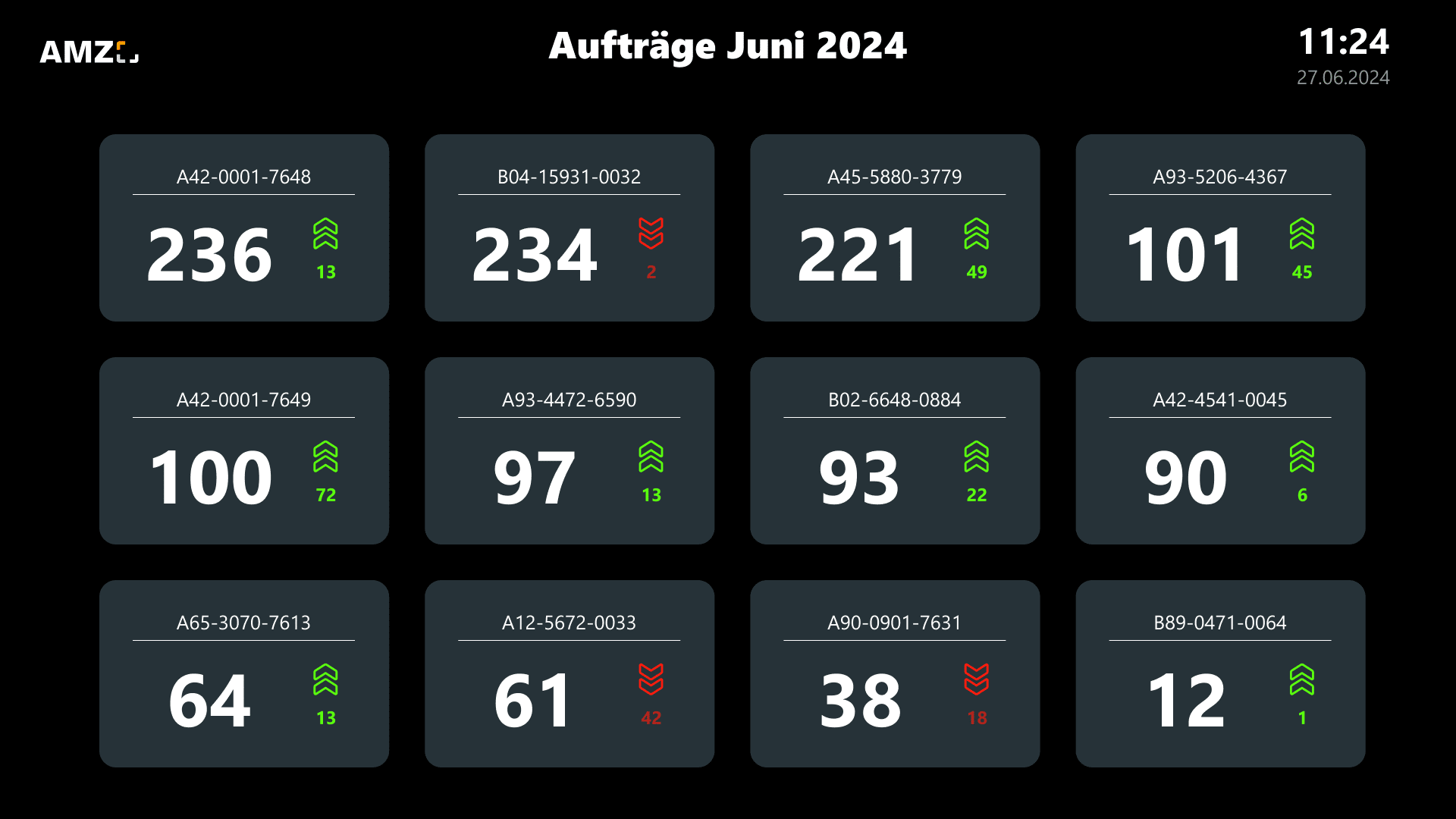
Icons can convey information concisely and make it easier for users to understand data at a glance. In a dashboard, where space is often limited, icons can replace or add text to provide a clear and immediate understanding of the data. For example, a simple upward arrow icon can indicate a positive trend, while a downward arrow indicates a decline. This visual shorthand is invaluable for making quick decisions.
Supporting data understanding
Icons can highlight important key figures in dashboards and alert users to critical changes or anomalies. Colored icons, such as red for alerts or green for successful performance, draw attention to key areas that may require immediate action. This visual prioritization helps users focus on what's important and improve data understanding and responsiveness.
Tip: Use icons and colors sparingly and specifically to draw users' attention to key data points and avoid overloading the dashboard.
Promoting accessibility
Icons can also improve the accessibility of dashboards. For users with reading difficulties or those who are not fluent in the dashboard's main language, icons provide a universal means of understanding. This inclusivity ensures that a wider audience can benefit from the insights provided in the dashboard.
Creating consistency
Consistency in icon design reinforces the overall structure of the dashboard and makes it easy for users to predict the behavior and function of various elements. Standardizing icons across dashboards within an organization helps ensure a consistent user experience.
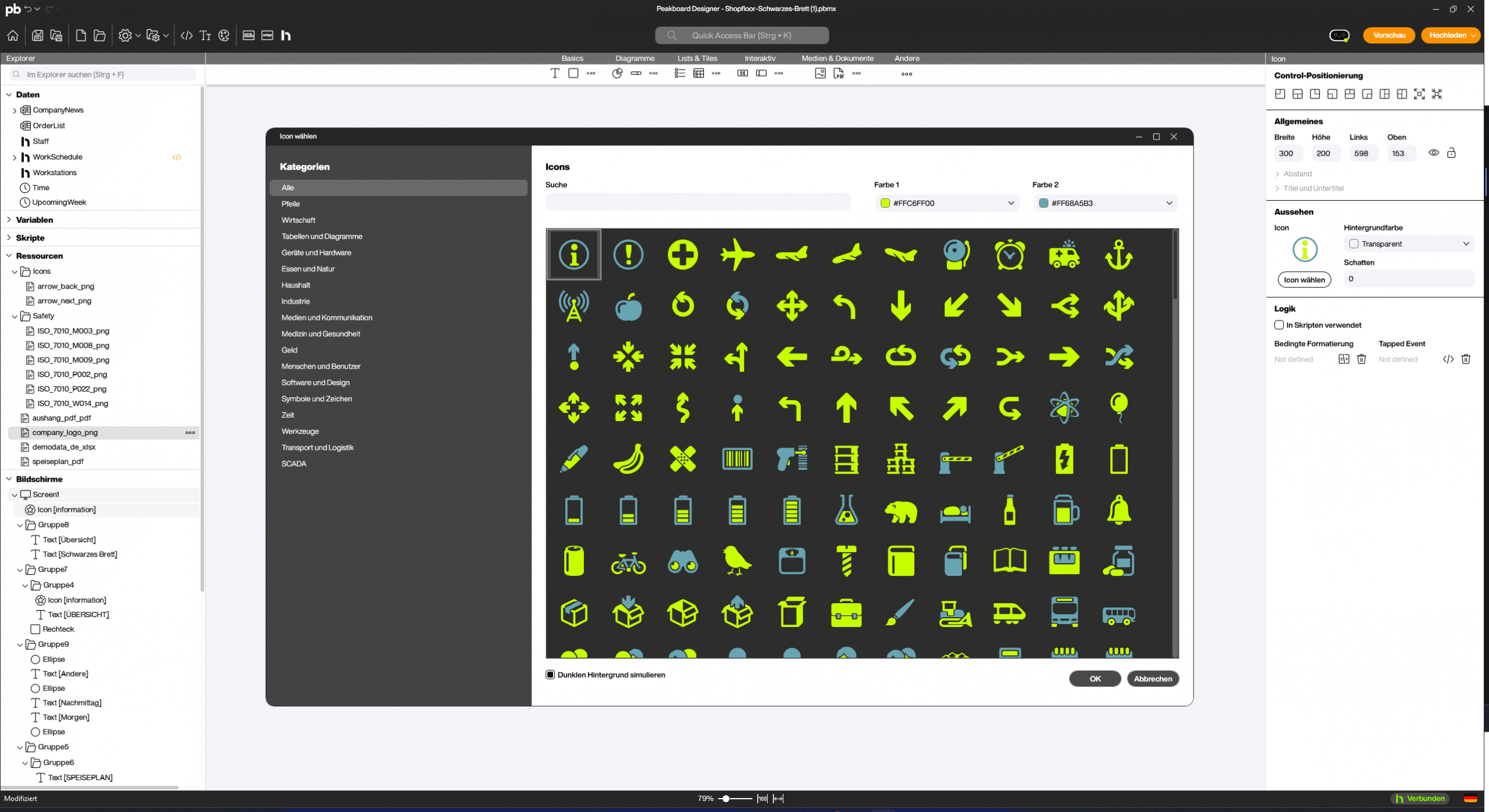
Tip: Use a consistent set of icons that match the theme of your dashboard. Make sure that the icons harmonize in style, color, and size to create a coherent overall picture. In Peakboard Designer, you'll find an icon set with 561 different icons that you can customize in color. Of course, you can also upload your own icons as .png.
By using icons in a targeted manner, you can significantly improve the usability, comprehensibility and attractiveness of your dashboard. Icons are not just decorative elements, but powerful tools for data transfer and navigation that make your dashboard an effective tool for data analysis and decision-making.
Frequently asked questions about icons in dashboard design
What are icons good for on a dashboard?
Icons convey information at a glance, break up monotonous text blocks and ease navigation – which speeds up how fast data is grasped.
Do icons improve accessibility?
Yes. As an extra visual layer they help people with colour-vision deficiency in particular to recognise status and meaning even without colour.
What should I watch out for?
Consistency: a uniform style and the same meaning across all dashboards, so icons are reliably recognised.


