DISPLAYS ON SITE
1 Display
EMPLOYEES
18
Data sources


1 License
One license per display

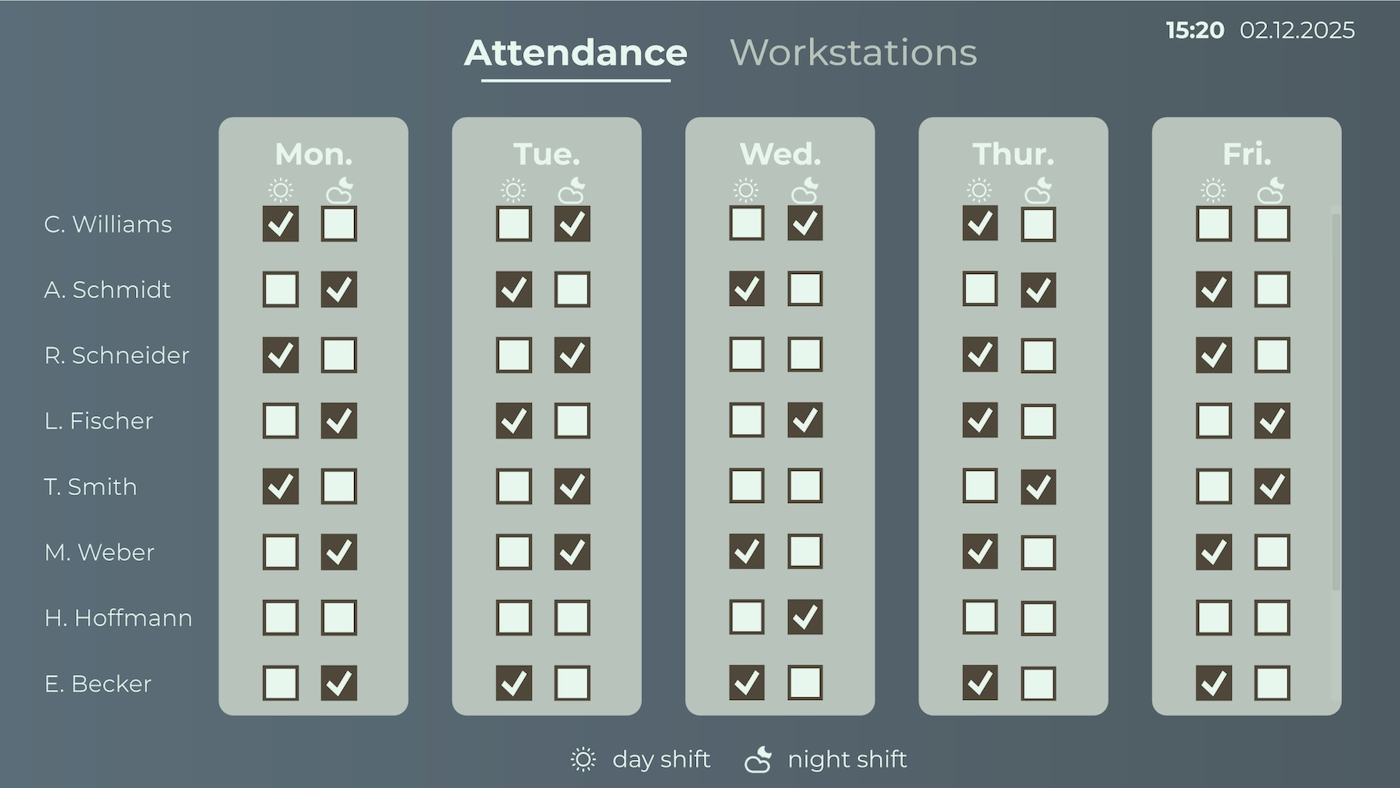
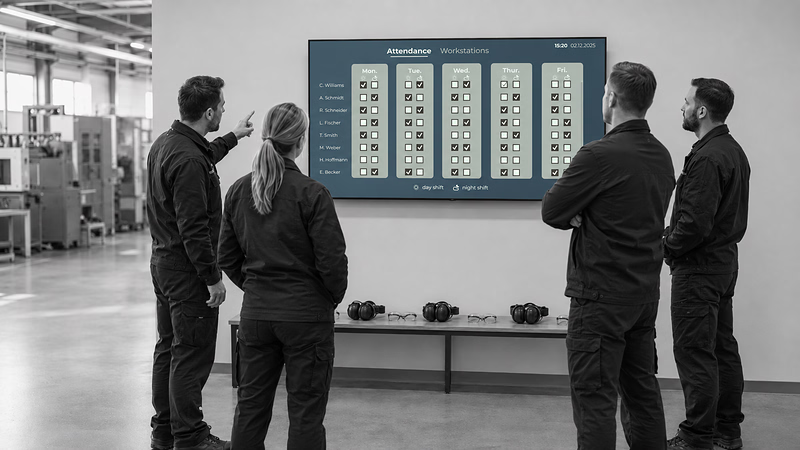
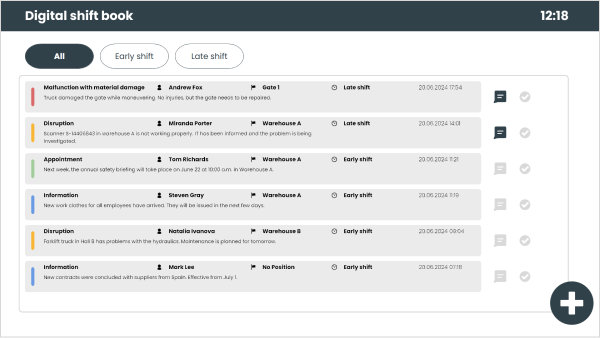
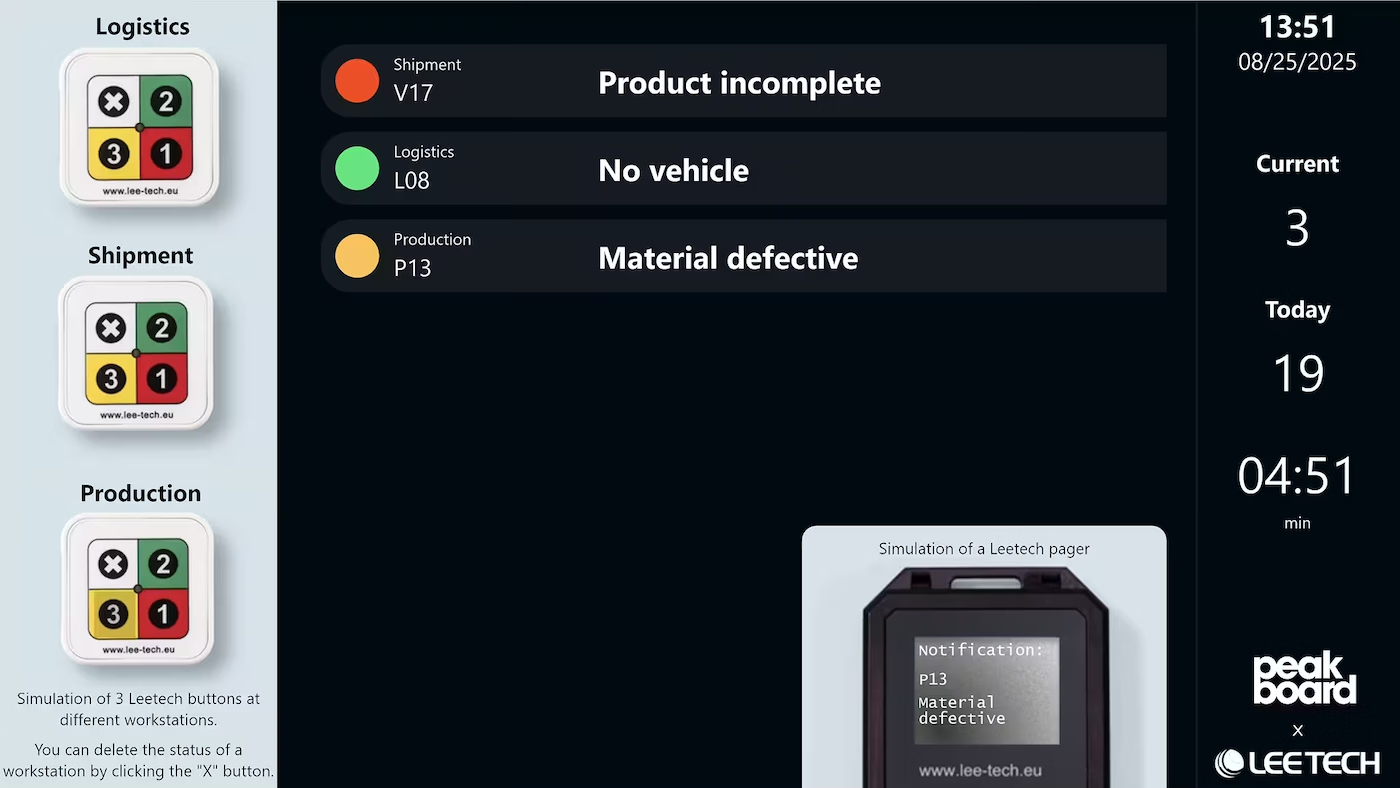
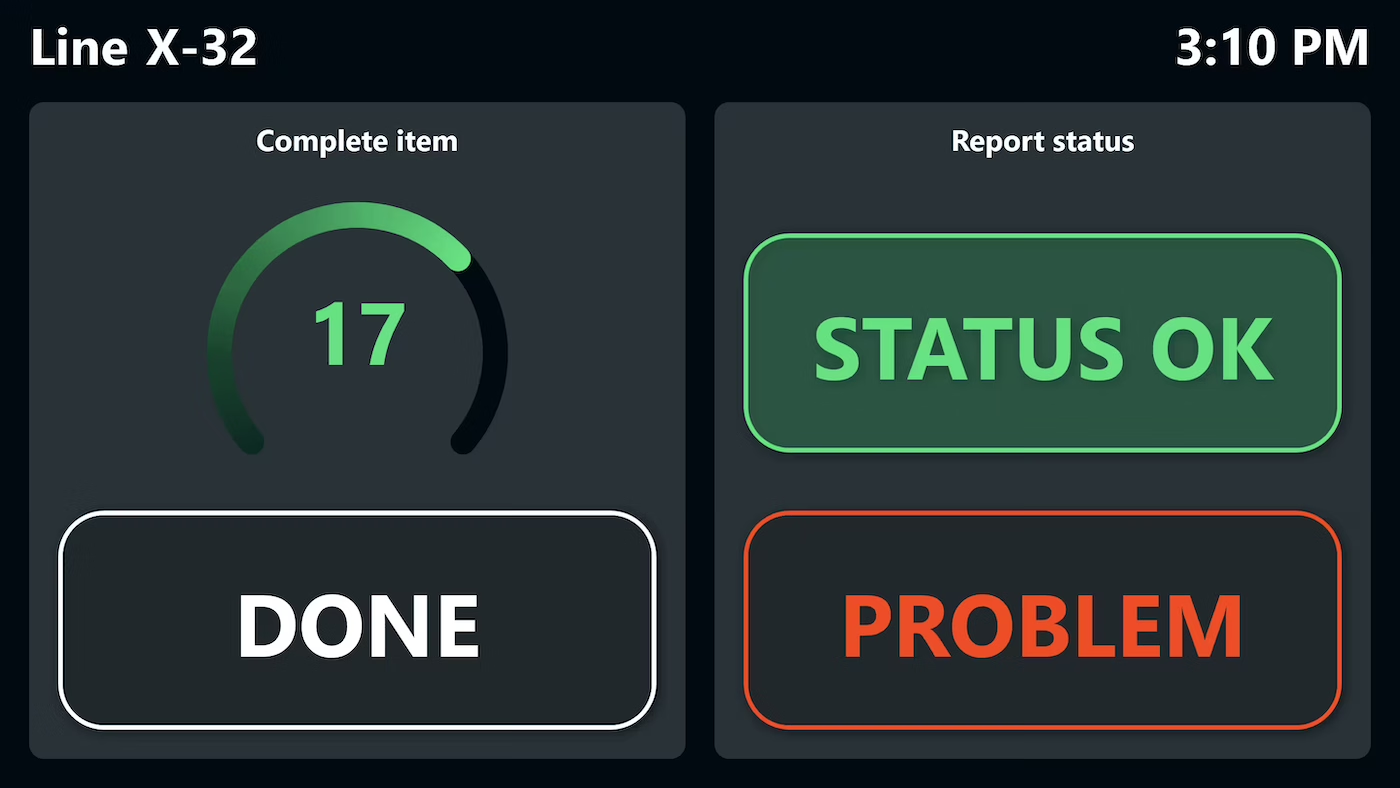
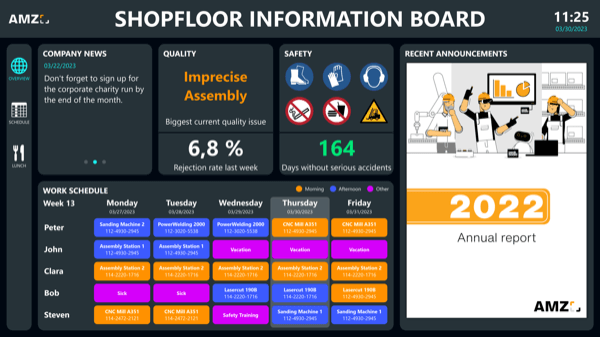
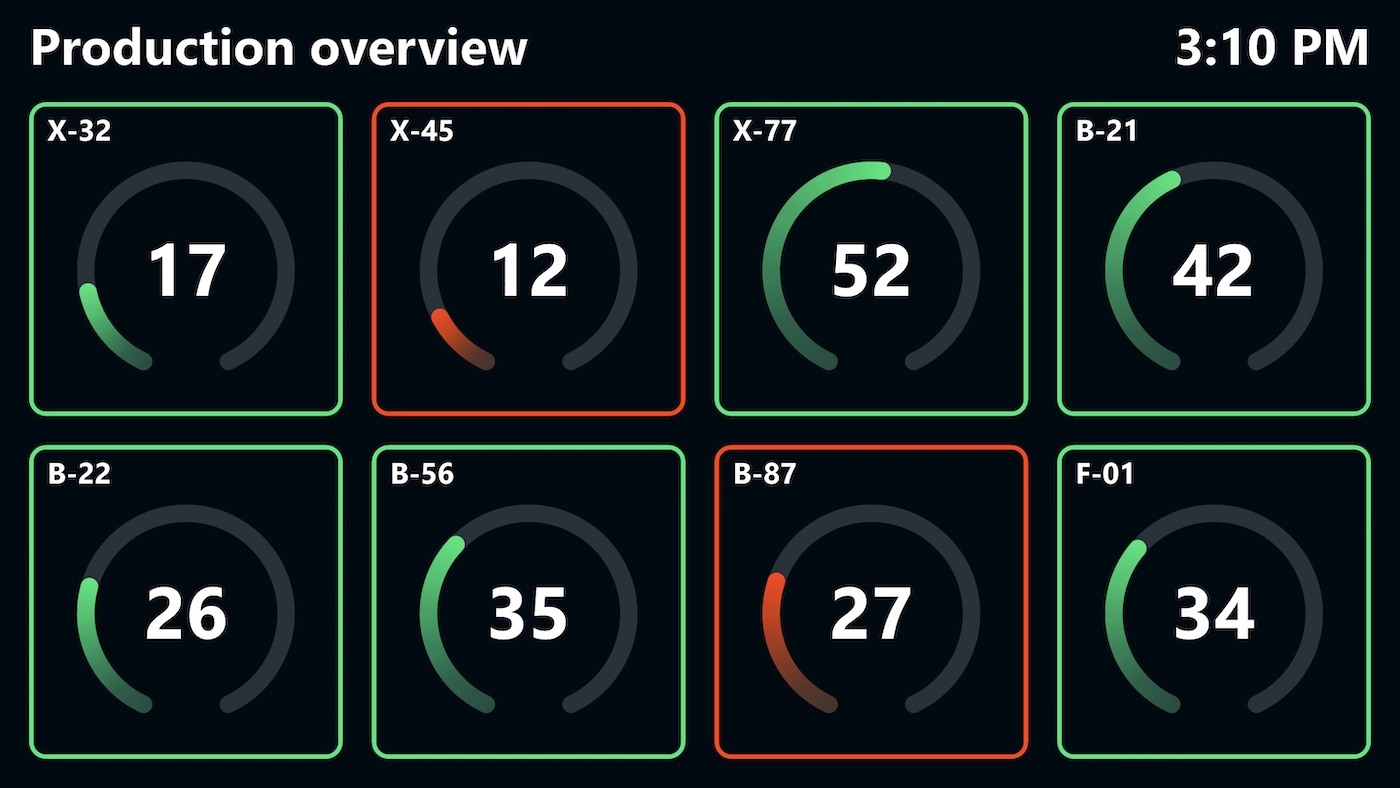
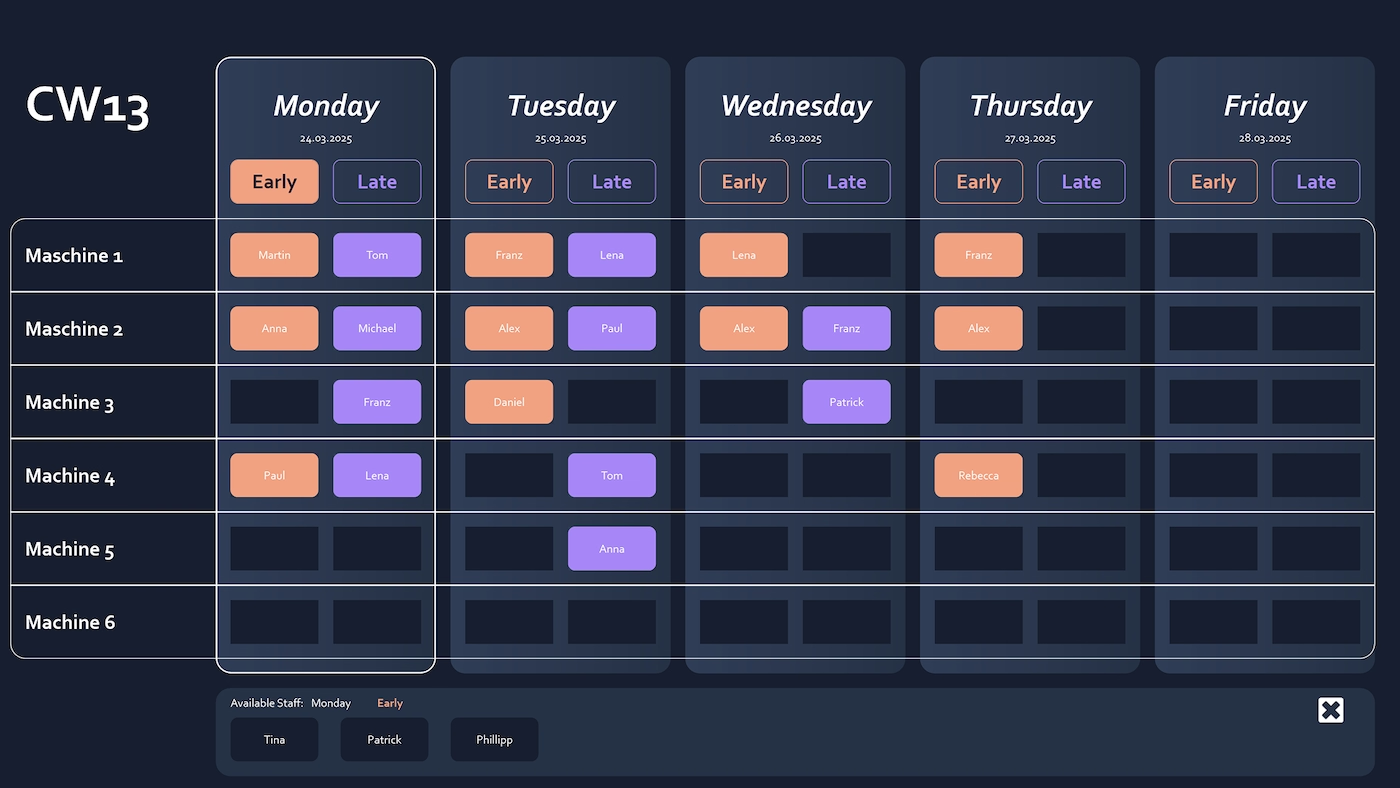
The simple shopfloor management board from Peakboard has two views. The first is an attendance planning board showing which staff are in on which day of the week. The second presents five machines, for which the parts produced and the target production quantity can be entered day by day.


As soon as the week changes, the printed sheet is out of date.
What the machines managed that day gets noted down by hand.
Staff planning and machine output sit in two different places.
Native SAP connector, OPC UA, MQTT, and dozens of other sources are available out-of-the-box. You just connect, instead of integrating – and the data appears directly at the shop floor.


%201.svg)


%201.svg)


A sixth machine, a different team, an extra metric – thanks to the low-code editor and Peakbot, you can adapt the board yourself, no coding skills required.
Whether on the Peakboard Box or your own hardware – both run 100% on-prem, with no single point of failure and no cloud dependency.
Device-based pricing instead of user-based licenses: one licence per display, unlimited users per device. More staff on the same display cost nothing extra.



Introducing this shopfloor board shouldn't take a year. With Peakboard, you start right away – no appointment, no major IT project.
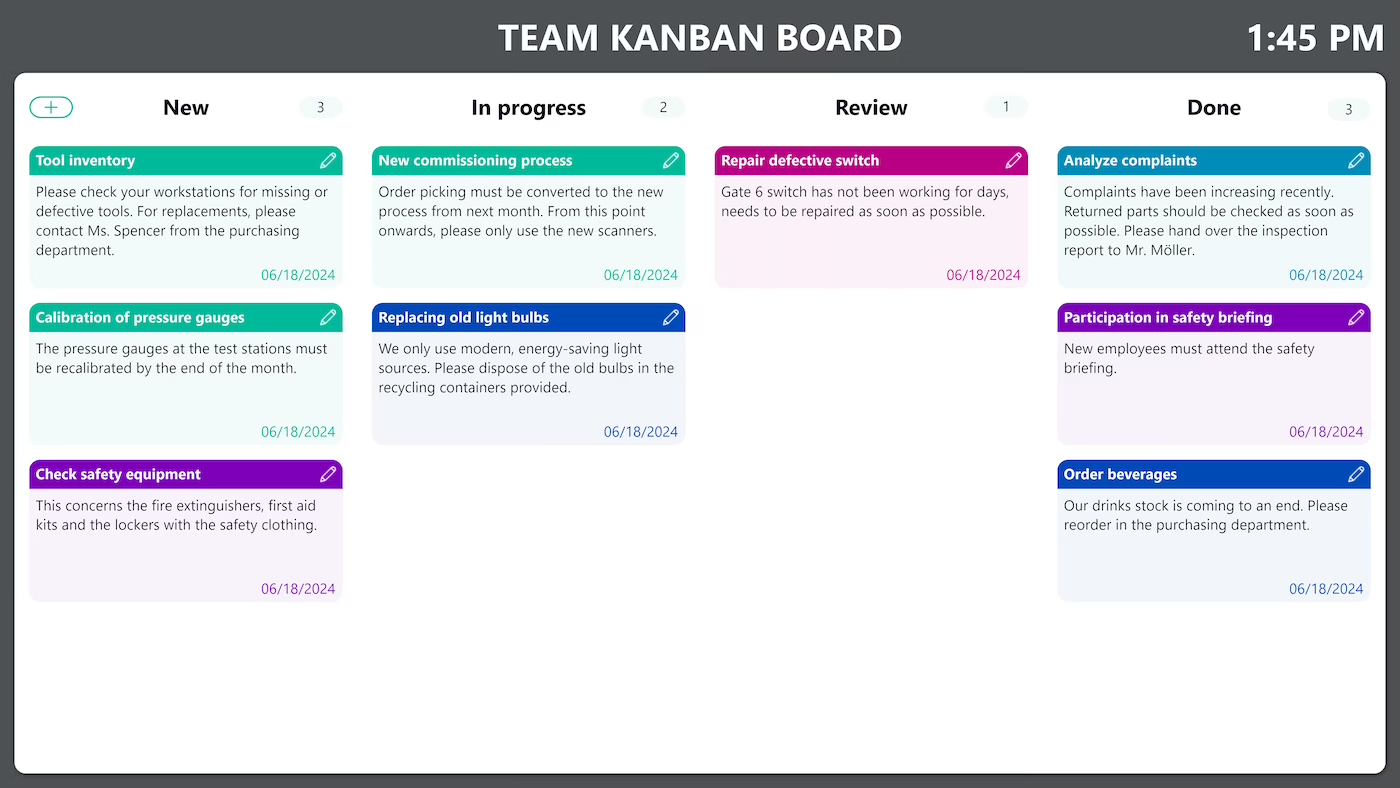
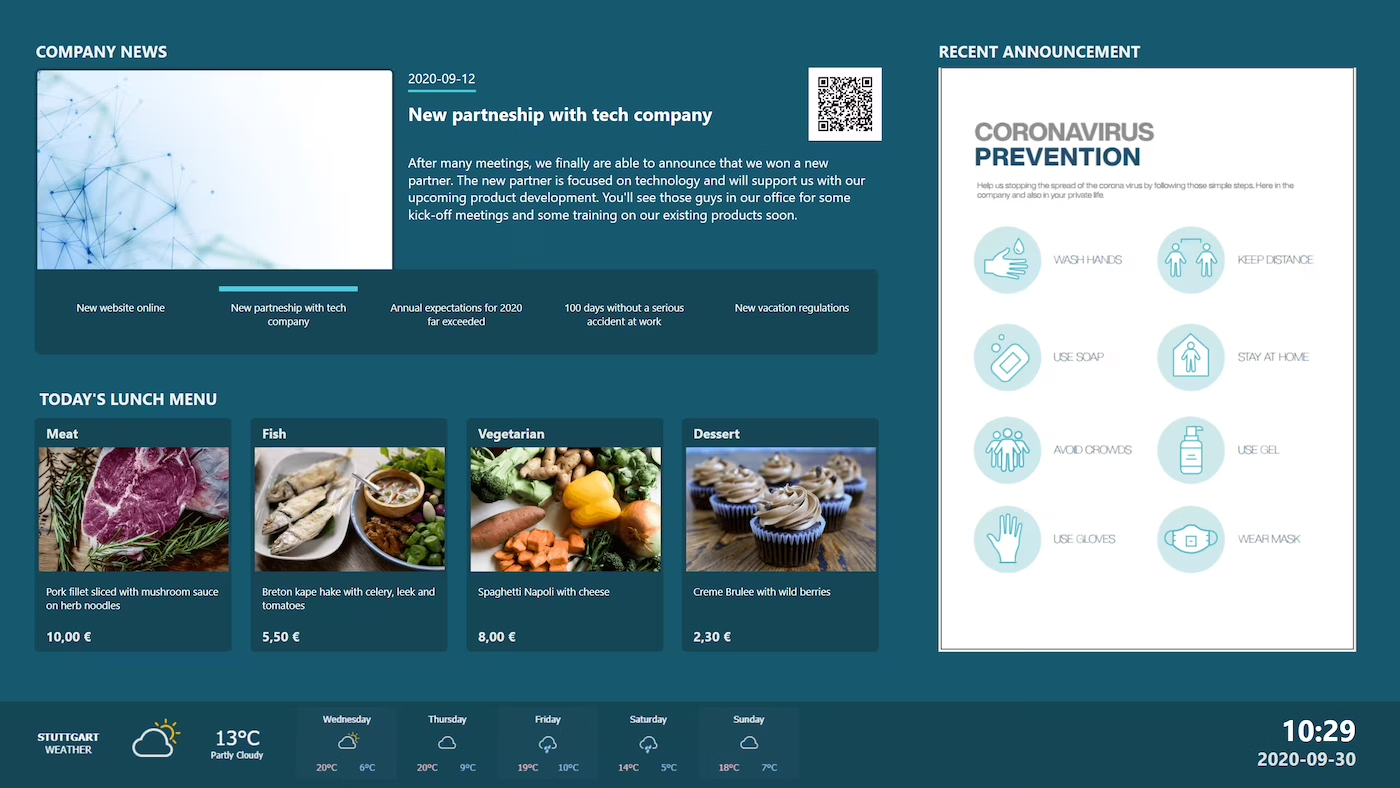
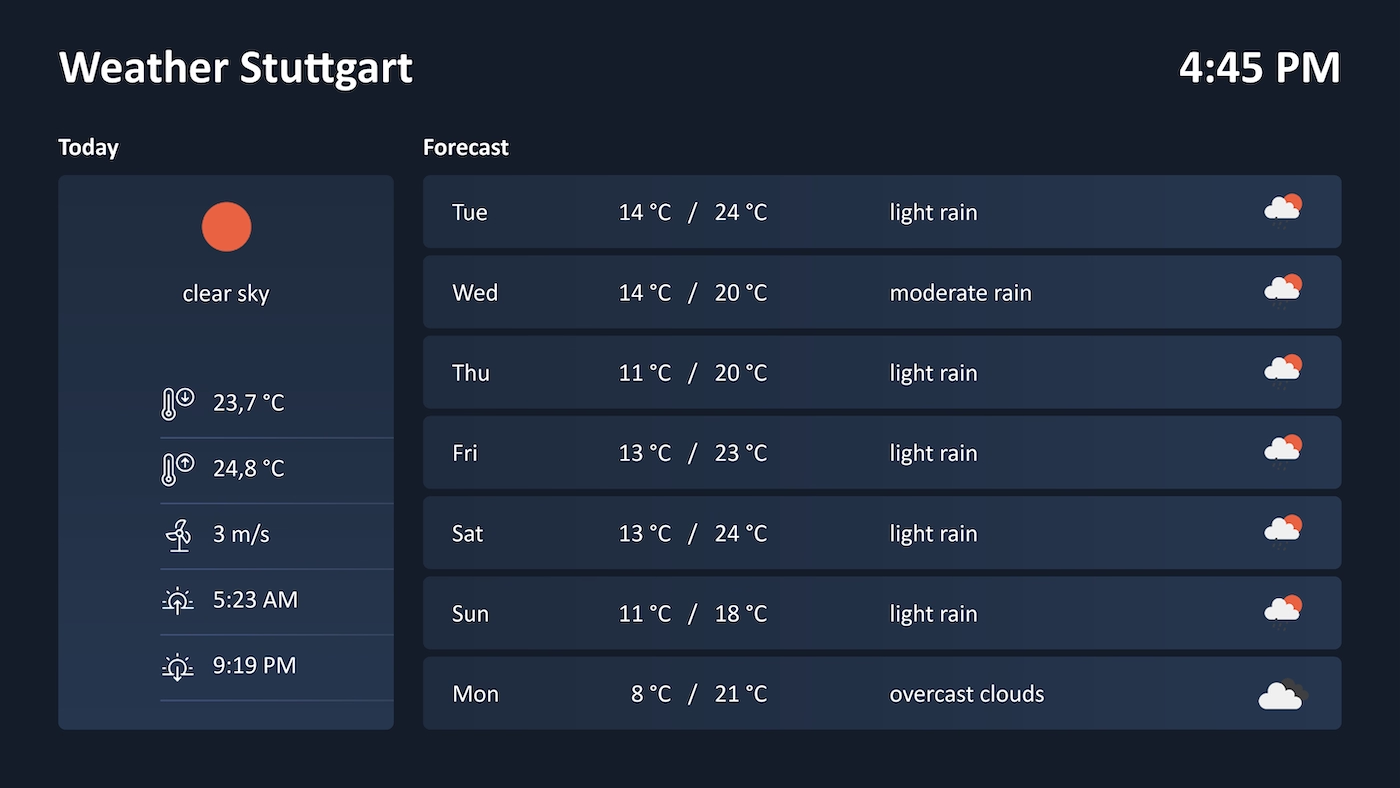
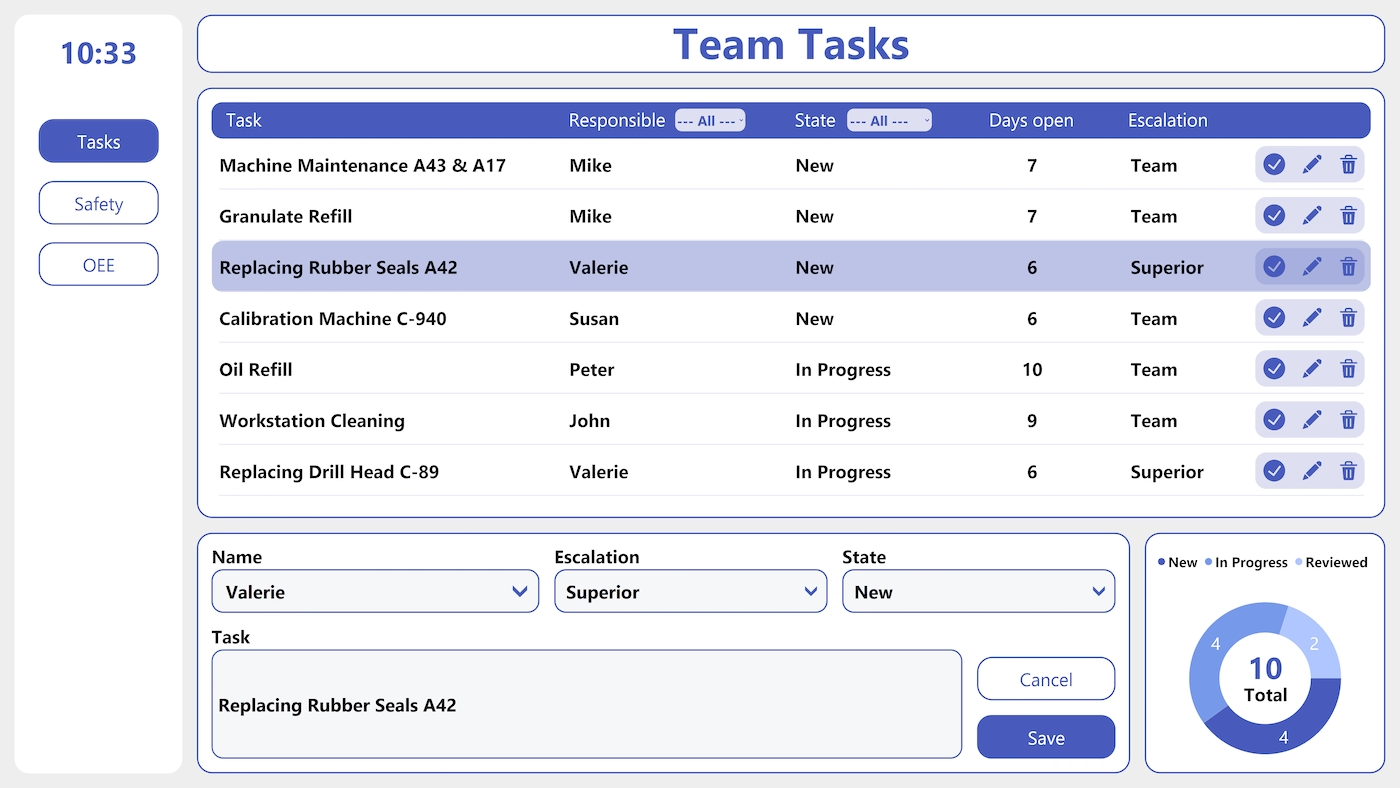

Start Immediately · No Appointment · Free
If you need support: You'll find tutorials and step-by-step guides on our Helpsite and our YouTube channel. For individual needs, we offer workshops and consulting.
In conversation · With experts · 55 min.
Discuss your specific use case with an expert – briefly provide information about your use case beforehand, and we'll get straight to the point.
You'll get a complete overview of all features and see what's possible with Peakboard in your environment.

In the template, the names of the staff, the names of the machines, and the target-actual values sit in Peakboard Hub lists. The matching table structures are available to download, so you can run the board on your own Peakboard Hub.
The board shows at a glance which employees are present on which day of the week – maintained through a Peakboard Hub list.
For up to five machines, you enter the currently produced quantity and the target production quantity each day. Entry happens via mouse and keyboard or touchscreen.
By default, a Peakboard Hub list for employees, machines, and target-actual values. Alternatively, you can also connect other databases such as SQL, Oracle, or ODBC.
Yes. Peakboard is a low-code platform: you change team, machines, and layout by drag-and-drop in the Peakboard Designer.
Peakboard runs entirely on-premises on your own network – team and production data never leaves your company. There's no cloud requirement, no single point of failure, and you keep full control over your infrastructure.