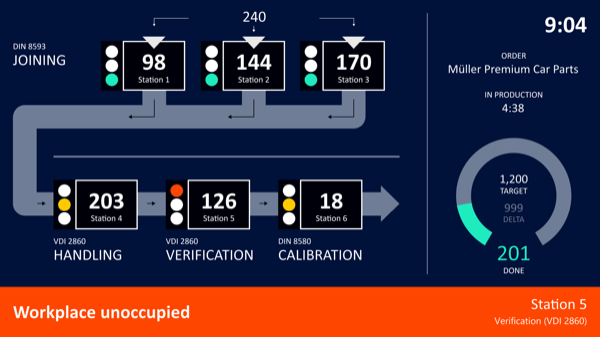
DISPLAYS ON SITE
1 Display
EMPLOYEES
18
Data sources


1 License
One license per display

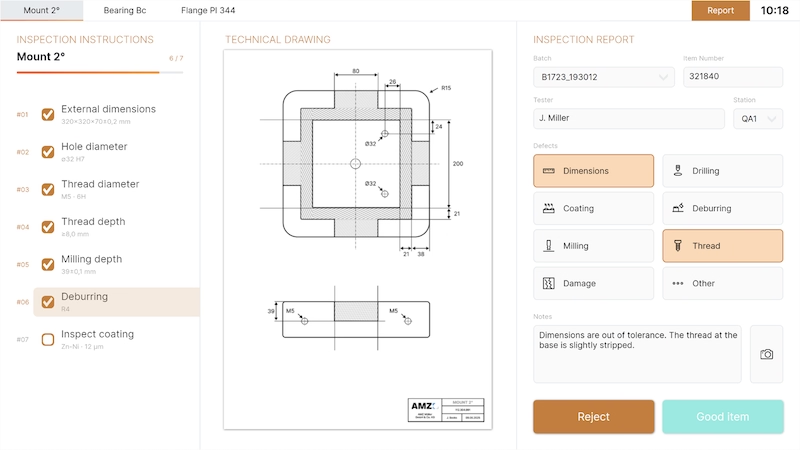
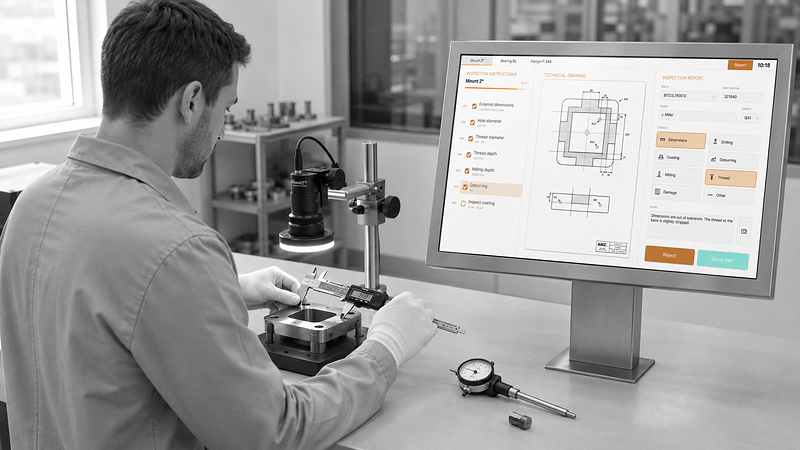
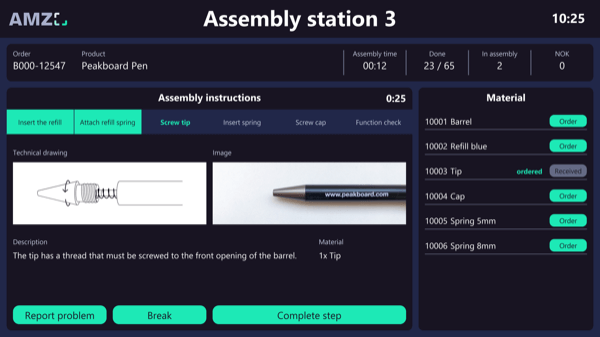
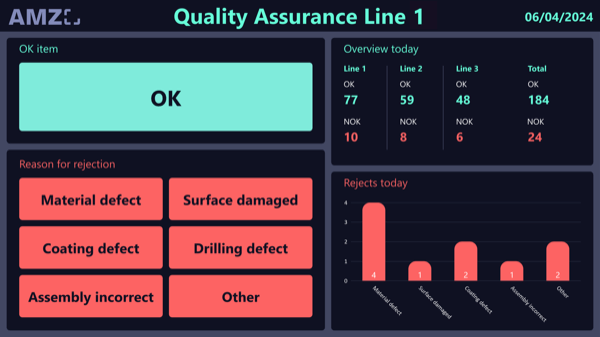
Digital quality inspection from Peakboard supports staff during manual inspection right at the inspection station. Individual inspection instructions can be stored for each product, guiding the operator step by step through the process; the matching technical drawing is loaded automatically. Inspection reports are created digitally – with fault category, comment, and photos on which defective areas can be marked.


When an inspection instruction changes, it has to be swapped in every folder.
The inspection report is written on paper, the photos end up elsewhere.
Working out which fault types keep recurring takes considerable effort.
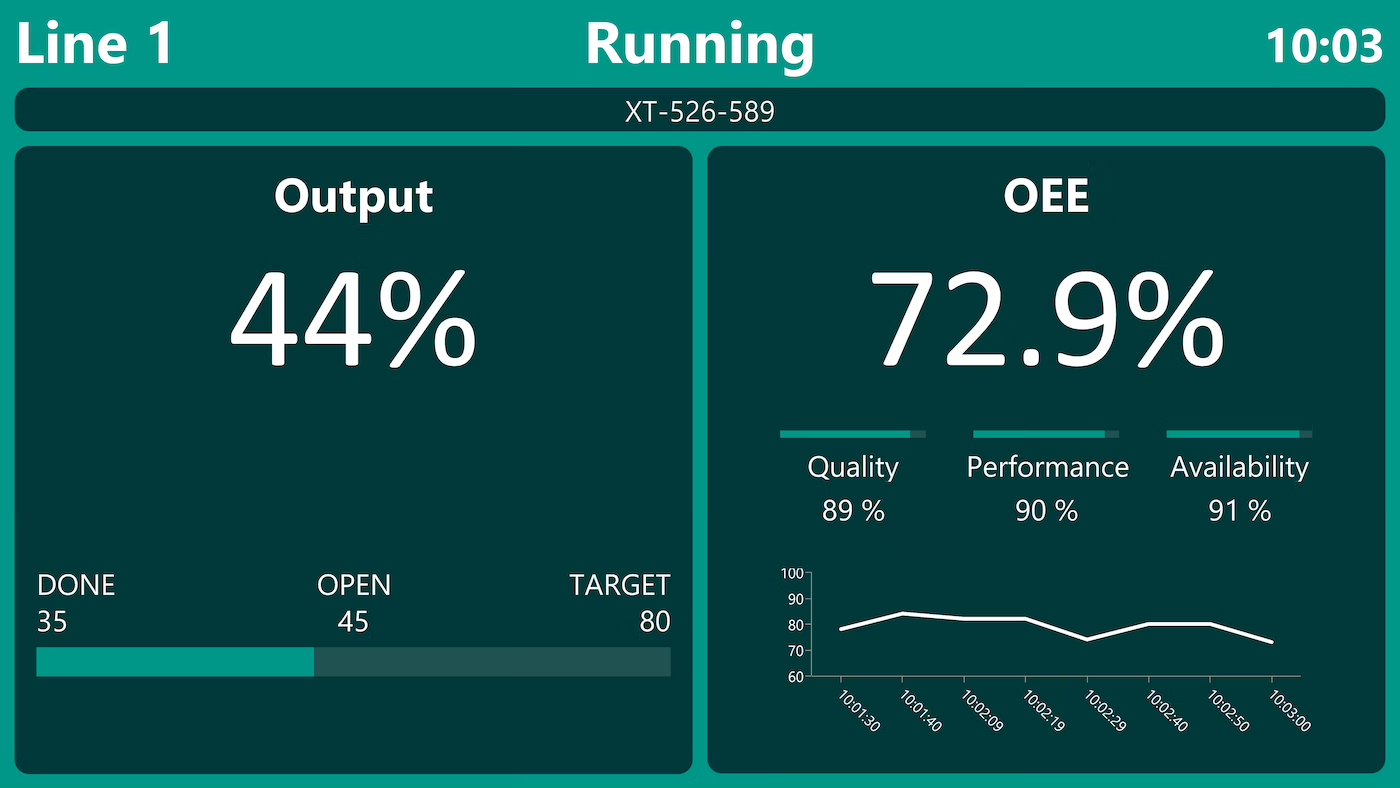
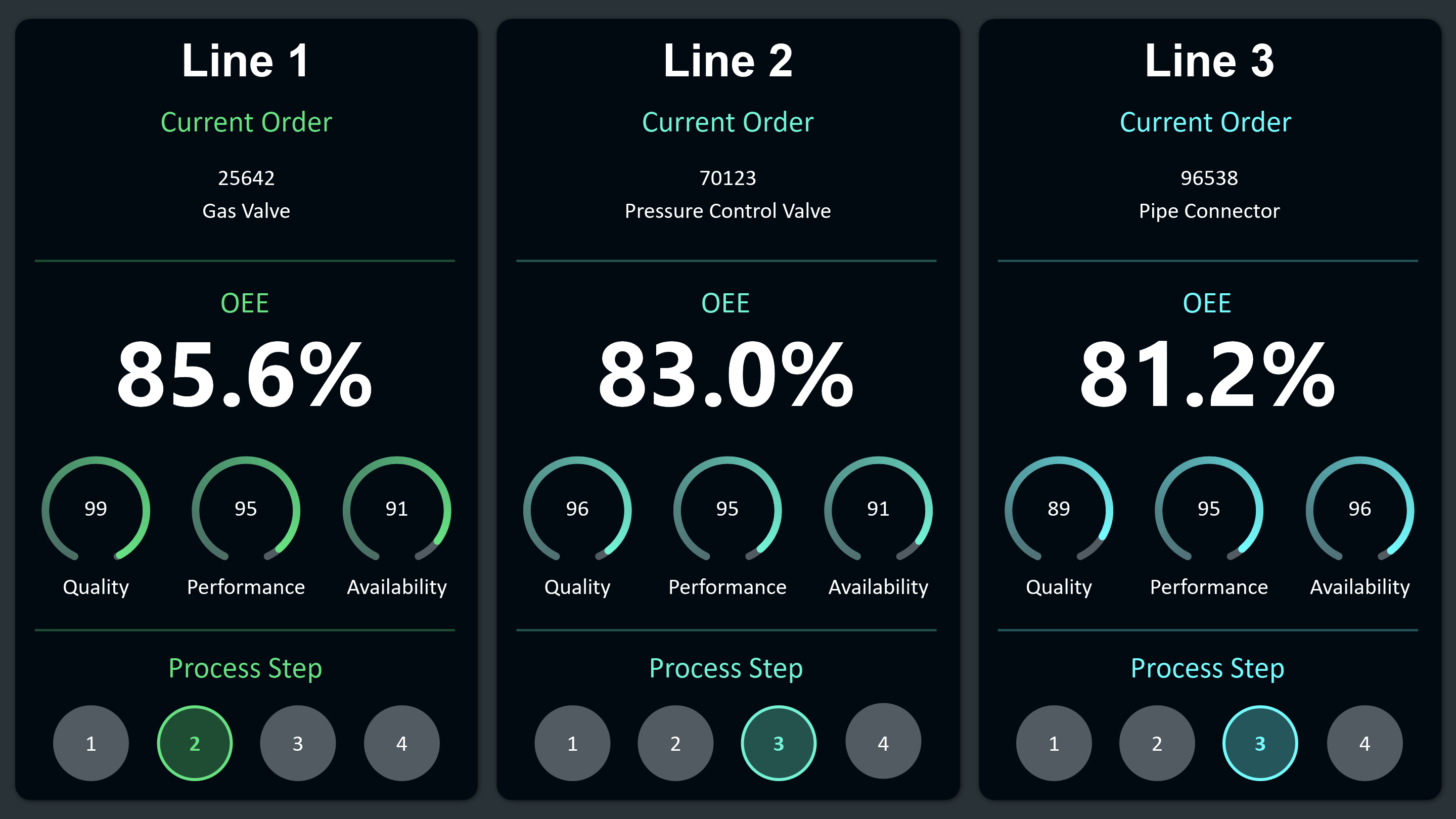
Native SAP connector, OPC UA, MQTT, and dozens of other sources are available out-of-the-box. You just connect, instead of integrating – and the data appears directly at the shop floor.


%201.svg)


%201.svg)


A new inspection instruction, a different defect category, an extra product – thanks to the low-code editor and Peakbot, you can adapt the application yourself, no coding skills required.
Whether on the Peakboard Box or your own hardware – both run 100% on-prem, with no single point of failure and no cloud dependency.
Device-based pricing instead of user-based licenses: one license per display, unlimited users per device. More staff on the same display cost nothing extra.



Introducing this quality inspection shouldn't take a year. With Peakboard, you start right away – no appointment, no major IT project.

Start Immediately · No Appointment · Free
If you need support: You'll find tutorials and step-by-step guides on our Helpsite and our YouTube channel. For individual needs, we offer workshops and consulting.
In conversation · With experts · 55 min.
Discuss your specific use case with an expert – briefly provide information about your use case beforehand, and we'll get straight to the point.
You'll get a complete overview of all features and see what's possible with Peakboard in your environment.

Product data, inspection instructions, and the recorded inspection reports sit in Peakboard Hub lists. The technical drawings as PDFs and the photos taken are stored in Peakboard Hub Files and assigned automatically to the selected product.
For each product, you can set up individual inspection instructions that guide employees step by step through the inspection and get checked off as they go.
The drawing is managed as a PDF in the Peakboard Hub and loaded automatically for the selected product – visible centrally alongside the inspection instructions.
You capture photos of the inspected parts and attach them directly to the inspection report. Defective areas can be marked directly on the image.
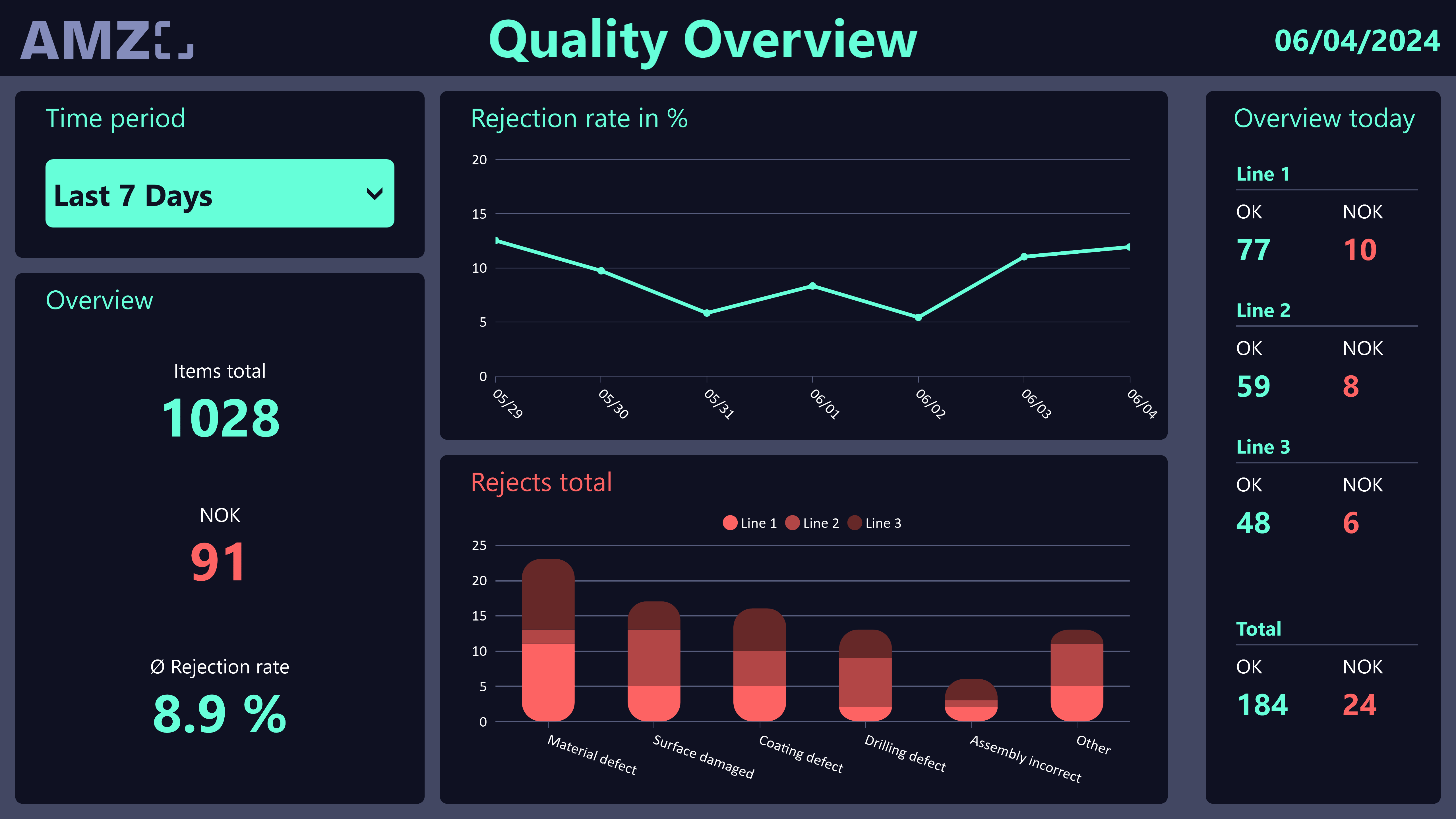
An overview of accepted and rejected parts, the most common defect types and affected products, and previously captured inspection reports to track quality trends.
Yes. Peakboard is a low-code platform: you change inspection instructions, defect categories, and layout by drag-and-drop in the Peakboard Designer.
Peakboard runs entirely on-premises on your own network – quality data never leaves your company. There's no cloud requirement, no single point of failure, and you keep full control over your infrastructure.